

Answered
AVI import failure... Mac OS Catalina
Hello all,
I am having an issue importing .avi files, I am using Mac OS Catalina and I am getting an error "We were unable to open the file on that disk." This happens for any and all .avi files and I have over a terabyte of footage don't want to convert it.
What steps do I need to take in order to get premiere to import my footage?
Notes: I have Premiere installed on my computer's built-in 8TB SSD, my footage on an external 2TB External Hard Drive and my project is saved on a 5TB External Hard Drive. The footage was given to me color graded.
Specs:
- Adobe Premiere Pro 2020
- 16-Inch MacBook Pro
- 2.4GHz 8-core i9 Processor (Turbo up to 5.0GHz)
- 64GB 2666MHz DDR4 memory
- AMD Radeon Pro 5500M with 8GB of GDDR6 Memory
- 8TB SSD Storage
- 5TB External Hard Drive
- 2TB External Hard Drive
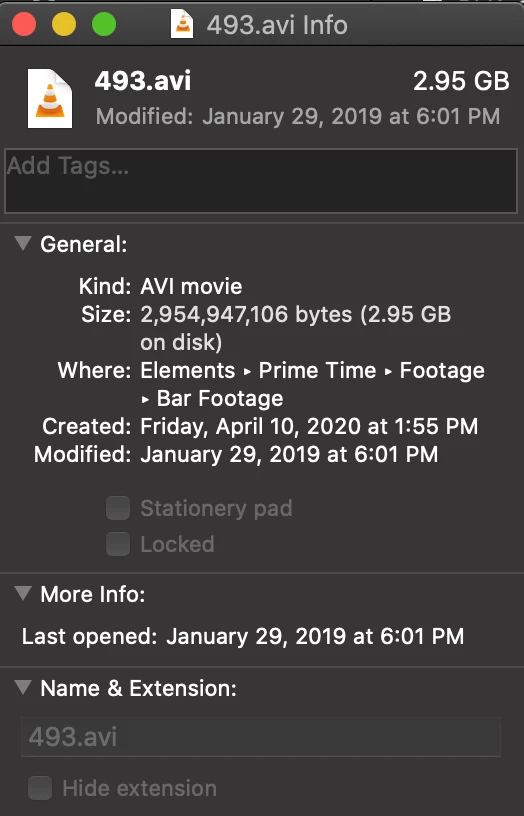
Here are images that may provide additional info:

 AdChoices