


Blackmagic Intensity/No Audio playback
Hi all,
Premiere CC 2018 isn't playing any audio when I attempt to play back clips . I've taken a look at the "No sound during playback" help article here, but I'm still not sure what's wrong.
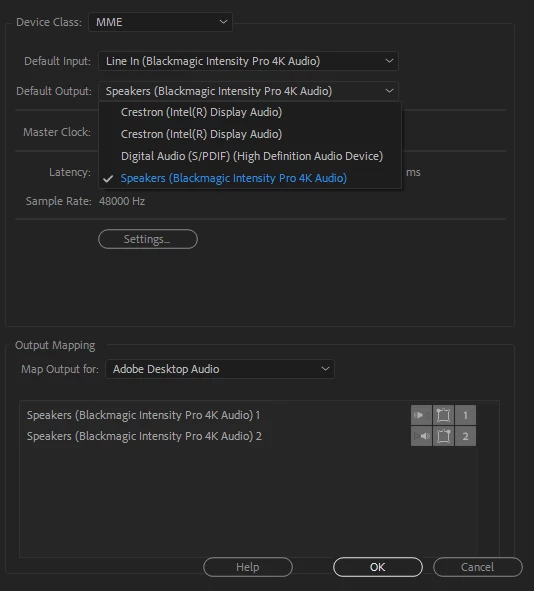
The workstation has a Blackmagic Intensity Pro 4k card, and it is listed under Default Input (see images below for list of inputs/outputs)
There are several speaker options for the workstation - one of the Crestron speakers is the output for the computer, but neither of them are playing audio. I have verified that the speakers still play audio from Youtube, and I have opened the clip I want to edit in VLC - no issues there either.
I also tested the clip in After Effects, and it DOES play audio (I don't see a default input under audio hardware in AE, and both programs are set to the same output speaker). I'd really prefer not to use AE though, because this is a very basic edit, and it's a little fussier than Premiere.
Do y'all have any advice on next steps to resolve?

 AdChoices