
mantani
Participant
December 7, 2018
Question

Clips turned solid green after trying to export.

  • December 7, 2018
  • 4 replies
  • 8775 views

Hi Everyone,

Premiere Pro CC v 13.0.1

I have been editing a project with Sony A7iii 4k clips (MP4) in premiere and when I tried to go and export a rough edit of the intro, it exported a solid green video. Once this happened I went back into my project and looked at the clips in the source monitor, and they are now showing up green, but they do have audio. Since then, they are also showing up as solid green even in finder! This was absolutely not the case before I started editing, and didn't even show it's head until I attempted to export.
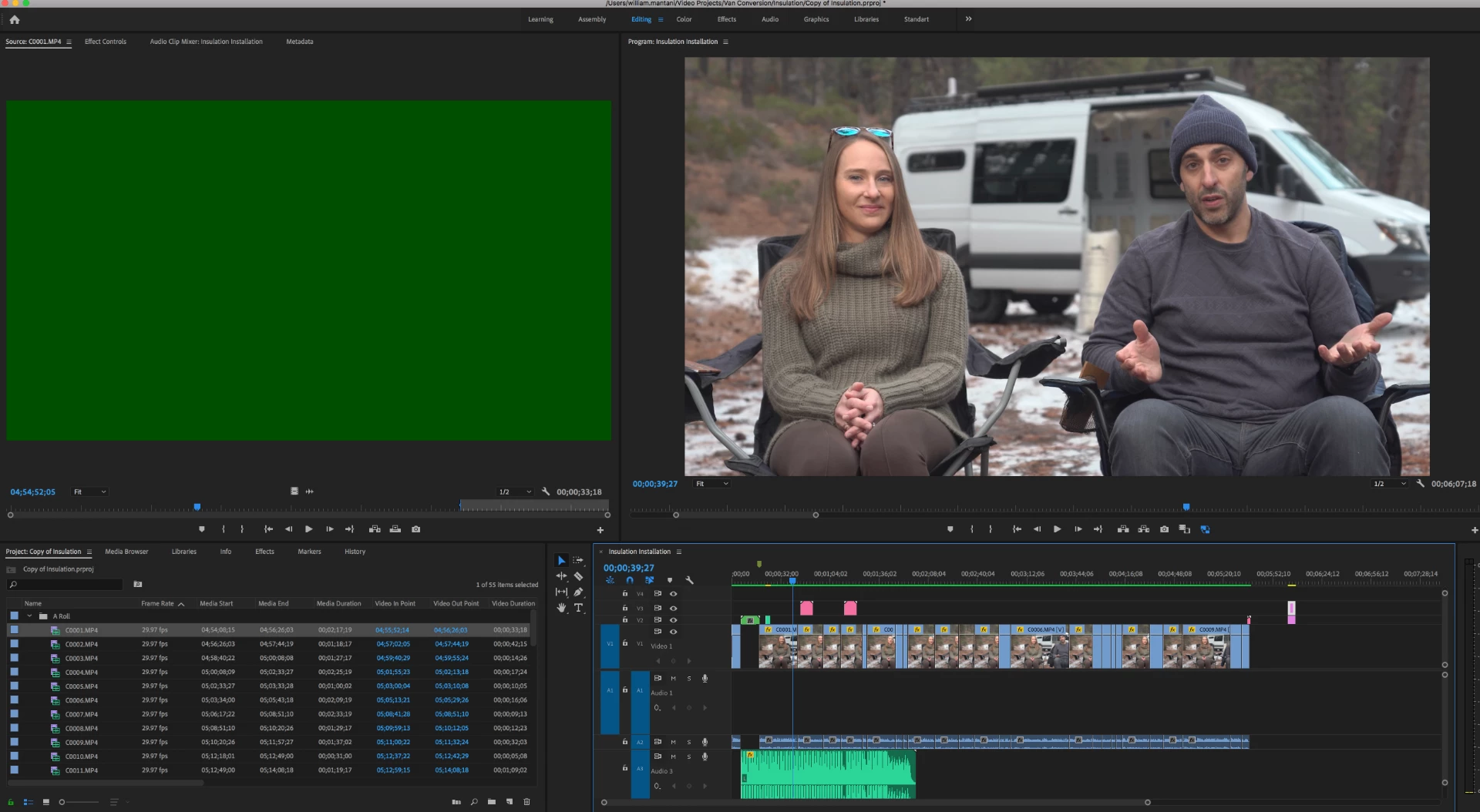
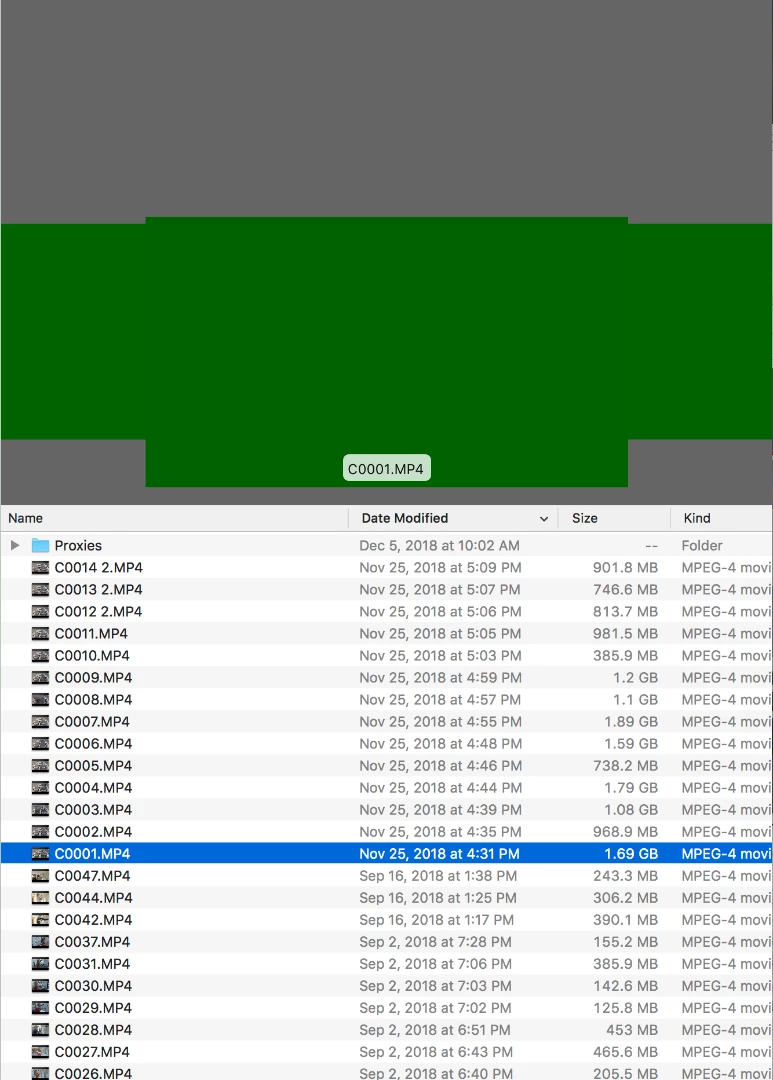
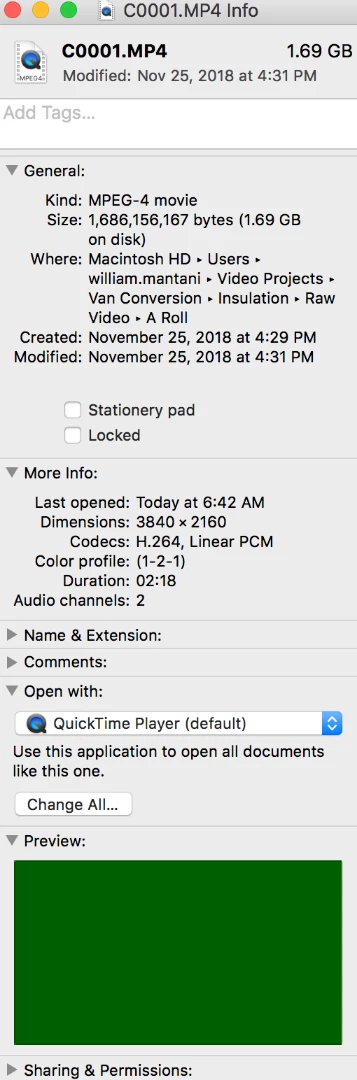
Has anyone else ever seen this issue before? I am using proxys to edit the 4K clips, but I have also tried just deleting those completely and that did not change anything... I havent found anyone else with this question recently, I just found something from 2013, but it was unanswered. Maybe this is a Sony issue? But I cant find anything on that either. Any help would be extremely appreciated! Thanks in advance!

This topic has been closed for replies.

4 replies

mantani
mantaniAuthor
Participant
December 10, 2018

Thank you all so much for your fast replies! Honestly, after I wrote this question, I started watching videos online and then watched a video on B&H, and it was green in the chrome player! So I had a feeling it was my machine at that point. So I restarted and ran a new apple security update and all is well now! Who knows sometimes! Thank you!

mantani
mantaniAuthor
Participant
December 10, 2018

Never mind... That did not work. It looked like it did, until I tried to export again, then it reverted back. It will export all of my graphics and audio, just not the video =(. Gonna try the tips above!

Participant
December 7, 2018

For me the following helped:

edit/preferences/memory - and change "performance" to "memory".

caroline_edits
Community Manager
Community Manager
December 7, 2018

Hey there, Mantani!

Check this out:

File > Project Settings > General > Video Rendering and Playback > (choose from dropdown) Mercury Playback Engine Software Only

Here's another possible fix, but it involves re-importing all your footage and I see you spent some time making all those proxies so hopefully changing the render settings will fix it: HOW TO FIX ADOBE PREMIERE IMPORTING GREEN FOOTAGE TUTORIAL - YouTube

Let me know if that helps!

-Caroline

mantani
mantaniAuthor
Participant
December 10, 2018

Well, changing the settings did not work =(, but thank you for the info! It was better to try that before renaming all the clips and re-importing! But I am going to try that now and let you know. Thanks so much!

Ann Bens
Community Expert
Community Expert
December 10, 2018

Start renaming a few clips: if this works you can batch rename extension in The Bridge.

Ann Bens
Community Expert
Community Expert
December 7, 2018

Change mp4 extension to mpg or mts, see how that goes.