Hi Dashnill,
I have a workaround solution for you, until this bug in Premiere is actually fixed.
In the sequence that you are going to export, add a new video track to the top of the stack. In that top video track, place an adjustment layer and make that adjustment layer cover the entire duration of your sequence. In the effects tab go to Lumetri Presets > Technical and drag the "Legal to Full Range, 12-bit" preset onto the adjustment layer. Now your sequence is going to look wrong to your eye and over range on the lumetri scopes but ignore it. Export your sequence with this adjustment layer enabled, this should cancel out the effect of the export bug.
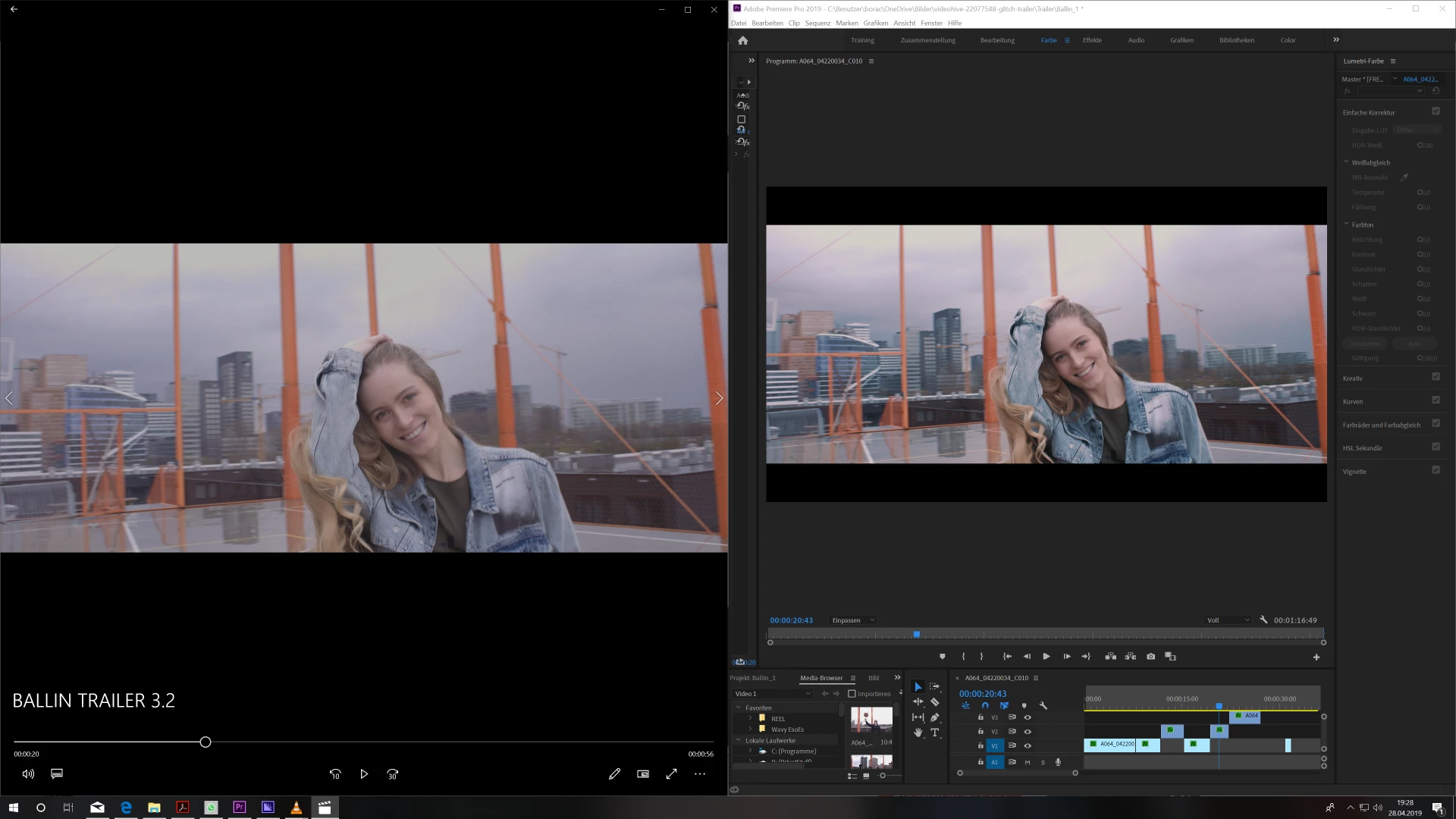
Once the export is complete, bring the exported file back into Premiere and compare it to your sequence with the newly added adjustment layer track turned off. Your video export should match what you intended in your sequence.


 AdChoices