

Question
Color mapping in Adobe Premiere on iMac or MacBook
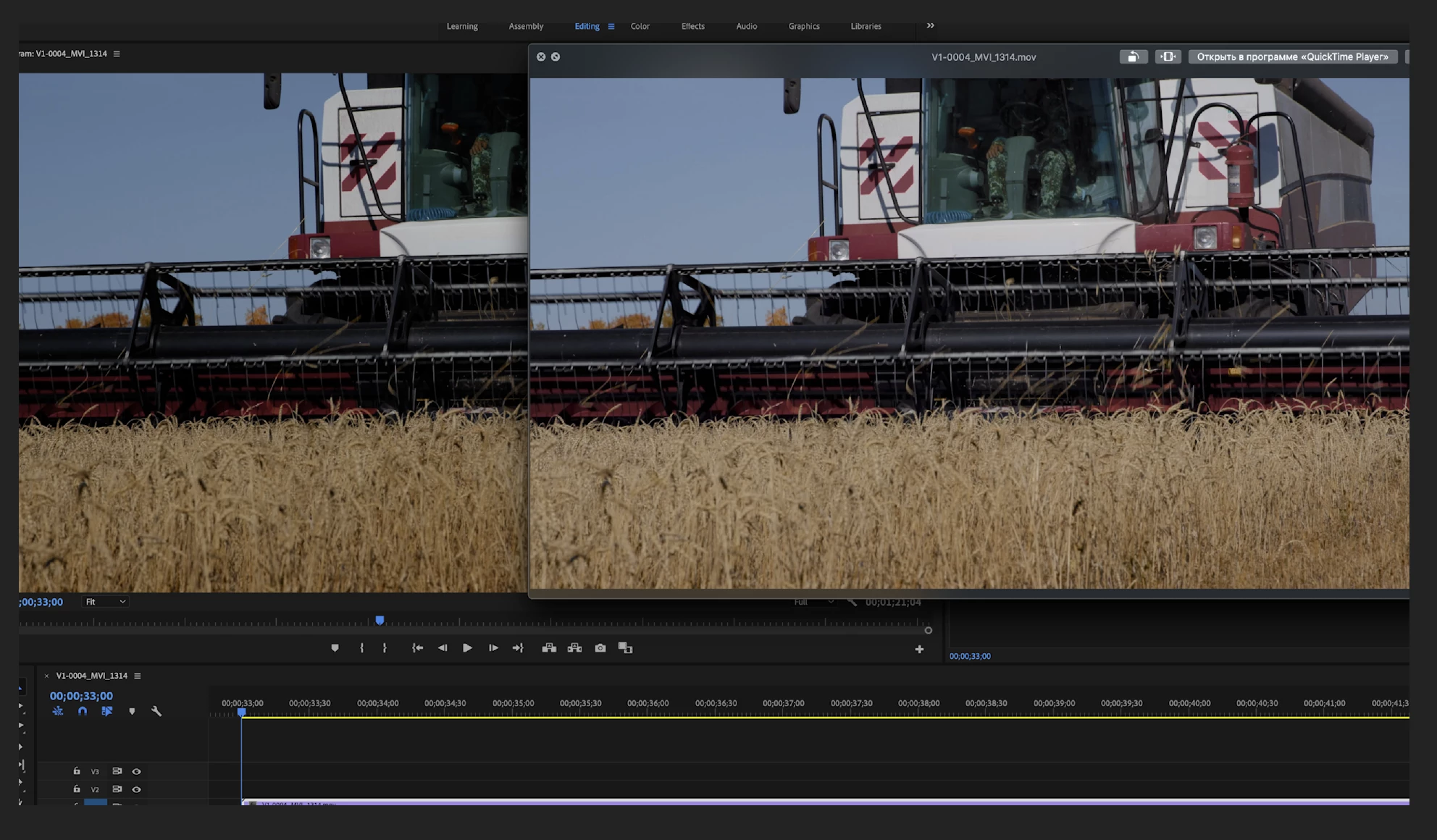
Image is very contrast and saturated in Premiere CC 2019 on iMac Pro!
I check “Enable Display Color Management” (in Preferences - General), color of the video has become natural, but the contrast has remained very strong.
In the video player, the image is correct when I look before or after export of video. In DaVinci Resolve there is same problem.
Just recently switched to iMac from Windows. Is this a software problem or an operating system problem?
Help me understand and solve this problem. 
 AdChoices