Participating Frequently
April 18, 2020
Question

Colors and blacks not exporting properly together. Premiere Pro 2018

  • April 18, 2020
  • 4 replies
  • 1582 views

I am trying to export a video however when I export it normally (no LUT, no Rec. 2020 Color Primaries, no High Dynamic Range) the colors come out fine except for the blacks, which come out as a light grey thus the gamma (I think) is messed up. So I've tested adding Rec. 2020 Color Primaries, HDR, Gamma compensation LUT- this fixed the blacks in the video but made the entire video very dark and terrible looking (I have added all of these seperatly with no luck). I am using Maximum Render Quality, I am using Maximum depth and I can't seem to figure out what Im doing wrong.
Bit rate is 27 -30 VBR 1, Pass
I have tried h.264 & h.265. 
I feel like I've tried everything and I have nothing left to try, any help would be greatly appretiated.
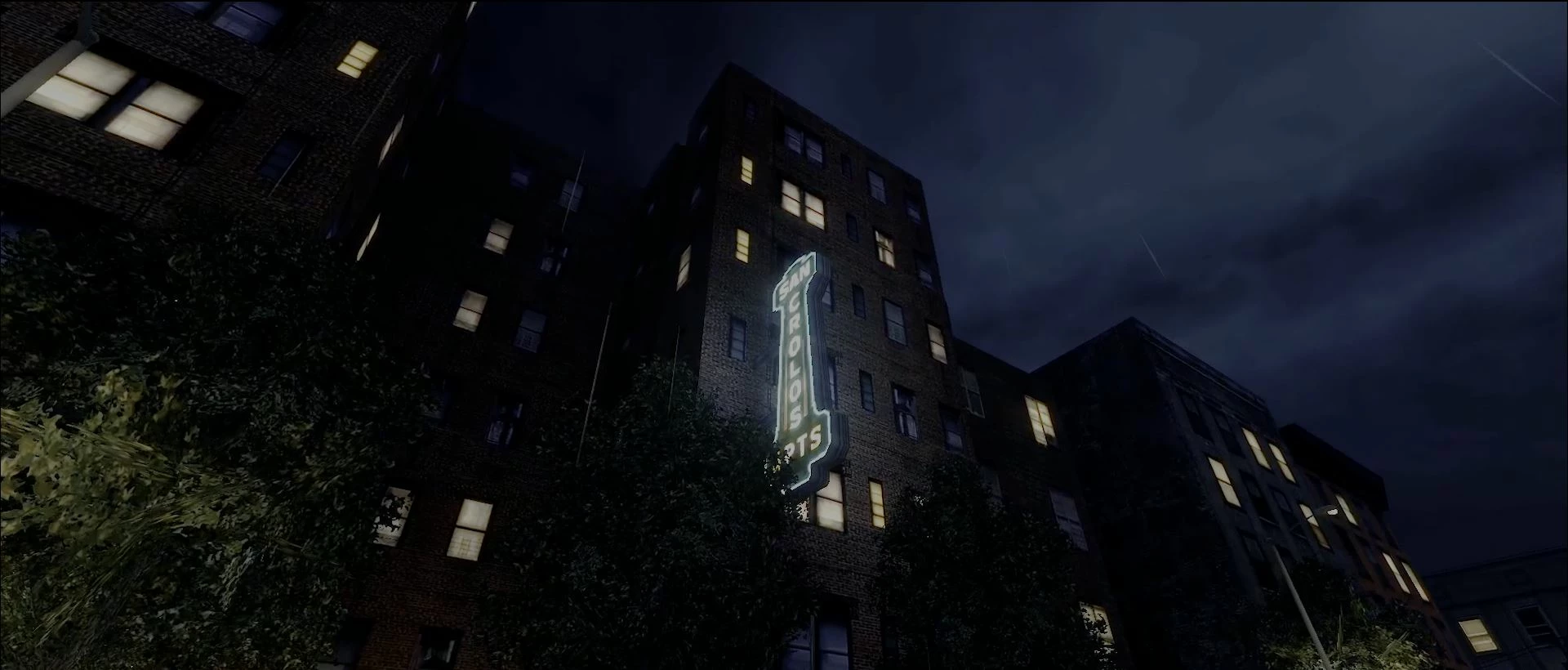

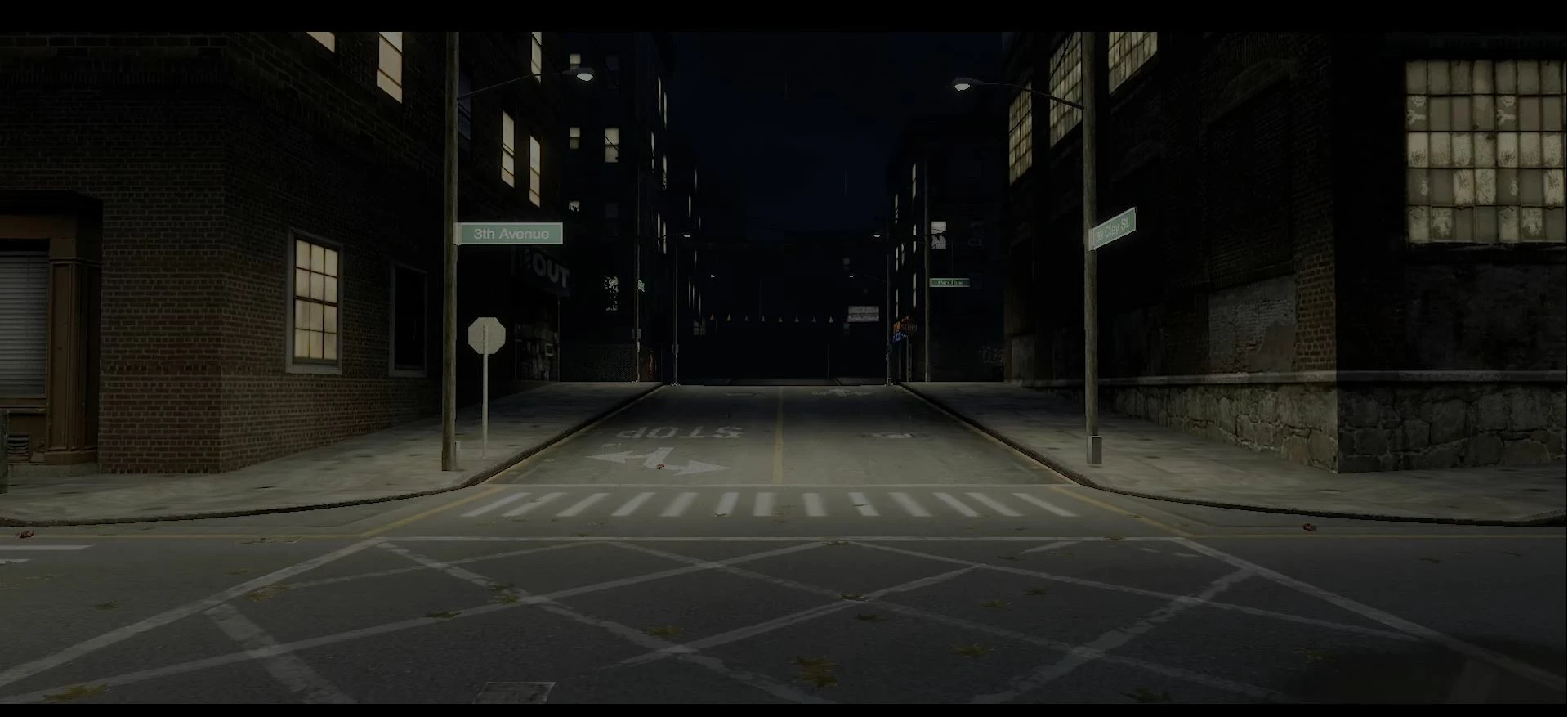
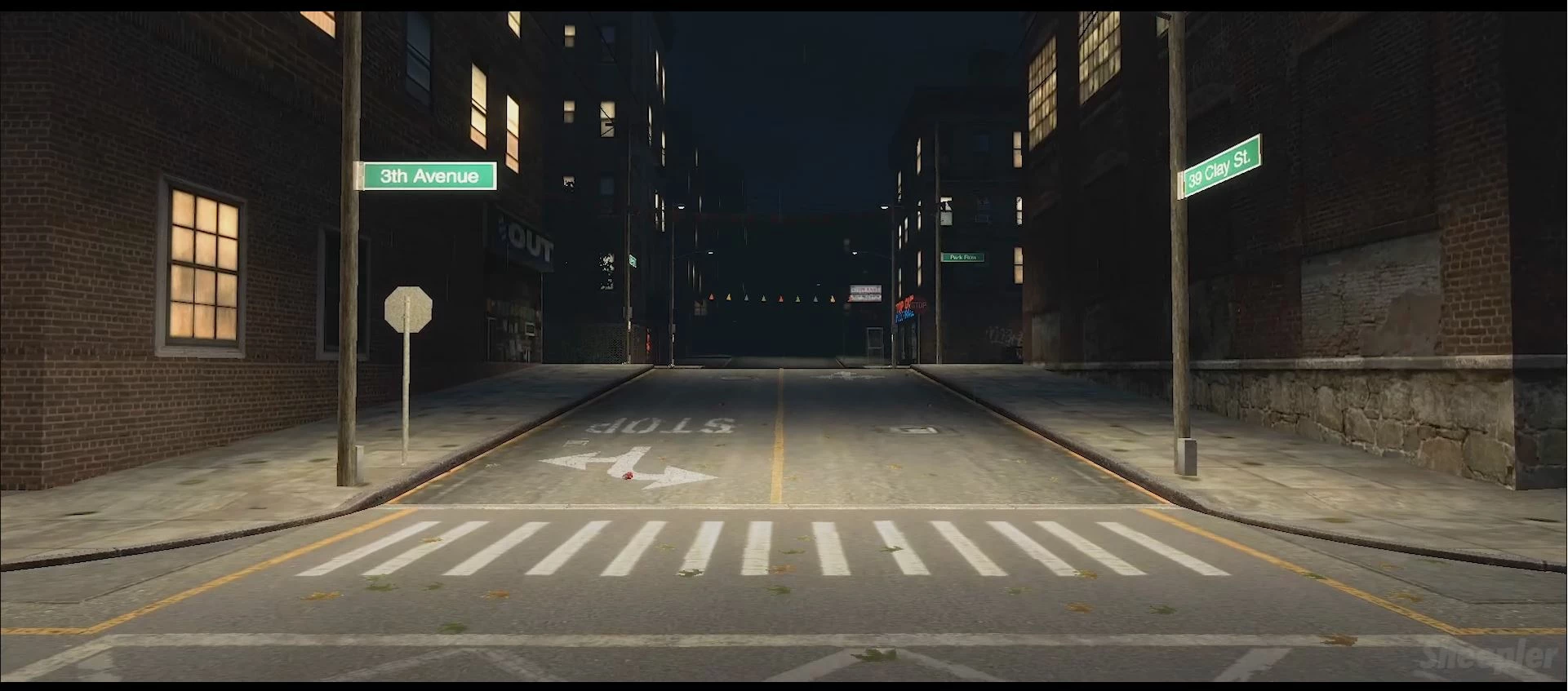
Here is the video that I uploaded to YouTube (blacks are not there but the colors are fine) https://www.youtube.com/watch?v=FK58MSOIms8 very noticable at the start and end

This topic has been closed for replies.

4 replies

Inspiring
April 19, 2020

maybe rely on your scopes more.. rgb parade or something ... check out the black and white stuff first... then midones, and go back and so on. use the scopes more. then export very small section ( WAB) and see what it looks like where you delivered it ( youtube, whatever ).


R Neil Haugen
Legend
April 19, 2020

Don't make the initial assumption that still images and video use the same color management, as they most certainly do not.


What are your system specs? What settings are you using for video color space? Do you have Premiere's preference option to use Display Color Management on or off?


What are you doing to view and compare the images after export ... ?


All these matter, and if you provide some of that information, might be able to give you more specific advice.


Neil

Everyone's mileage always varies ...
R Neil Haugen
Legend
April 18, 2020

Sheepler,


I understand the confusion. Most users start out assuming that color is just color, the same everywhere. Which is actually just a weird dream state I think. Were that it were so ... our lives would all be so much simpler!


The Reality is a harsh multiverse of competing ideas, concepts, and "helps!" for the user that typically screw any consistent color viewing to nothingness. Which is why all auto/helping features in monitors, GPUs, and OS settings need be turned OFF to begin with. Now ... where do you start after you do that? With understanding the variety of options that will affect things.


There are many different color spaces. Just in the general category of "RGB Chromaticity Primaries" there are at least ten! From sRGB to AdobeRGB, Adobe Wide Gamut RGB, ProPhoto, scRGB, P3-DCI (Theater), P3-D65 (Display), P3-D60 (ACES Cinema), to Display-P3 (Apple's ... unique ... mashup). Your monitor, your GPU, and your OS may all be set for one of the above or even something else. You need to sort them out.


Some of the spaces are designed for still images, some for video ... and the standards between them are all very different. And the above doesn't even get into the profile standards for video ... Rec.601, Rec.709, Rec.2020, Rec.2100, St2084 ...


Different Operating systems can have different settings for what color primary and space/profiles they work in, even may have 'default' settings for certain type 'tags' on media. Or may not. You can never just assume the OS does the right thing. Ever. Well, on an Mac, you can always know it's doing a 'wrong' thing for general video. On PCs never assume it's doing the right thing. (Doesn't seem to be a practical difference there ... )


Next ... you have various programs you might use while viewing video media from "players" and browsers to non-linear editing apps ... NLEs ... like Premiere Pro, FCPx, Resolve, Avid ... whatever. Every app will have typically different assumptions about color for defaults, and may be modified by the user or require the user to set the system for the way the program operates.


Then you have the interface between the computer's OS and the monitor/s used ... typically for editing rigs through a GPU card. There are many places where settings can be applied via the OS/card interface and the card/monitor interface that affect how color/tonality is going to be displayed.


And ... finally, there is the monitor itself. Which can have varying degrees of color accuracy, coverage of color spaces, tonality linearities, and uniformity across the screen. Along with internal settings for color, saturation, and gamma that aren't controlled by the computer, the programs in use, or the GPU.


As to monitors, the vast majority of colorists grade on Grade 1 Reference monitors ... and that is a specific standard in and of itself. Requiring a high degree of accuracy for color, tonality, and black/white points/contrast, complete coverage of any color space they can be used in, and all guaranteed highly accurate after calibration and checked by running a profile software. Such monitors as the Flanders Scientific and high-end Eizo rigs.


Most any Grade 1 Ref monitor sells for above $4,500 USD currently. That is ... if you only need Rec.709. If you need HDR for Netflix et al, the list of monitors that are accepted gets very exclusive. The cheapest HDR monitor generally acceptable for pro grading is well above $20,000 USD.


For "client" monitors, larger ones that clients sitting on the couch for 'client attended sessions' would view the image on while the colorist is working ... are typically the upper LG or Eizo or such monitors ... where the 65 inch rig is going to still be around $4,500 ... but that would NOT be used for the actual grading. Just as a viewing monitor for the client, and only after it is also rigorously calibrated and checked with the colorist's spendy profiling gear using a profiling software for being at least "close".


So ... IF you properly set up your system for following the proper standards front to back for the media you're working ... almost undoutedly Rec.709 ... how will it look across video players, browsers, and other systems?


Fuhgedaboudit.


Really.


You have no freakin' control on how the media appears after it leaves your pro-level app and proper profile/calibration system. You can't even force all video players or browsers to always work properly color managed on your system ... how can you control those on anyone else's system?


Remember the wild plethora of things I listed above? Yea ... that's the Real World. Every app/browser/player on every system will show the media a little bit to a lot different just on that machine ... and none will ever accurately match your view within your pro app on your machine.


How do colorists then know what to do? Simple ... you set up your system to follow the standards scrupulously. Period. That's it.


Then ... on any system your media is viewed, it will look relatively like all other properly produced pro media on that system. That is the best anyone can hope for.


If you try and out-guess what your viewers will see ... you will produce media that may look "technically" better on some systems, will definitely look worse on most ... and on no system ever will look like other pro media.


Welcome to RealVille.


Neil


Everyone's mileage always varies ...
SheeplerAuthor
Participating Frequently
April 18, 2020

I definitely don't know a whole lot about color and what settings I should use for video, to me it is a much more complicated medium. I know vastly more in Photoshop then Premiere, and sure these moniters and calibrations you speak of is understandably important for those who need to do such proffesional work. But when I export I expect certain things to not change, like pure black should be #000000 not #101010 (which is what I meassured it as after export). I can understand that mild disparities will come along since I am certaintly not using a $20,000 moniter. But really, these vast disparities are unexceptable and I've never had a problem with color whe exporting in Photoshop. I've known and experienced Premiere Pro's extensive bug list but is it so much to ask that the export looks even remotly similar to the previews?

Here is how it was supposed to look compared to the original if you're interested, the blacks are black and the colors are colored: https://viewsync.net/watch?v=FK58MSOIms8&t=0&v=7RagAy76TbA&t=0 <  Lets you play 2 videos at once and its pretty useful when comparing shots uploaded.

R Neil Haugen
Legend
April 18, 2020

Premiere is built to be used on a system with a proper monitor ... video sRGB color primaries, calibrated and profiled to Rec.709 (sRGB color space; Rec.709 profile; gamma 2.4 [2.2 permissable in bright-room viewing], brightness 100 nits in congtrolled-brightness environment for editing/color.


So ... what is your system? Is your monitor setup and calibrated/profiled with a puck/software device?


Neil

Everyone's mileage always varies ...
SheeplerAuthor
Participating Frequently
April 18, 2020

Do you mean my system specs? Also no I haven't calibrated my monitor with a puck but I have used software a while back. I'm still confused as to why that would be the issue? Blacks should still be black (especially when using black video); no? Basically I'm just trying to export so that the colors match the previews.

SheeplerAuthor
Participating Frequently
April 18, 2020

The problem seems to be fixed for now. I woke up this morning an exported again with no problem, Tried no LUT and this time it worked (even though I had already tried that) God knows why it works now.