
Answered
Colour correction causes interlacing/aliasing in Premiere
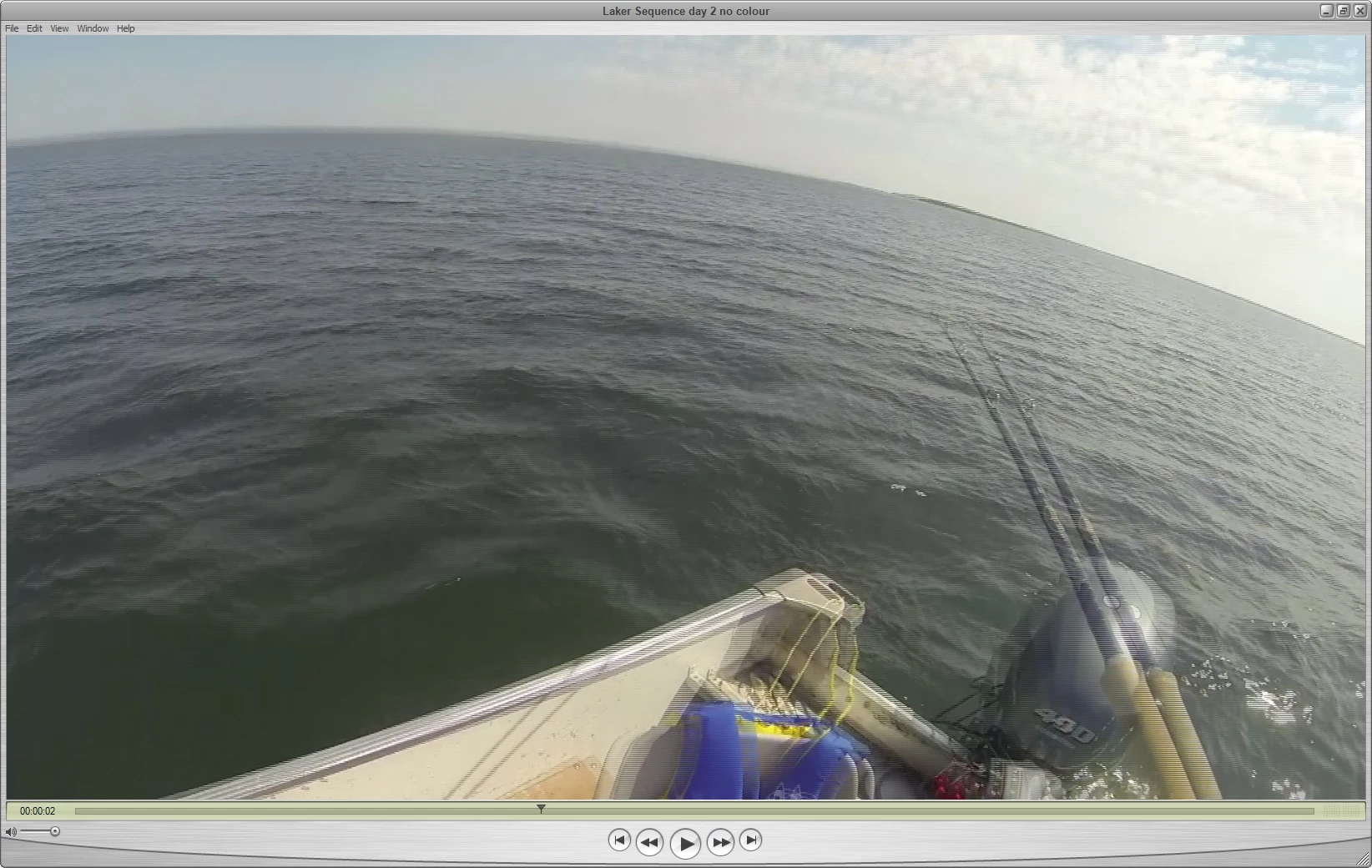
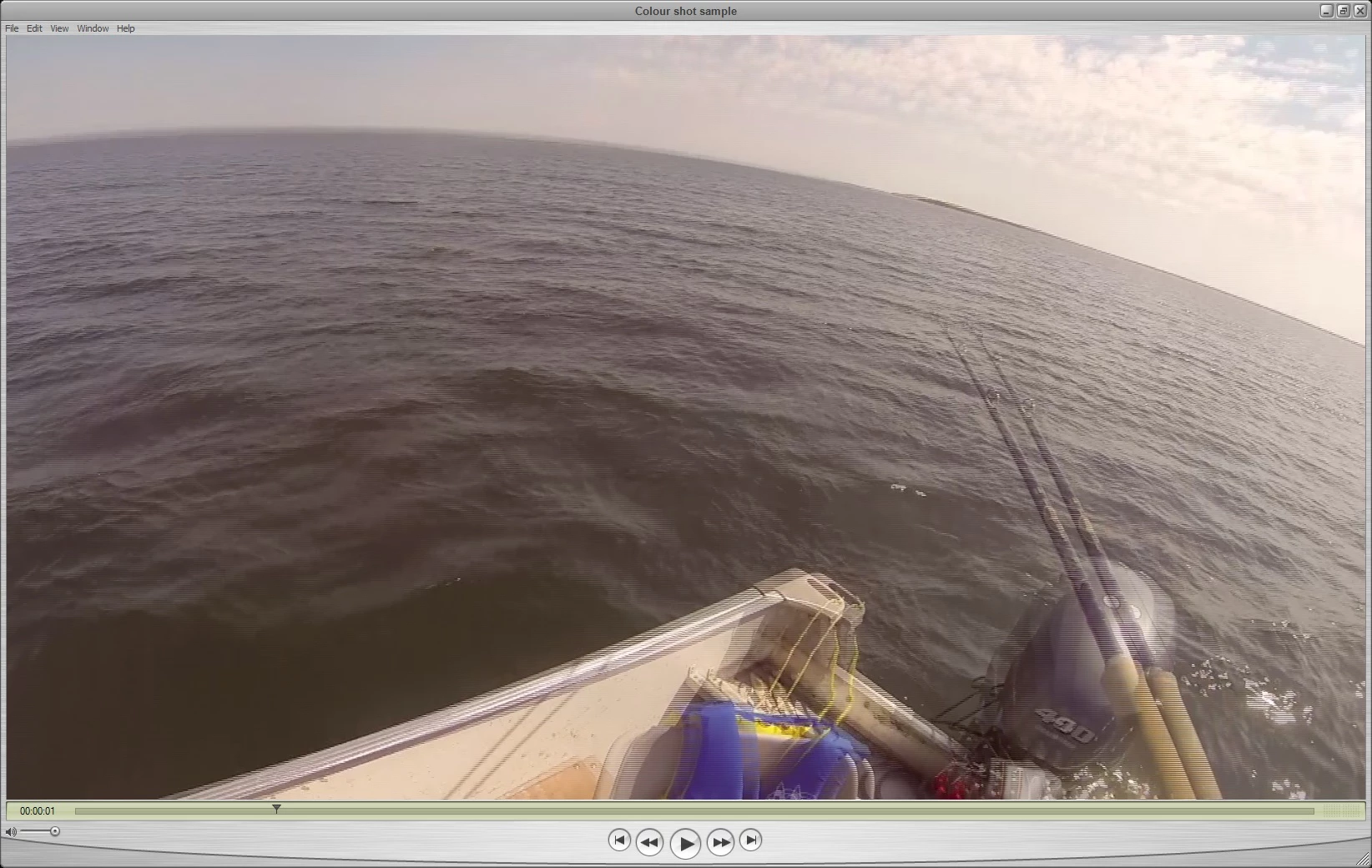
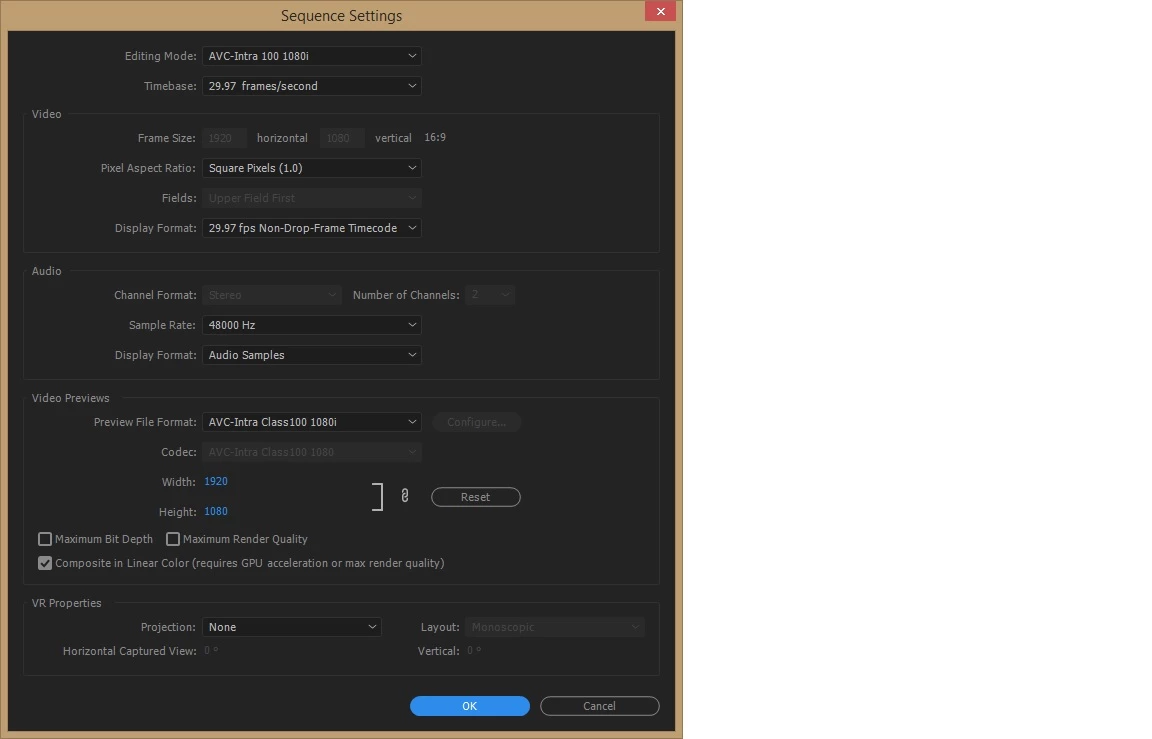
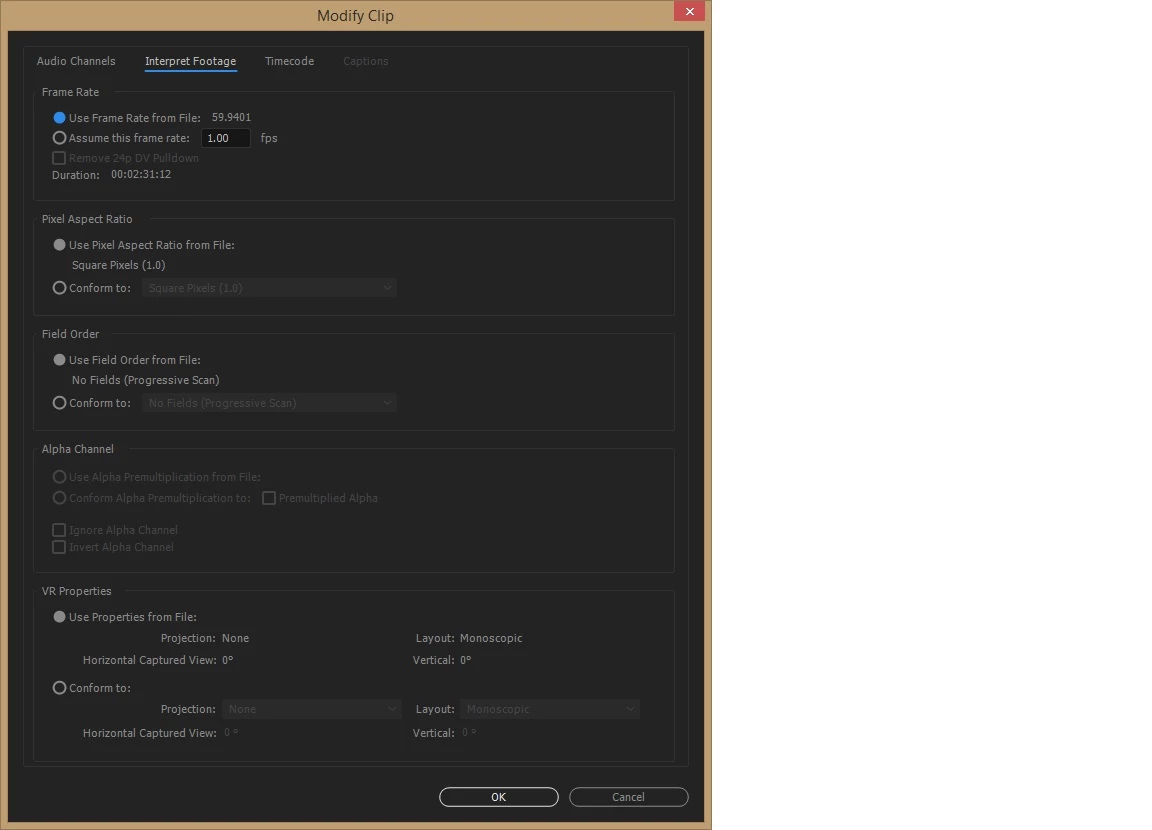
I've got 2 sources for footage. The main source is .MTS 1920x1080 29.97, UFF The secondary source is MP4 1920x1080 59.94. Everything has been fine and I've done slow motion, re-positioning, and other minor adjustments. However, when I applied a colour correction to the 59.94 footage I get weird aliasing and interlacing. I've tried to put an adjustment layer with a blow up as I've seen in a couple of other posts but it does nothing. I've changed the frame rate to be 29.97 but no luck. If I remove the colour corrections all is fine with the shot. Appreciate your input!
 AdChoices