
Inspiring
March 3, 2019
Answered

Combine Multichannel Mono into Stereo Mix for Edit

  • March 3, 2019
  • 2 replies
  • 2747 views

Hi,

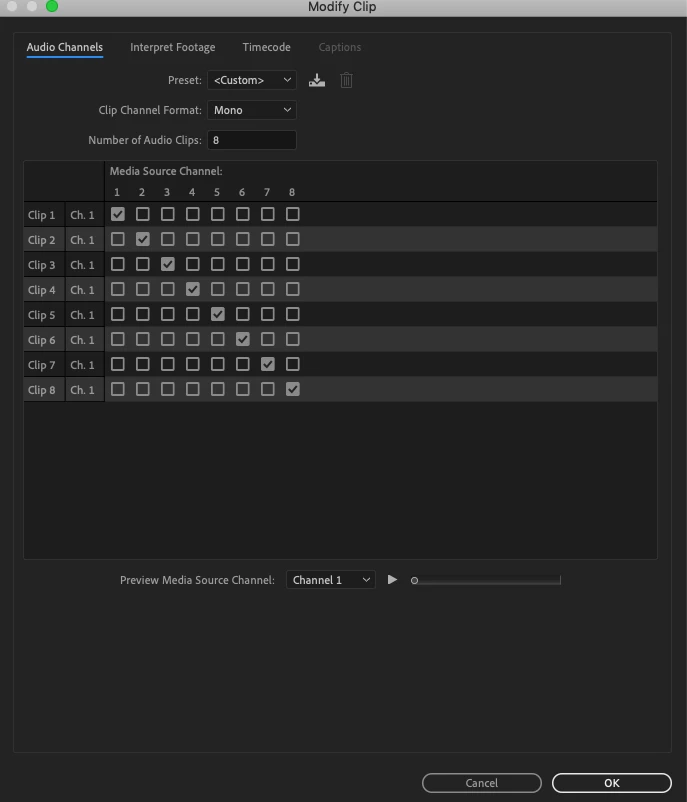
I'm cutting my first feature with PP and have been assembling scenes with merged clips that have multichannel mono tracks. Most scenes have eight channels for lavs, boom, etc. To speed up the assembly, I'd like to combine all the channels in each clip into a single stereo mix, provided I can step back into it and expand the channels when I get deeper into the edit.

I thought Modify>Audio>Adaptive might be the way to accomplish this, but Adaptive is greyed out.

Is there a way I can just work with a single audio track to speed up the edit while preserving the individual channels for tweaking later?

Thanks!
    This topic has been closed for replies.
    Correct answer R Neil Haugen

    That is a limitation of Merged Clips.

    You can create a sequence with the audio channels as desired, then copy/paste your media over onto it.

    Neil

    2 replies

    Legend
    March 4, 2019
    provided I can step back into it and expand the channels when I get deeper into the edit.

    That won't be possible.  You'll need to keep all channels accessible throughout the edit.

    Inspiring
    March 4, 2019

    Thanks all.

    R Neil Haugen
    Legend
    March 4, 2019

    Jarle Leirpoll's ebook on Premiere stresses presets for everything. Especially audio presets as frequently you deal more than once with a particular service.

    So he has a plethora of audio presets for every potential working setup or deliverables he gets.

    With different video track settings for each SD, standard HD, UHD, and 4K.

    Gets a job, drags the appropriate preset onto a blank timeline, starts plopping media in place.

    Neil

    Everyone's mileage always varies ...
    Inspiring
    March 3, 2019

    I should add that going back to original wav files, I can select adaptive. I'm guessing this means that you can't modify audio in this way after you've merged clips.

    Any ideas to simplify my audio timeline for the assembly with merged clips is greatly appreciated.

    Thanks.

    R Neil Haugen
    R Neil HaugenCorrect answer
    Legend
    March 3, 2019

    That is a limitation of Merged Clips.

    You can create a sequence with the audio channels as desired, then copy/paste your media over onto it.

    Neil

    Everyone's mileage always varies ...