
Participant
November 19, 2017
Answered

Corrupted MOV File

  • November 19, 2017
  • 2 replies
  • 6165 views

Hello,

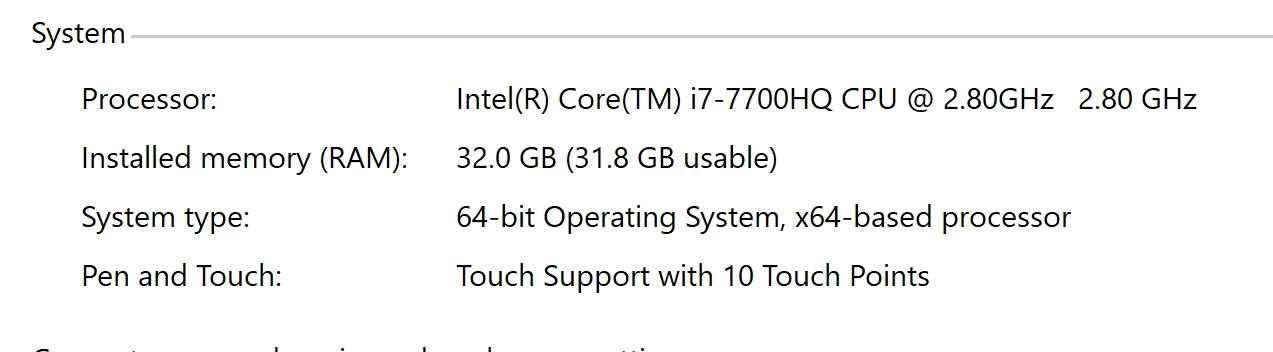
First the specs of my laptop:

Dell XPS 15 with following specs

Windows 10

Premier Pro CC Version 12.0.0 (Build 224)
So my issue is that I just shot a real estate video with my Phantom 4 pro+ today and when I try to bring files into Premiere Pro CC I get the following errors:
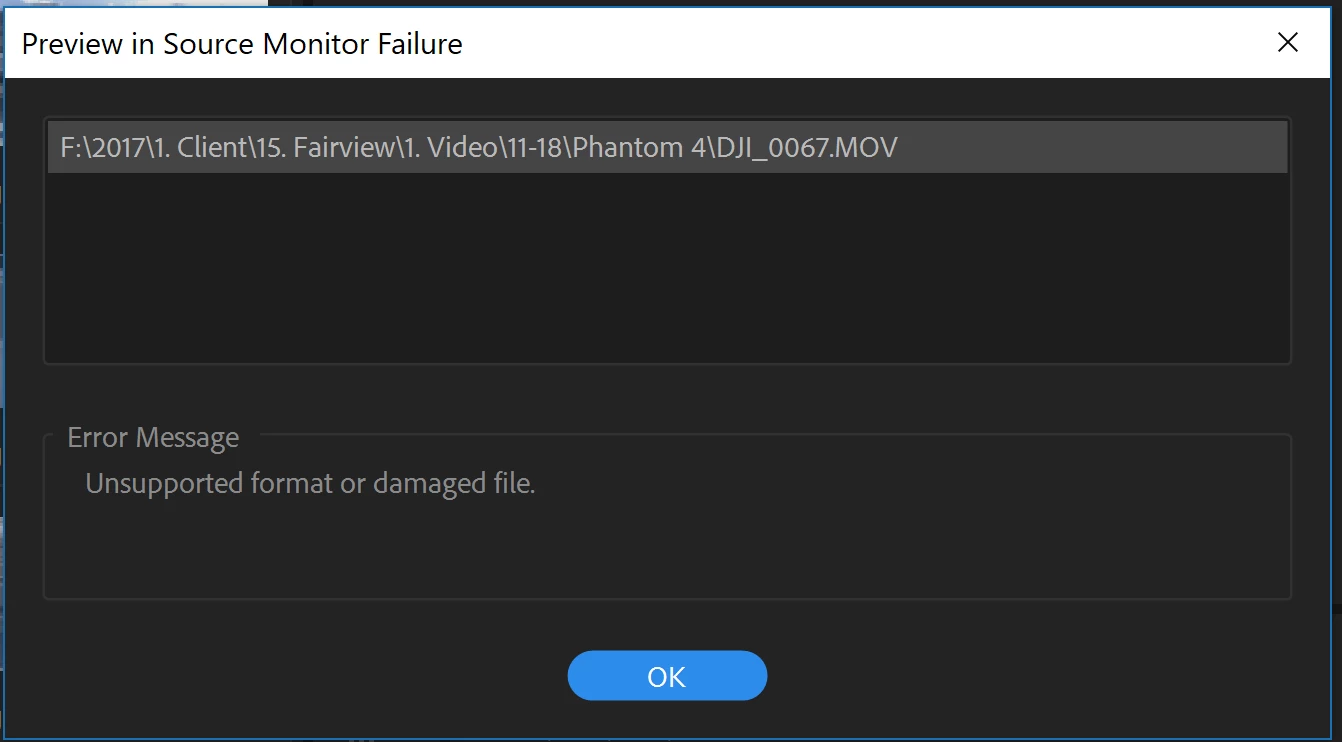
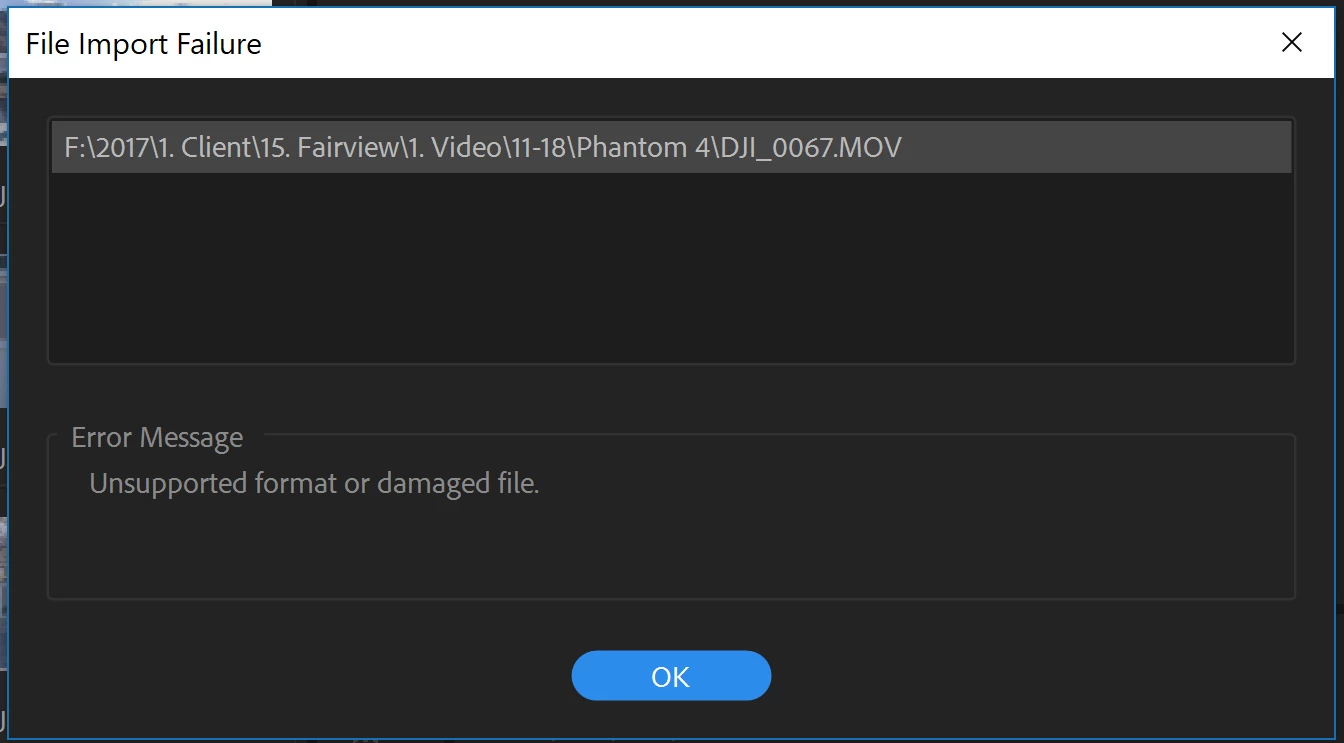
This Error only applies to one of the clips (happens to be the best clip). All other files import fine. The MOV file plays fine using Movies and TV and Window Media Player but Adobe says file is corrupted. I have tried multiple suggested fixes from other forum post such and changing file extension to .mp4, importing from media browser inside Premiere Pro, and uninstalling and re-installing Premiere Pro. Nothing has fixed this error and I am searching for further suggestions.

If anyone has a fix for this issue please let me know. I would very much appreciate any advice that might help me recover this clip.

thanks,

Liam

Correct answer Ann Bens

Handbrake would have been cheaper.....

2 replies

Participant
March 2, 2018

So I contacted Adobe Support about this and they recommended converting the file to a different format using Wondershare Video Converter Pro. I bought the converter and fixed the files and now I don't have to worry about it anymore. Thanks everyone for their suggestions.

Ann Bens
Community Expert
Ann BensCommunity ExpertCorrect answer
Community Expert
March 3, 2018

Handbrake would have been cheaper.....

Participant
March 3, 2018

You are correct Ann. I just purchased what they recommended and actually it was the Video Converter Ultimate that I bought not the Pro.

Ann Bens
Community Expert
Community Expert
November 19, 2017

Change .mov to .mp4 (or .mts or .mpg) and try again.

Participant
November 19, 2017

Ann,

As stated above I already tried changing it to .mp4 without success. I just tried the other 2 file extensions that you recommended and neither worked. I still get the error.

Participating Frequently
March 1, 2018

Same problem CC 2017 & 2018

I have problems with phantom 4 PRO .MOV footage

and I renamed the top folder... cleard cache... then.... I could relink.

Hope It helps
