Known Participant
September 24, 2018
Answered

Essential Graphics Panel always closed

  • September 24, 2018
  • 1 reply
  • 1023 views

Hello,

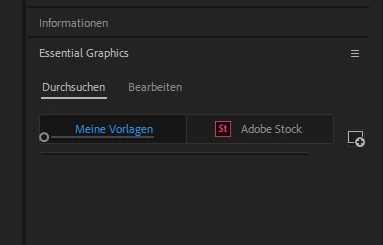
i have an problem with the essential graphics panel on the right side of premiere pro. The panel always be minimized and i must use the mouse to pull the panel larger. When i click on another panel like effects and than go back, the panel is minimized too.

Have anyone a solution?

See the screen below. Thank you Andy
    This topic has been closed for replies.
    Correct answer premieregal

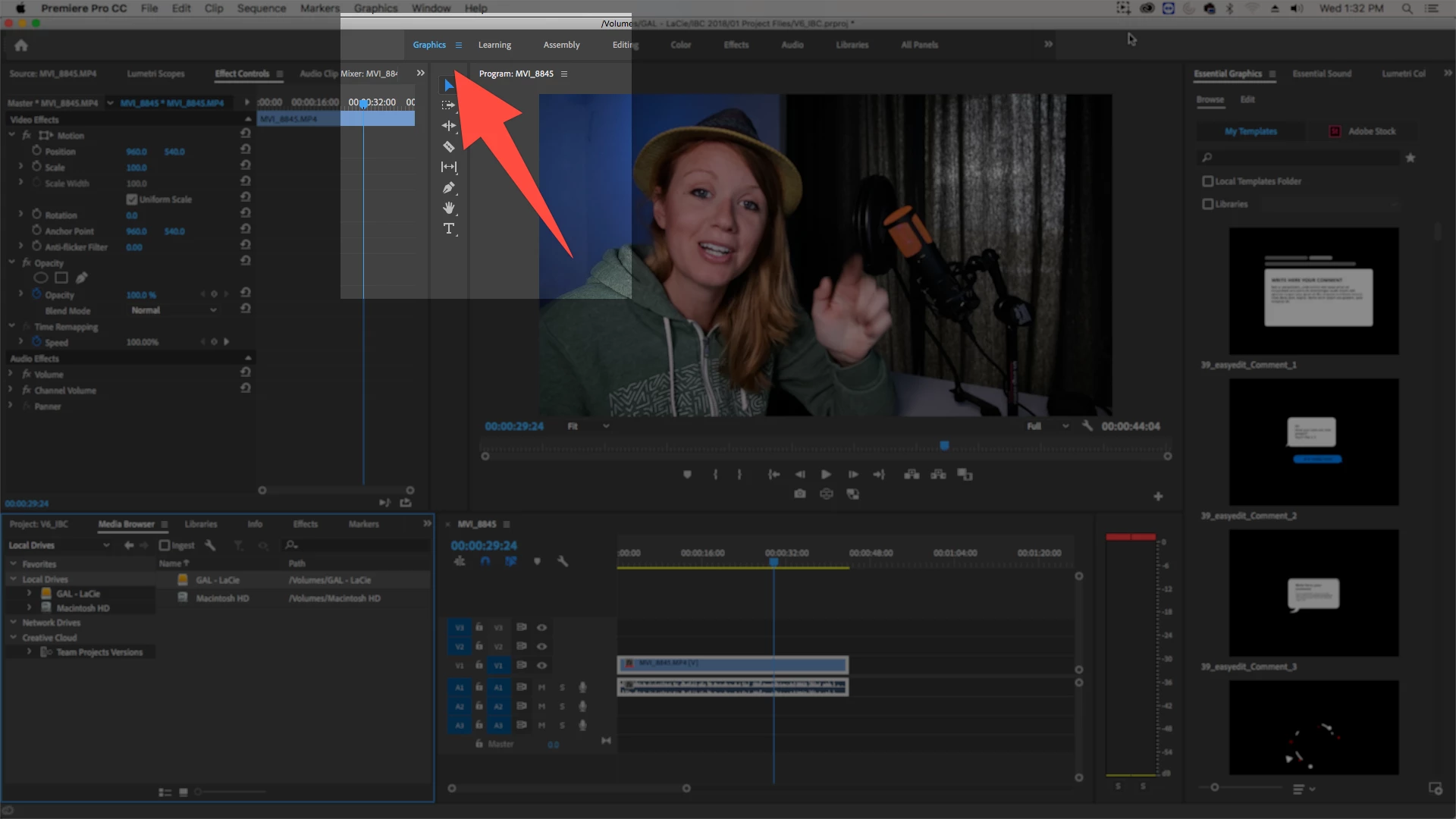
    Have you tried working in the "Graphics" workspace only? I find that is the best way to stop the auto-shrinking of the panel.

    see here:

    1 reply

    yenaphe
    Inspiring
    September 24, 2018

    It looks like your EGP is stacked with other panels in an "auto folding" stack. Try to drag your panel outside this stack and move it to the side of Premiere to have it in a new layout.

    Does it fixes your laying ?

    Known Participant
    September 24, 2018

    Ok i have no solution... other Panels opens correct like this

    But the EGP is always closed like the screen below. Via drag and drop it works, but online one time. when i switch to an oder panel and go back the problem is the same.

    premieregal
    Community Expert
    premieregalCommunity ExpertCorrect answer
    Community Expert
    September 26, 2018

    Have you tried working in the "Graphics" workspace only? I find that is the best way to stop the auto-shrinking of the panel.

    see here: