
Participant
April 11, 2020
Question

Flickering video in QuickTime and/or Premier Pro CC 2019

  • April 11, 2020
  • 3 replies
  • 1933 views

Hello,


I am experiencing flickering of videos in QuickTime and/or Premier Pro CC 2019.


I do not see flickering happening when I watch video recorded on my phone.


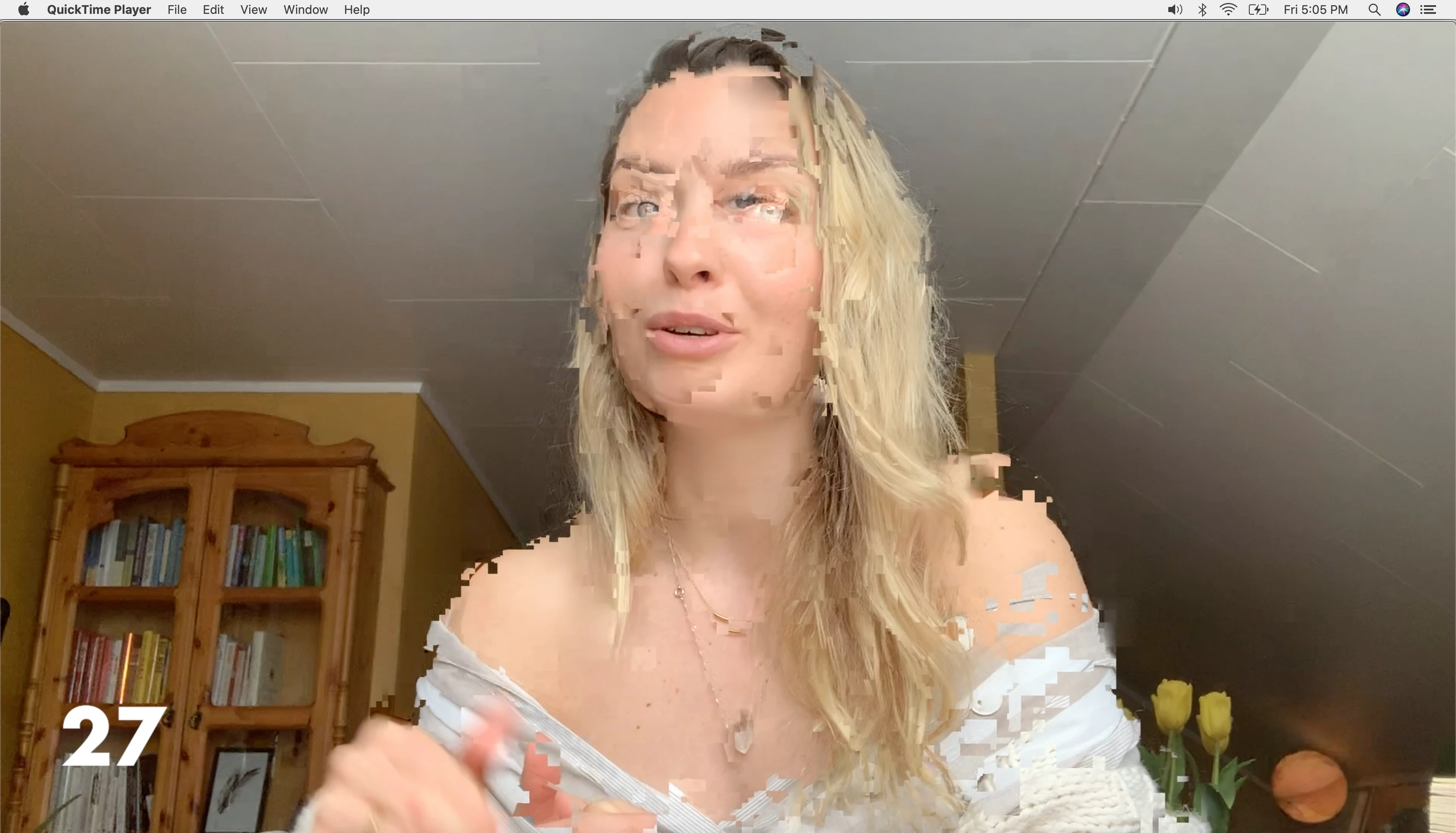
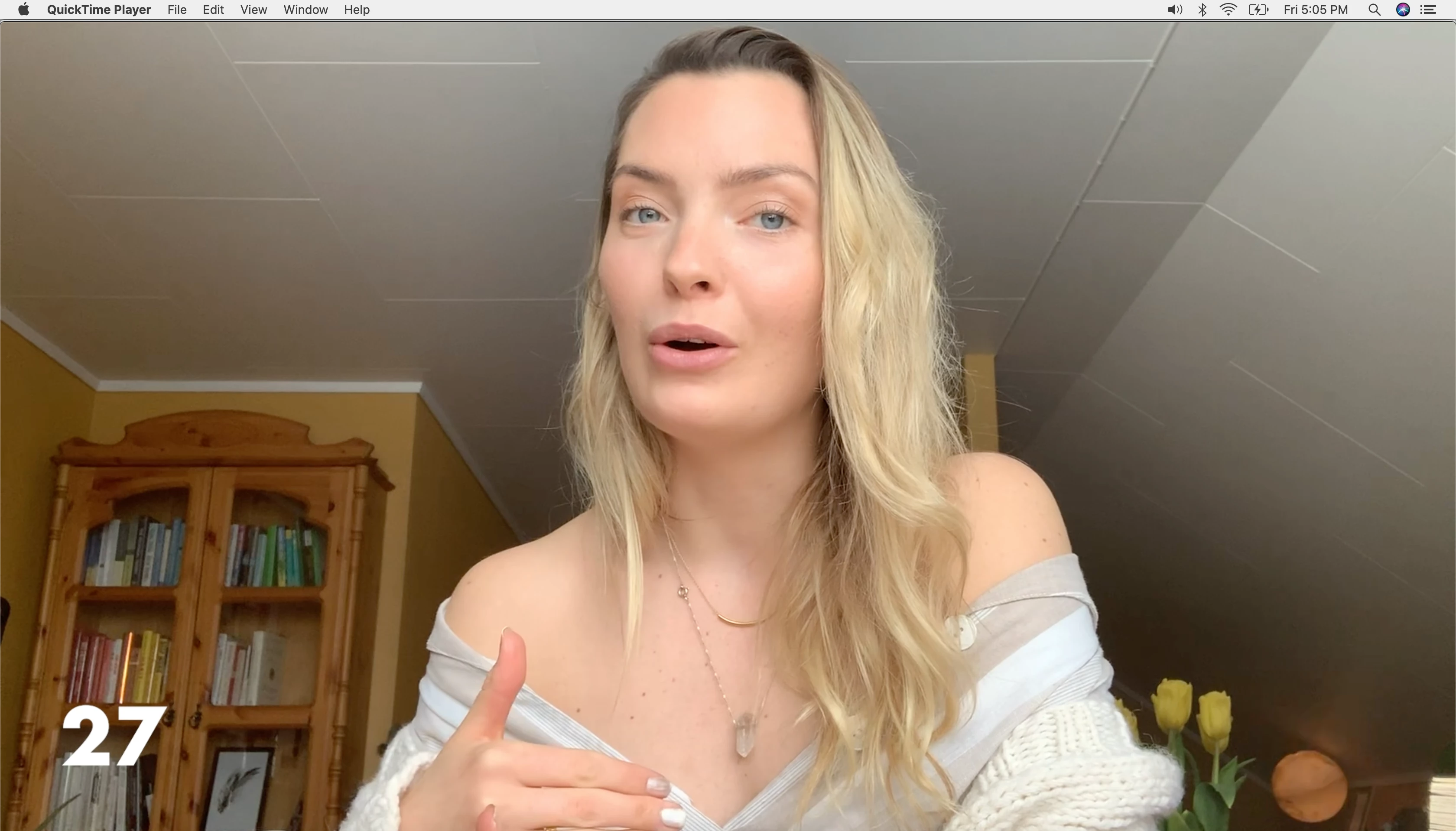
The flickering I see on the Macbook is spontaneous and is just happening a couple of times during the video as you can see on the pictures below.


I am not quite sure whether the flickering occurs due to a file failure when I transfer videos from my iPhone to my Macbook through Airdrop, or if there is a problem with QuickTime or if the problem is in Premier Pro.


I have a feeling the flickering is in Premier Pro export setting maybe. The funny thing is that when I start editing in Premier Pro, the flickering appears, but then it suddenly disappears - but when I export the video, the flickering re-appears again.


iPhone: iOS 13.4.1

Camera on iPhone: 1080p at 30fps

Auto Low-light FPS on iPhone: ON

Macbook Pro 15": Version 10.15.4

QuickTime: Version 10.5 (1015.2.1)

Premier Pro CC 2019: 13.1.1 (Build 11)


Please let me know how to proceed. Would highly appreciate it.

Thanks in advance!


Flickering
Non-flickering
 

This topic has been closed for replies.

3 replies

Participating Frequently
May 18, 2020

Hi Martine,


Did you try watching the clip on another computer, with an older Quicktime version?

I am experiencing frustrating "lagging" motion and I made tons of tests, and I an pretty sure that Quicktime have been changed.


Simon

Inspiring
April 13, 2020

Try changing your project settings 'Renderer' to 'Software Only' or 'OpenCL' if it's currently set to 'Metal'

You'll find this in the 'file' menu >'Project Settings" > 'General'.


Oh ... and if this is a Macbook Pro 16" there are are some issues with the new graphics cards in these machines. Again switching away from the 'Metal' renderer can help.

Inspiring
April 13, 2020

to add - as Peru Bob suggests - try converting the iphone footage to a more edit friendly format before importing.

This can solve odd issues as well as variable frame rate problems.

I've also noticed footage from newer iphones has been causing me issues. Not sure what has changed at Apples end but footage from recent iphones has been causing me trouble viewing on my Macbook Pro with High Sierra OS.

Peru Bob
Community Expert
Community Expert
April 11, 2020

Please use the free MediaInfo and post a screenshot the properties of your media in tree view:
https://mediaarea.net/en/MediaInfo

If the file is variable frame rate, which although Adobe says it will support, many users are having issues with VFR.

Use Hand brake to convert to constant frame rate:
https://handbrake.fr/downloads.php
Here is a tutorial:
https://www.youtube.com/watch?time_continue=34&v=xlvxgVREX-Y