Participating Frequently
March 23, 2020
Answered

Glitching with strobe lights in 120 fps footage upon export

  • March 23, 2020
  • 5 replies
  • 2546 views

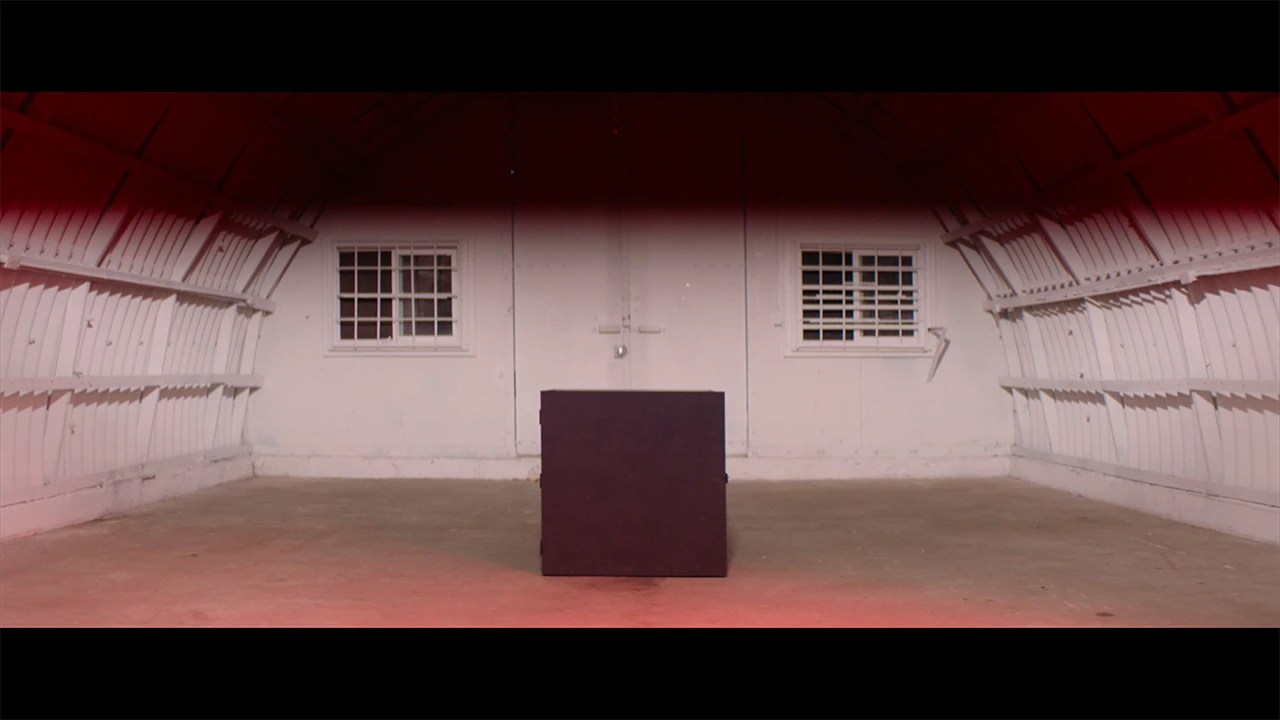
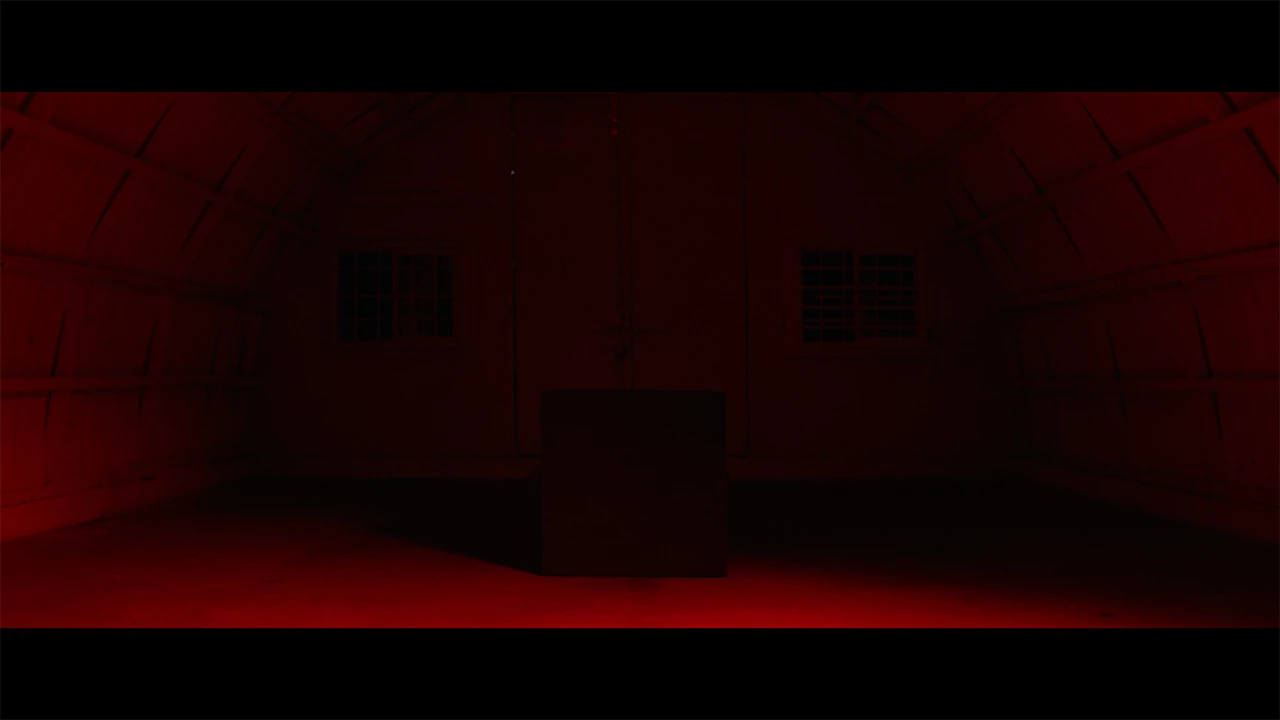
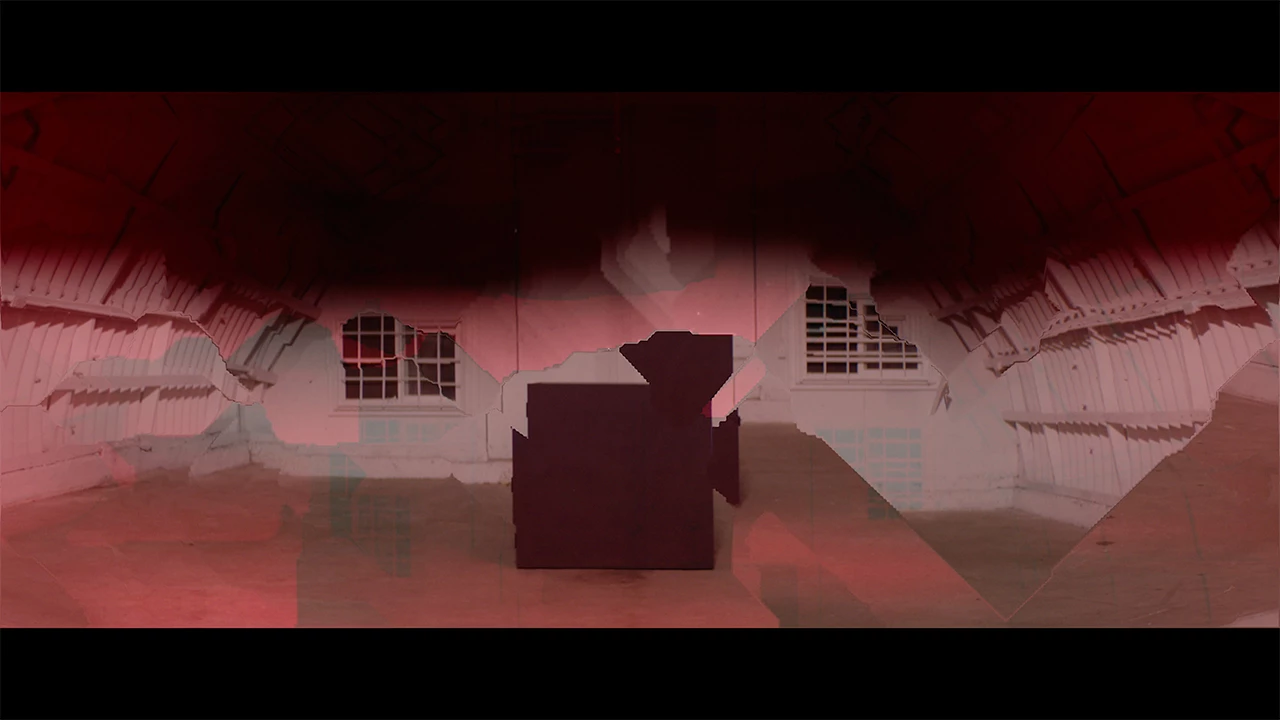
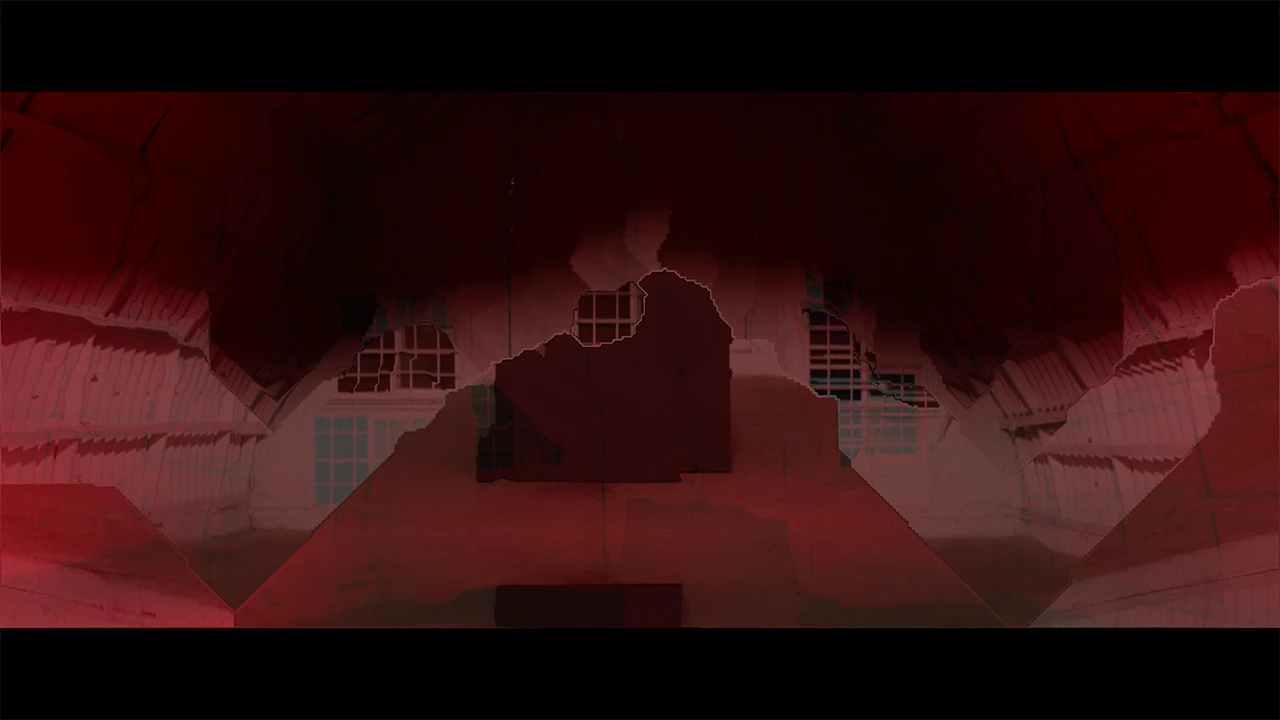
It seems it may be an issue with dropping frames, but I can't figure this out based on other postings regarding mixed frame rates and such. The footage plays normally in Premiere, but upon exporting, in multiple different codecs, I get this strange glitching every time the strobe lights flash in the video. The footage is also slowed down to 85% speed, but I've tried changing this to 100% and 80% (to match the 23.976 frame rate of the project) but it doesn't make a difference. I have tried Posterize Time, changing to software encoding, and messing with bitrate settings but I'm still getting the same issues. If anyone has any suggestions or has encountered a similar problem please... help!!!


I've attached examples of the glitch, the 4th image is a screenshot from Premiere showing what it SHOULD look like.
This topic has been closed for replies.
Correct answer John V Knowles

That all looks fine. I was going to suggest ProRes to rule out compression artifacts but if you've already tried that then there's no solution there.


This HAS to be because the footage is being slowed down and the frame rate is being changed. Can you try a test? Take a clip with the strobe in it and create a new sequence that matches it; it will be a 120fps timeline. Do not change the speed on the clip in any way. Export to ProRes and see if the glitch is present.


JVK

5 replies

MyerPj
Community Expert
Community Expert
March 24, 2020

I can recall seeing film, shot with an electronic flash and if the shutter speed was too fast, only a portion of the frame would be lit. Sort of like that, but you say all the frames look OK inside PP?

Participating Frequently
March 24, 2020

It does seem to only light a portion of the frame each time, a sort of banding effect, but that was just an oversight on the day and the look doesn't bother me. It's only the digital artifacting/ghosting sort of thing that occurs with each flash that I want to get rid of. It seems like Weirdsmobile's suggestion was correct though - I just have to create a separate sequence at the right frame rate for the slomo, then drag it into the 24.976 project. 

Inspiring
March 24, 2020

what does this mean ?

==============

The footage plays normally in Premiere, but upon exporting, in multiple different codecs, I get this strange glitching every time the strobe lights flash in the video

==============

you used strobe lights to light a film shoot at 120 FPS ??


Community Expert
March 24, 2020

What are your export settings? What codec and bitrate (if applicable)?

-------------------------------------------------------------------------JVK | Editor/Designer/Software Instructor. Pr, Ae, Ch, Ps, Ai, Id
Participating Frequently
March 24, 2020

I have tried exporting in H.264 and Quicktime/ ProRes with the same results; bitrate settings I generally leave to default as I don't know enough to tweak them in a way that might be helpful. This is generally how I've been exporting cuts: 


John V KnowlesCommunity ExpertCorrect answer
Community Expert
March 24, 2020

That all looks fine. I was going to suggest ProRes to rule out compression artifacts but if you've already tried that then there's no solution there.


This HAS to be because the footage is being slowed down and the frame rate is being changed. Can you try a test? Take a clip with the strobe in it and create a new sequence that matches it; it will be a 120fps timeline. Do not change the speed on the clip in any way. Export to ProRes and see if the glitch is present.


JVK

-------------------------------------------------------------------------JVK | Editor/Designer/Software Instructor. Pr, Ae, Ch, Ps, Ai, Id
Community Expert
March 23, 2020

It's hard to say without seeing moving footage. Sometimes lights lead to weird issues when their refresh rate doesn't sync with the shutter speed of the camera. You see it a lot with fluorescent lights and off-speed footage; it's possible that something similar is happening here. Do you have interlaced footage? That could be introducing glitches. 


Is the problem visible in the raw footage? Or only when you export from Premiere?


JVK

-------------------------------------------------------------------------JVK | Editor/Designer/Software Instructor. Pr, Ae, Ch, Ps, Ai, Id
Participating Frequently
March 24, 2020

I don't believe it's interlaced footage. We shot on the Arri Alexa classic. The issue only happens on export; in premiere it plays cleanly. Here is the video if that might be helpful: 

MyerPj
Community Expert
Community Expert
March 23, 2020

When you post a message, in the toolbar, there is an Insert Photo's button, (the little landscape). Use that to post your pictures, otherwise we have to download then open them.

Participating Frequently
March 23, 2020

Oops, thanks for pointing that out. Fixed it.