thisislandoe8357479
Known Participant
March 6, 2020
Question

Glitchy scrubbing on interpreted footage in source window...

  • March 6, 2020
  • 7 replies
  • 1989 views

Im encountering glitchy scrubbing on interpreted footage in source window... 120fps a73 footage, iterpreted to 24fps. Never had this issue before. Started happening maybe a month or so ago.

See video example below.


    This topic has been closed for replies.

    7 replies

    Legend
    July 11, 2020

    guys, never update unless you know that you're OS and hardware will work properly in the new OS.  If you're on the mac, you can create a bootable clone of your startup drive using something like carboncopycloner and quickly restore your system to it's usable state so you might want to take the chance and adobe allows you to install an update without deleting earlier versions.  On my 2012 macbookpro, I've got premiere 2017, 2018, 2019 and 2020 but adobe no longer allows downloading of 2017 and 2018.  I only keep them on my system because I provide support for a few clients who are "change averse" and refuse to update.  I know you all want the latest bells and whistles, but hardware requirements get more stringent and even if the update works, there may be issues. 

    Participant
    July 7, 2020

    I believe I have found somewhat of a solution for this issue, I have been dealing with it for awhile as well. For me, when the playback keeps jumping around while scrubbing footage ive interpreted from 120 to 24, I have found that rendering the clip twice eliminates this issue.


    I have a brand new 2020 iMac with 32gb RAM, solid graphics card and a fast processor. The hardware is definitely not the issue here. However, after rendering the first time, the clip will usually show a yellow line above the clip, and then green after the second render. At this point, the scrubbing issue goes away.


    Hopefully this is just a bug that can be addressed, but for now, this seems to work.

    thisislandoe8357479
    Known Participant
    July 11, 2020

    very interesting ill have to try that.. still rockin with PP 2019 for now lol

    MyerPj
    Community Expert
    Community Expert
    June 11, 2020
    Participating Frequently
    June 11, 2020

    I am have the SAME PROBLEM!!!!  Jumping all over when trying to scrub manually, and using the JKL commands for premiere to playback fast.  But also when just manually scrubbing, it jumps all over to random frames and stutters.   Never had this issue until I updated Premier Pro recently.  ADOBE -- Give us some answers!!!!!!!!!!!!!!

    thisislandoe8357479
    Known Participant
    June 11, 2020

    Yep same. Right after i updated from 13.1.5. to 14 to the problem started. So now im just stuck using pp 13.1.5 til i get ANSWERS!!! lol  

    R Neil Haugen
    Legend
    March 14, 2020

    What "changed" was updating code. Applications have to move forward with media and gear. So the newer versions of most complex applications will typically require newer, more capable gear than older versions.


    I've had computers in my shop since the 80's, and when we got our first computer ... we "splurged" ... and got the HUGE 40MB hard drive. That's right, 40 megabytes. We were told that was absurd, we'd never use all that much space. The computer had a base RAM of 600-something bytes (I think that's the figure) of RAM, and we also splurged for installing extra, so we had a full megabyte of RAM. Absurd as it was.


    I don't know how many "major" programs that I still have the floppy or optical discs for ... that haven't worked on any computer for decades. dBASE ... that was a HUGE company in digital terms. THE database app to have. Any business of any size, that did any computer tracking of anything, used dBase.


    Know anyone working in dBase now? Hmmm ... oh, btw, have you ever heard of dBase? When I mention that app anymore, I do tend to get blank stares.


    Yea ... time ... and computers ... and applications ... move on. It's a right pain, as I thoroughly hate switching to a new computer, getting all my apps, data, preferences, everything just working again. Besides the cost. And I desperately need a new rig, it's awaiting the missus' go-ahead on purchase ... gonna be around $5G USD. Big OUCH. But ... for what I do, and planning to use it over the next 3-4 years ... I can't go less.


    Neil

    Everyone's mileage always varies ...
    MyerPj
    Community Expert
    Community Expert
    March 14, 2020

    Love seeing 'dBase' in a thread. I had a 3/4" A/B roll edit suite for 15 years back then. I did a dozen 1 hour video programs showing how to use Visicalc, Lotus123, Word Perfect and dBase, etc. The video productions got me into using dBase as a hobby and then progressing to FoxPro for DOS and then Windows 3.1, etc. I eventually wrote a targeted (vertical market) FoxPro app I've sold and lived on for >25 years now, with a primary marketing tool being a video programs and training done with Premiere starting in version 1.5. Now I'm back to video which has always been my main interest. Well done! 🙂

    Kevin-Monahan
    Community Manager
    Community Manager
    March 6, 2020

    This is landoe,

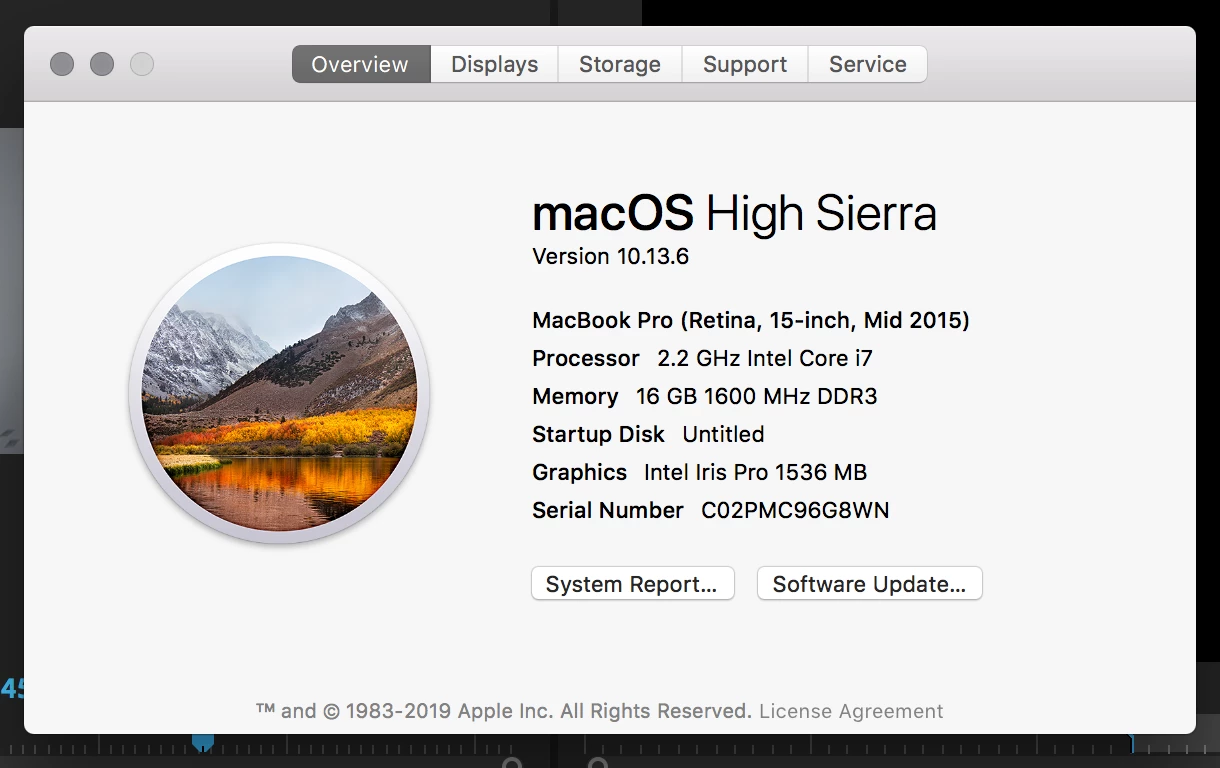
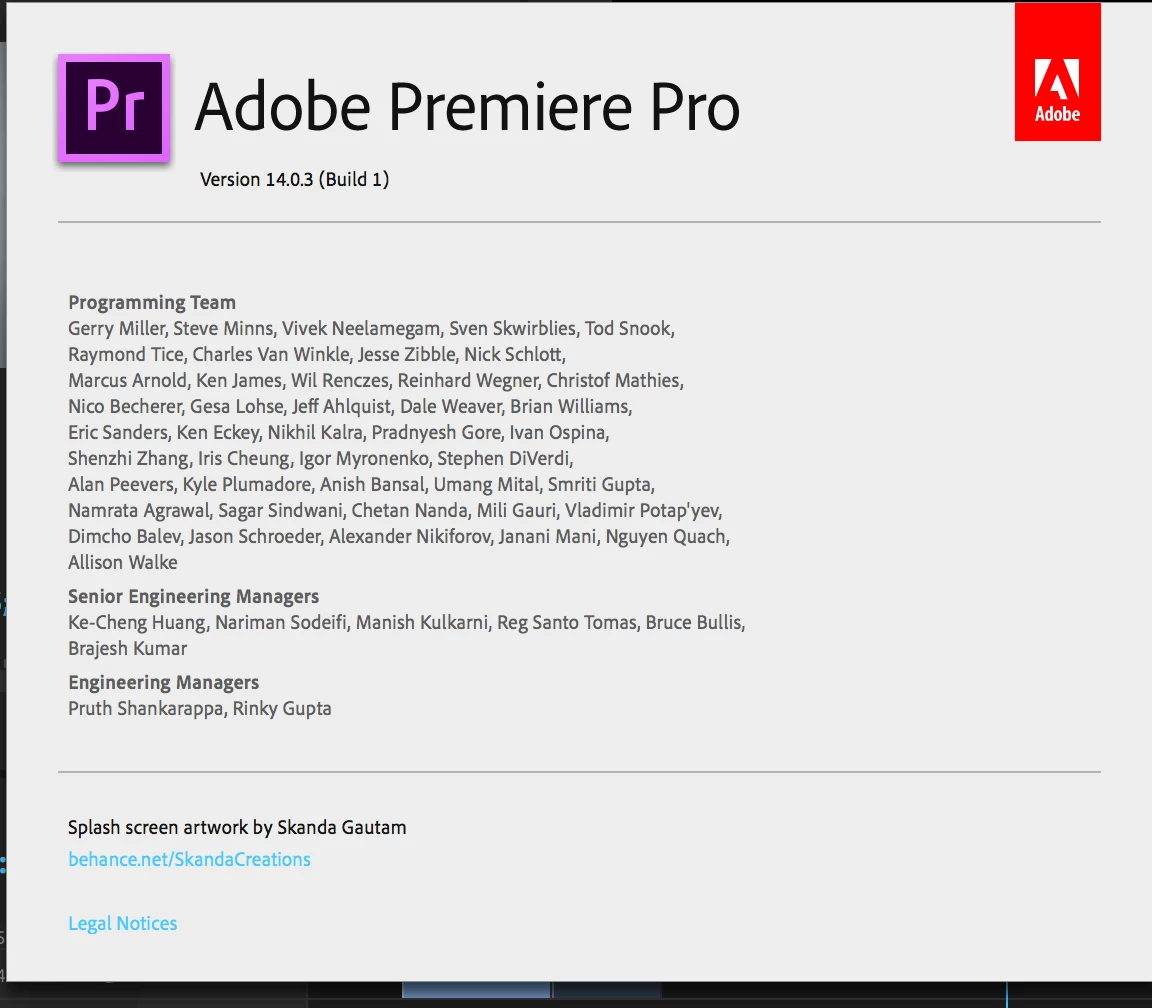
    I'm not sure if it's the issue but your CPU and your GPU do not meet miniumum system requirements. What happens if you move back to version 13.x (2019)?


    Thanks,
    Kevin

    Kevin Monahan - Sr. Community and Engagement Strategist – Adobe Pro Video and Audio
    thisislandoe8357479
    Known Participant
    March 7, 2020

    Yea i dont have the best editing laptop but ive been doing this for years without any issue like this happening. Ill try to go back to older version. 

    stanislavm62572820
    Participant
    March 6, 2020

    I have the same problem and looking for solution. I use Asus ROG with i7 9750H with 1660Ti. The other problem is when i use call out graphic sometimes the program is crash or freez and work very very slowly. As you can see the laptop have two GPUs and i think the problem comes from the fact that the Premiere uses the built-in video card for playback. I tried everything that could be done but the result did not change. I just haven't tried disabling the integrated video card, but I don't know how.

    Kevin-Monahan
    Community Manager
    Community Manager
    March 6, 2020

    Hi,

    It uses the iGPU for any H.264/HEVC footage. It will use the discrete GPU for other formats. Let me know if that is not the case. Are you also working with 120fps interpreted as 24fps?


    Thanks,
    Kevin

    Kevin Monahan - Sr. Community and Engagement Strategist – Adobe Pro Video and Audio
    stanislavm62572820
    Participant
    March 7, 2020

    Are you also working with 120fps interpreted as 24fps?


    Im not shure about this. The footage that i use is 50fps mp4 and when i try fast them like 500 or 800% (it doesn't matter exactly how many %) they start to flickering and blinking. Sometimes even if i didn't speed them up, this problem still has it. And this is the reason i think the problem is with the built-in video card. The drivers of both cards have been updated to the latest version. I even tried nvidia's studio drivers, no changes. And what about with the call out text problem? When i use one or several call out text the program freezes and starts working very slowly. I have no problems with games or Lightroom and AFX. Only with Premiere Pro.


    Thank you!

    Stanislav