
Inspiring
August 30, 2017
Answered

How Do I Burn Captions Into A Video? (Premiere Pro 14.9 and earlier)

  • August 30, 2017
  • 3 replies
  • 3218 views

I feel like the way I am doing this is wrong. I have an SRT file uploaded into my Premiere Pro project, I have it on the timeline, then when I render and ensure that the captions burned in option is checked I render in Media Encoder. Then when I check to see if the video has captions, it doesn't. What am I doing wrong? See the screenshots below:
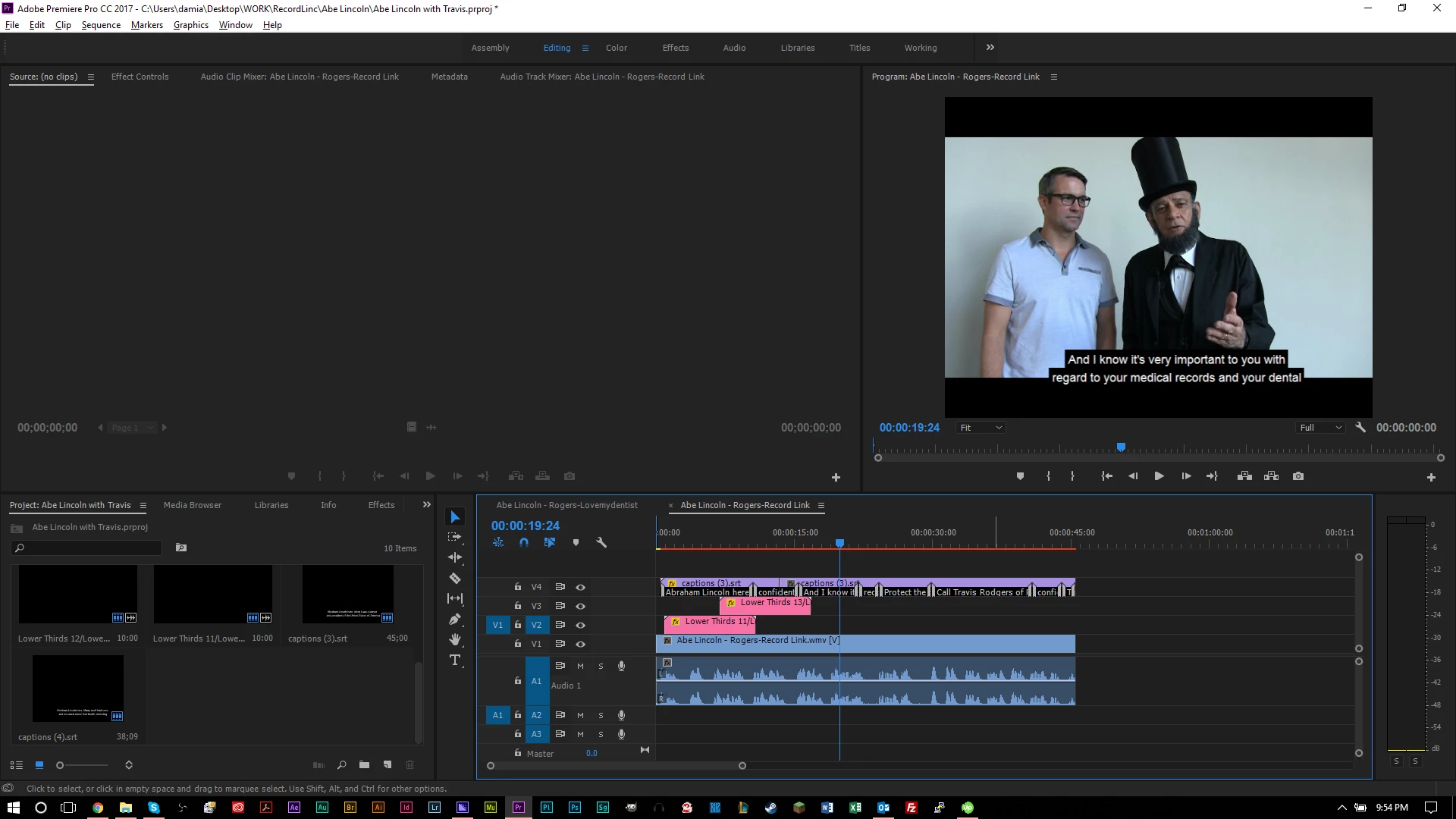
 

My timeline, above.
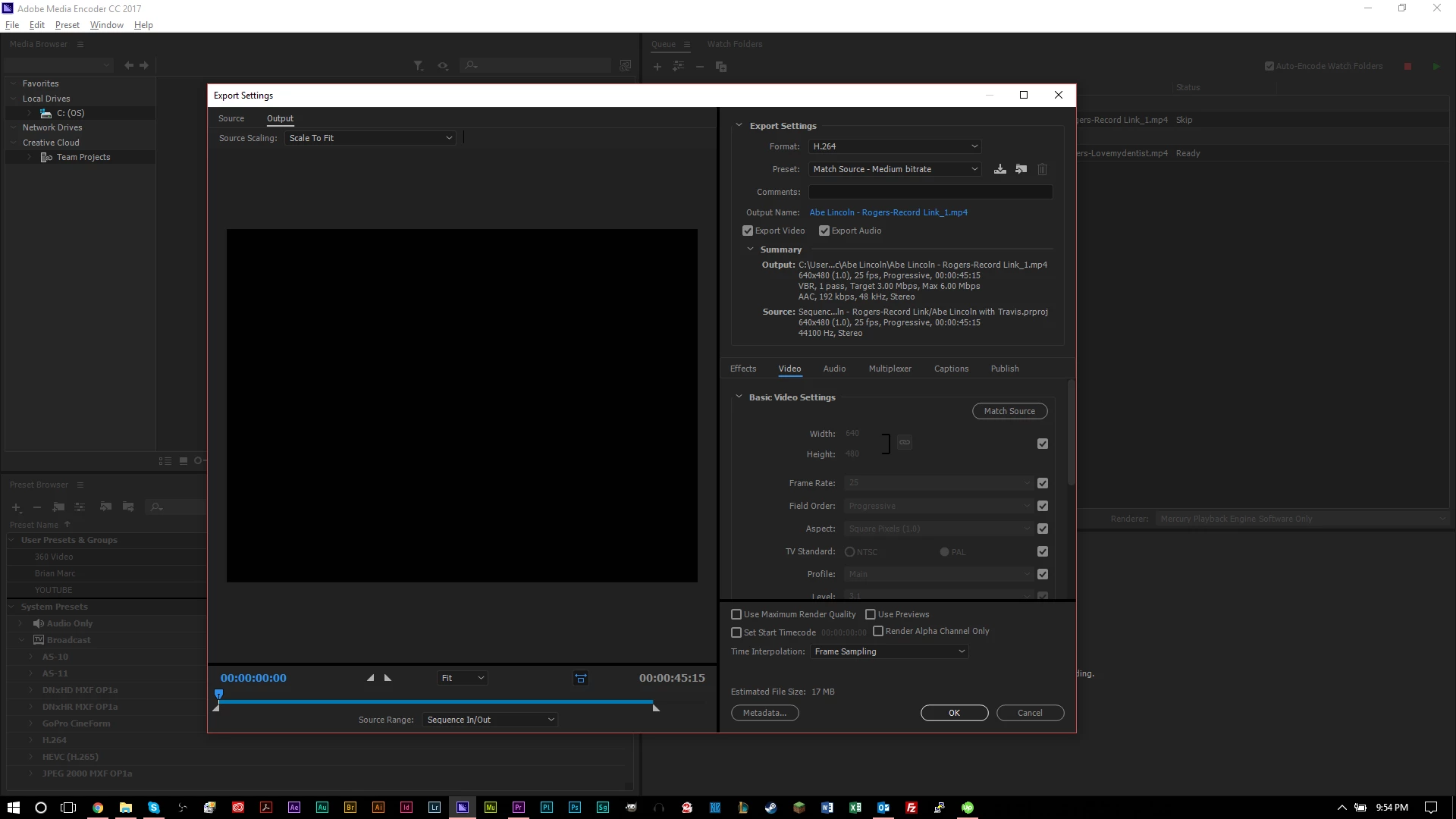
Video portion of my render settings, above.
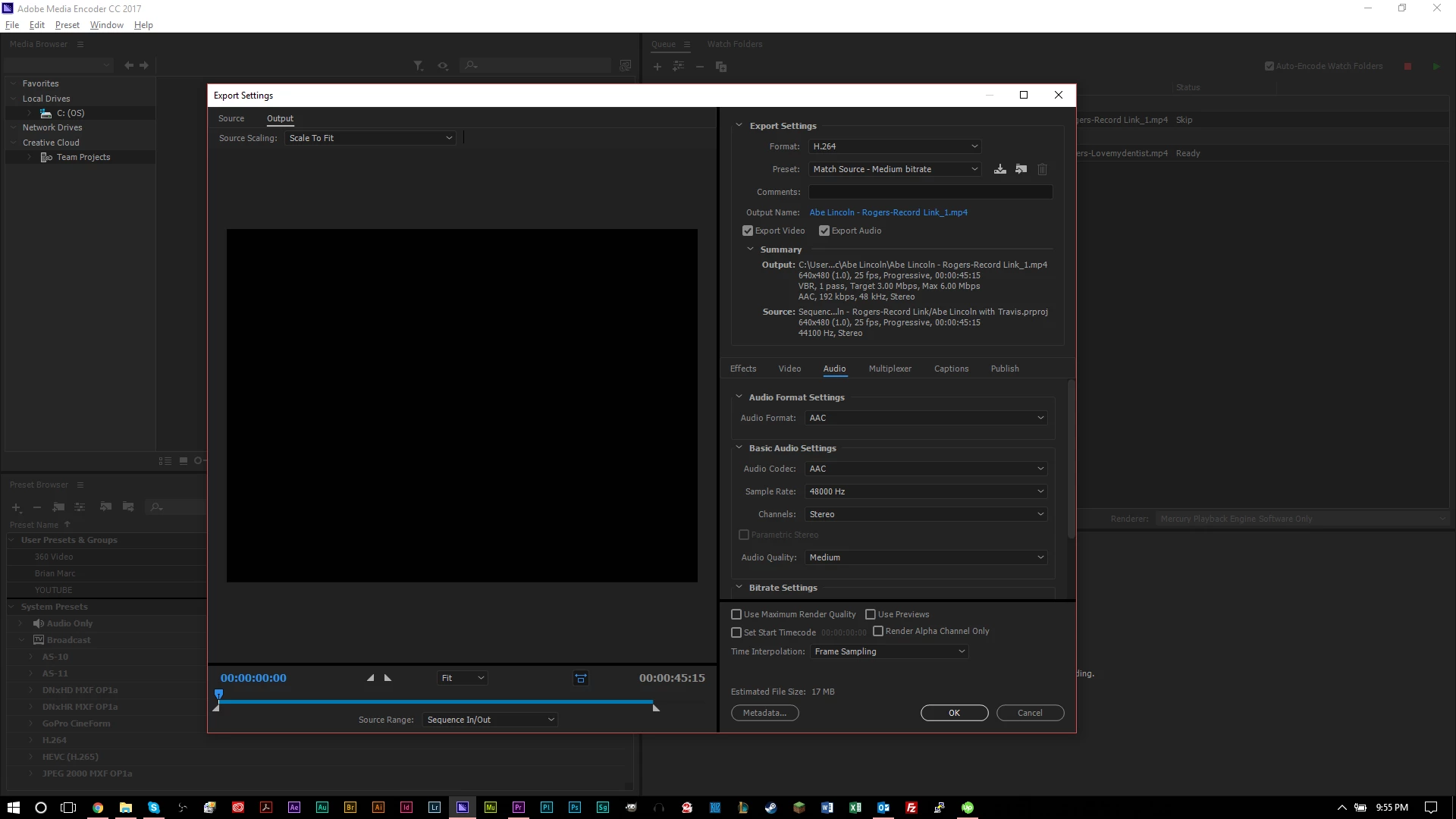
Audio portion of my render settings, above.
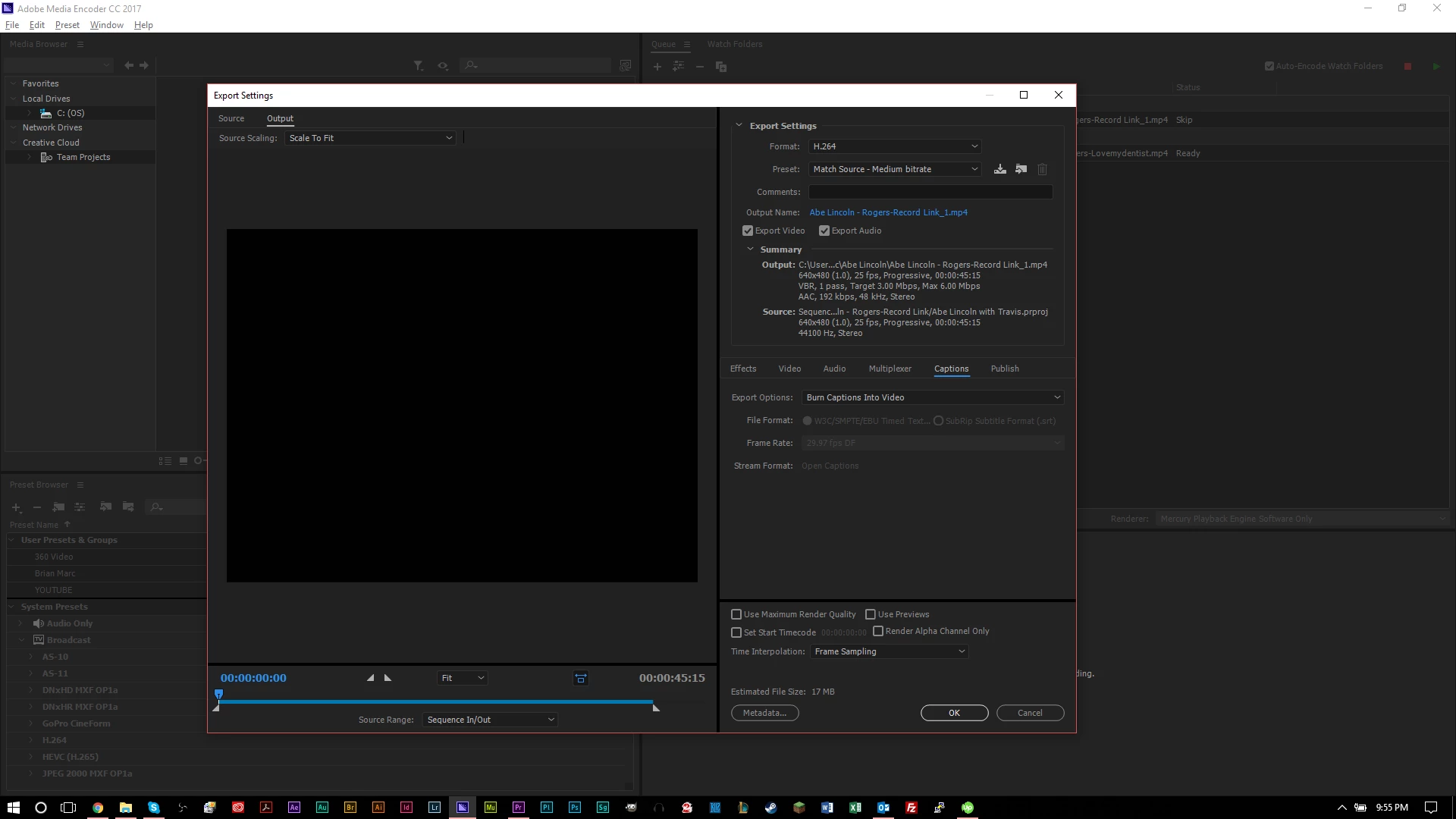
Captions portion of my render settings, above.


When I check the MP4 file that got rendered, I see no captions.

This topic has been closed for replies.
Correct answer AlluringImminence

Found the problem, it's a bug. You need to export in Premiere Pro, do not export in Media Encoder, then it works.

3 replies

kated76833332
Participant
February 5, 2019

I really need to be able to use the Media Encoder - any ideas how to make open captions burn onto video exporting this way?

AlluringImminenceAuthorCorrect answer
Inspiring
September 6, 2017

Found the problem, it's a bug. You need to export in Premiere Pro, do not export in Media Encoder, then it works.

Inspiring
September 6, 2017

Are you wanting open or closed captioning?