
How do I crop video in Premiere CC ?
A version of this question has been asked many times and I have read most of them - they do not answer my question.
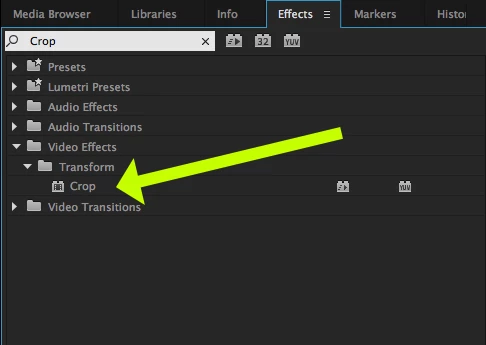
I found the crop tool.
I drew a 4-point shape (although I am baffled why it does not 'snap square' when you hold shift).
In Photoshop you make that selection and 'Crop'.
I'm looking at an array of options in Premiere CC and cannot see the 'Delete everything that is not selected'button.
Help!
I really hate it when you stay loyal to a company/range of products - but the process for doing something in 2 packages (that have been around for many. many years) has such a different 'psychology'.
Am I really the only person who wants to 'Draw a rectangle around something, click crop, and you're only left with the selected area' ?
Any thoughts/feedback much appreciated!
 AdChoices