EricCartman
Participating Frequently
October 9, 2018
Question

How do I remove audio and subtitles from a video? (not burned-in but optional ones)

  • October 9, 2018
  • 1 reply
  • 6210 views

Hi there,

Does anyone know how can I remove specific audio tracks and subtitles from a .mkv file?
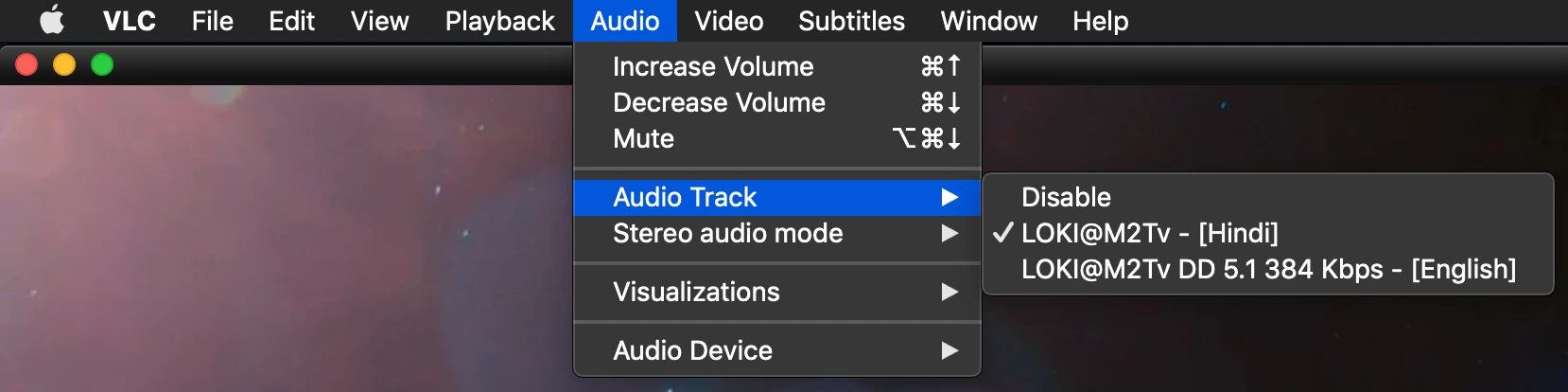
They aren't burned-in and are optional.

Importing the file into PP, I can only see the Hindi track but not the English one. Deleting the Hindi track would cause the video to completely lose its audio. As for the optional Subtitles, there doesn't seem to be a way for PP to find them.

This topic has been closed for replies.

1 reply

Stan Jones
Community Expert
Community Expert
October 9, 2018

MKV support in PR is relatively new, and undocumented. I think you need to make the changes before you bring the file into PR.

EricCartman
Participating Frequently
October 9, 2018

I just took your post into consideration and used Handbrake to convert it into .mp4 before importing it into PP. Strangely the default audio track was changed to the second one (English). Optional subtitles are still no where to be found in PP (I just looked at the Captions panel, hehe).

Kevin-Monahan
Community Manager
Community Manager
November 9, 2018

Is your problem resolved, CongruenceBrah? Let us know.

Thanks,
Kevin

Kevin Monahan - Sr. Community and Engagement Strategist – Adobe Pro Video and Audio