
pitypizzaparty
Participant
May 24, 2019
Question

How to lock image position and pan?

  • May 24, 2019
  • 1 reply
  • 3872 views

I'm faking some CCTV footage so I've positioned 4 images in a nested sequence as per the images attached.
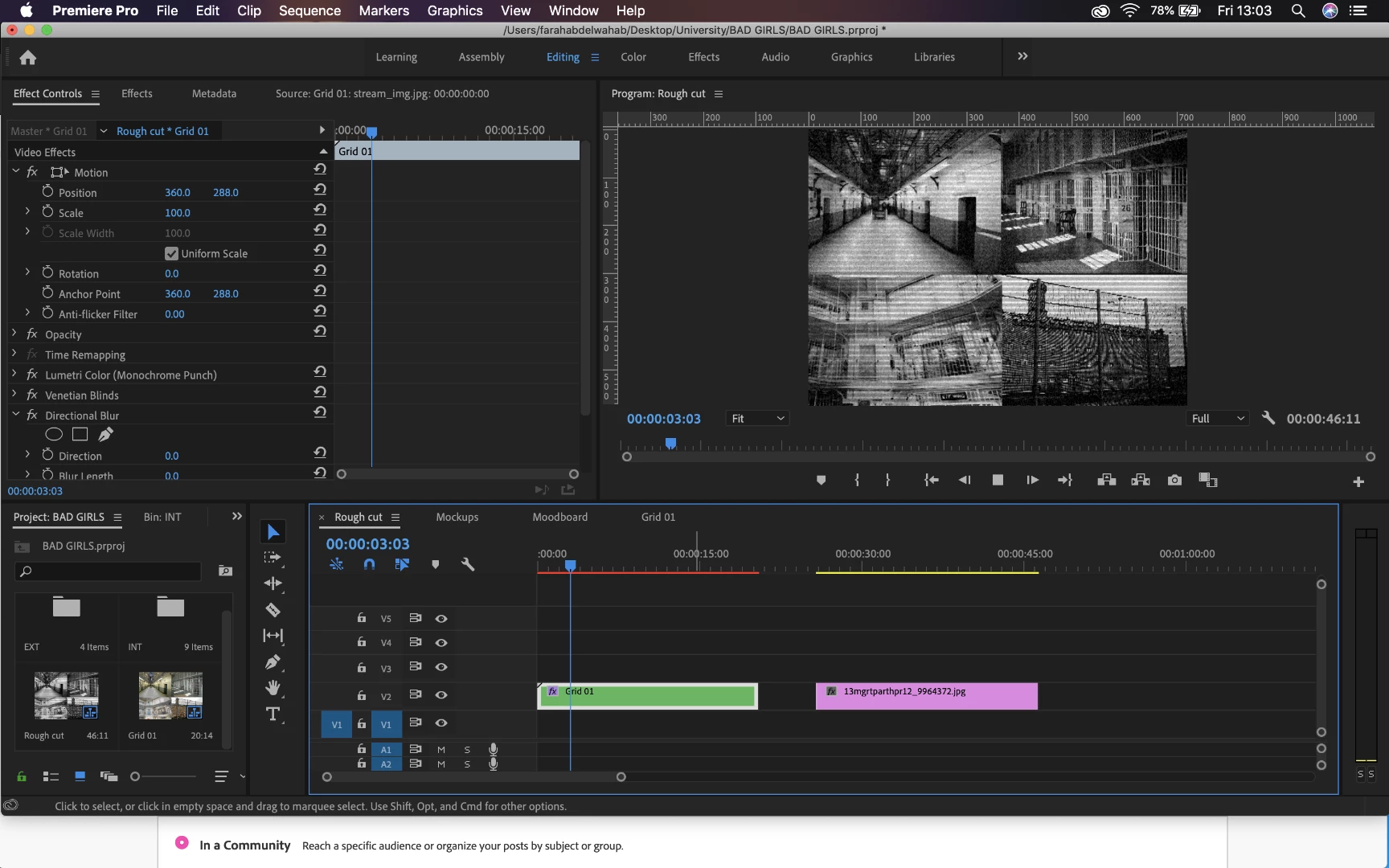
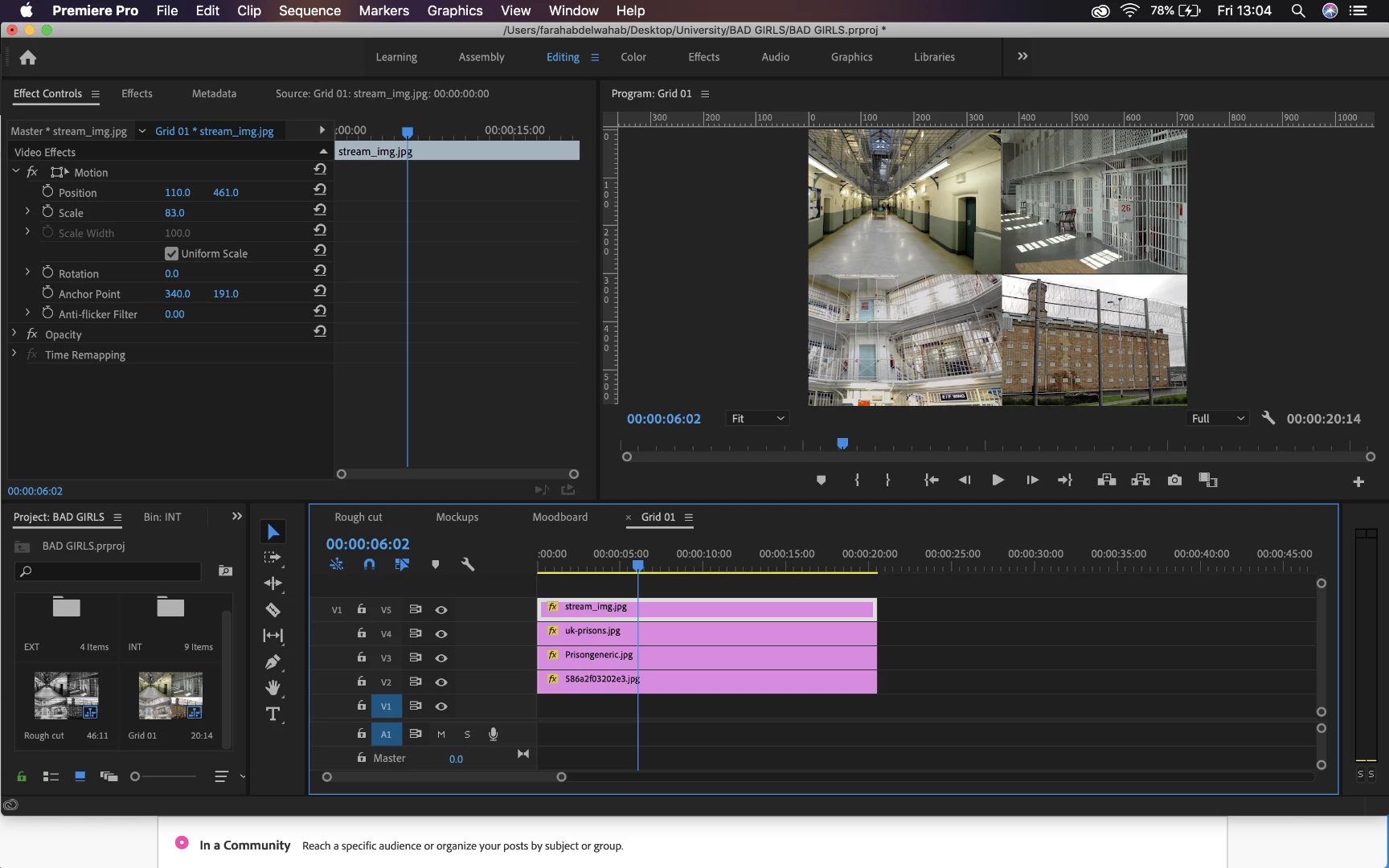
my question is, is there a way to lock where the images are, and move which part of the image is showing? like can i zoom in or move around one of the images without moving its edges?

Also if anyone can help me figure out how to add a + shaped border that would be great but not as important

Thanks!!

This topic has been closed for replies.

1 reply

Inspiring
May 24, 2019

To do the border overlay, create a clip of Transparent Video (File > New > Transparent Video), then use the Grid Effect (Video Effects > Generate > Grid):

Doing the pans is possible, but will be tedious in Premiere. Much easier to build this in After Effects. If you want to build the pans in Premiere, you'll need to create the pan move of each scene in the rough position you expect it to appear,  Nest each clip with pan move, create a matte shape clip for each section of the quad split and then apply an individual Track Matte Key to the nest to restrict the panned content to the section of the quad split you want it to appear in.

MtD