Participant
January 8, 2020
Question

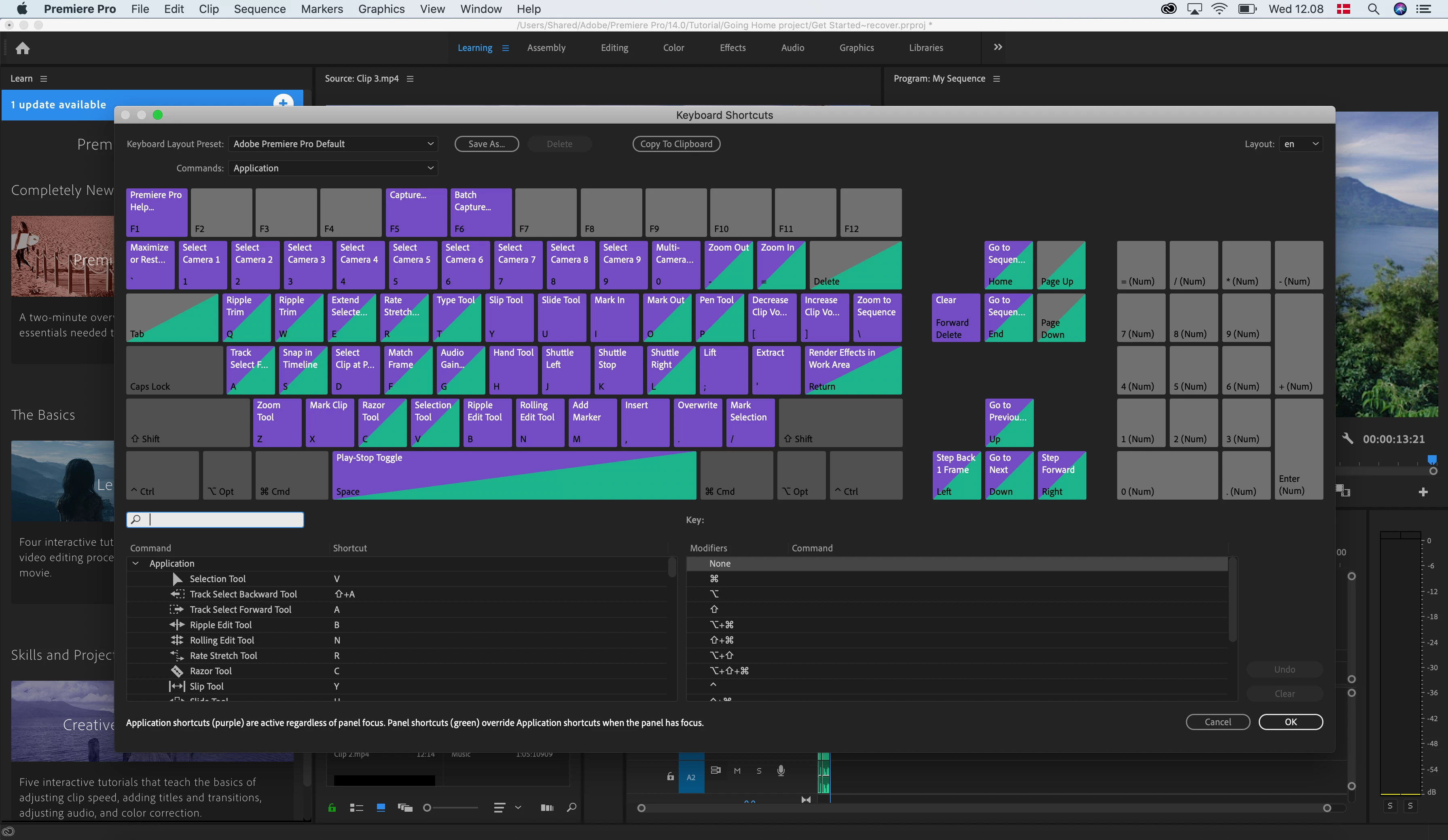
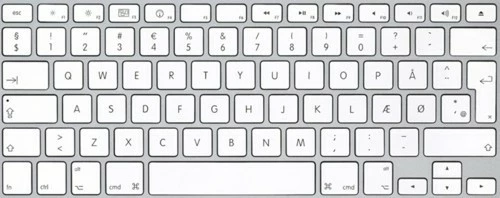
Keyboard shortcut not working. Premiere Pro - Danish Keyboard.

  • January 8, 2020
  • 1 reply
  • 2498 views

Hi


I just got my new Macbook pro 16¨ and i am trying out the shortcuts within Premiere Pro. Not all shortcuts relate to the shortcuts stated within premiere pro and i wonder if this is due to my keyboard layout being danish. 


I have tried some methods i have found on the forum, but it has not resolved the issue, actually when using the "sync settings" in premiere pro, my touchbar ended up not working. This was solved by shutting the mac off and holding shift+ctrl+option keys down when booting.


If anyone has any step-by-step pointers it would be much appreciated. I would like to get into a propper workflow from the get go. 
 

This topic has been closed for replies.

1 reply

R Neil Haugen
Legend
January 8, 2020

Jarle Leirpoll (premierepro.net) is a Norwegian editor/everything with both a ton of experience delivering for broadcast and training people ... Joost van der Hoeven (https://www.animotion.nl/en/) is a Dutch editor/everything also of great capabilities and noted training skills.


They both note there are troubles with using non-English keyboards and a number of the keyboard shortcuts. Jarle's comments would "speak" to your issues directly as he also uses a Norsk/Dansk keyboard mostly. He has a subsection of his massive and most useful tome "The Cool things in Premiere Pro" that talks about problems with keyboard shortcuts on alternate language keyboards. Including a sub-header "It's the Grave Accent Key not the Tilde Key..."


So go to their websites and see if they've help you ... and contact them, they're great at helping. Both do come on here at times.


Neil


Neil

Everyone's mileage always varies ...