Participant
March 26, 2020
Pregunta

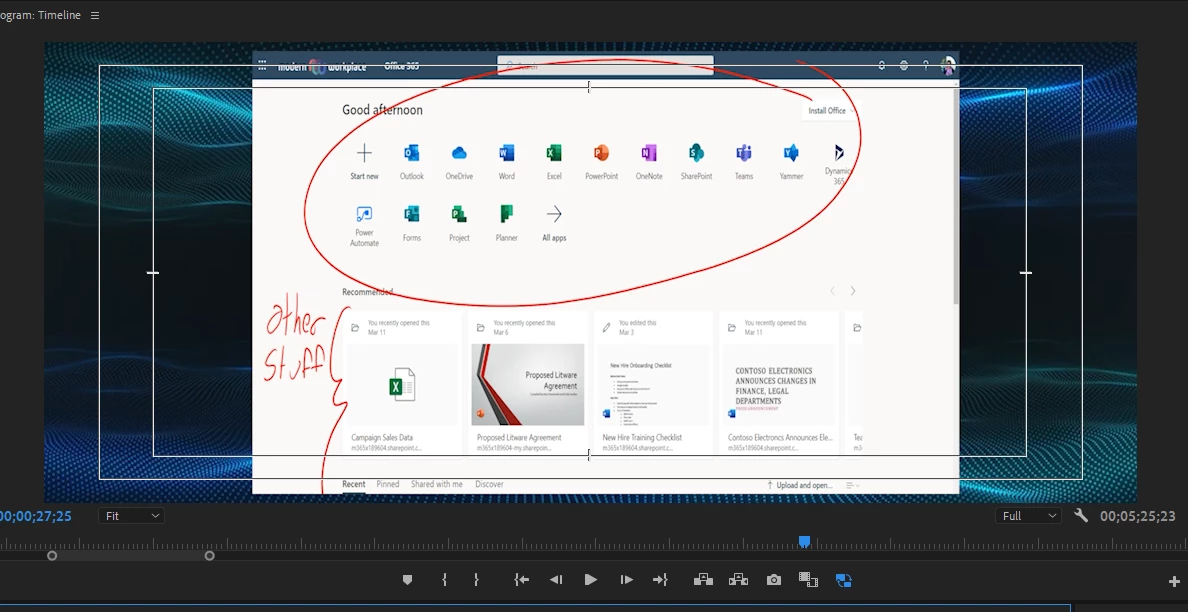
Media export resolution doesn't match sequences; exports being cropped compared to project view

  • March 26, 2020
  • 2 respuestas
  • 1100 visualizaciones

Sorry for the newbie question, but I'm not sure where I've gone wrong but I can't seem to fix this...Details about my project:
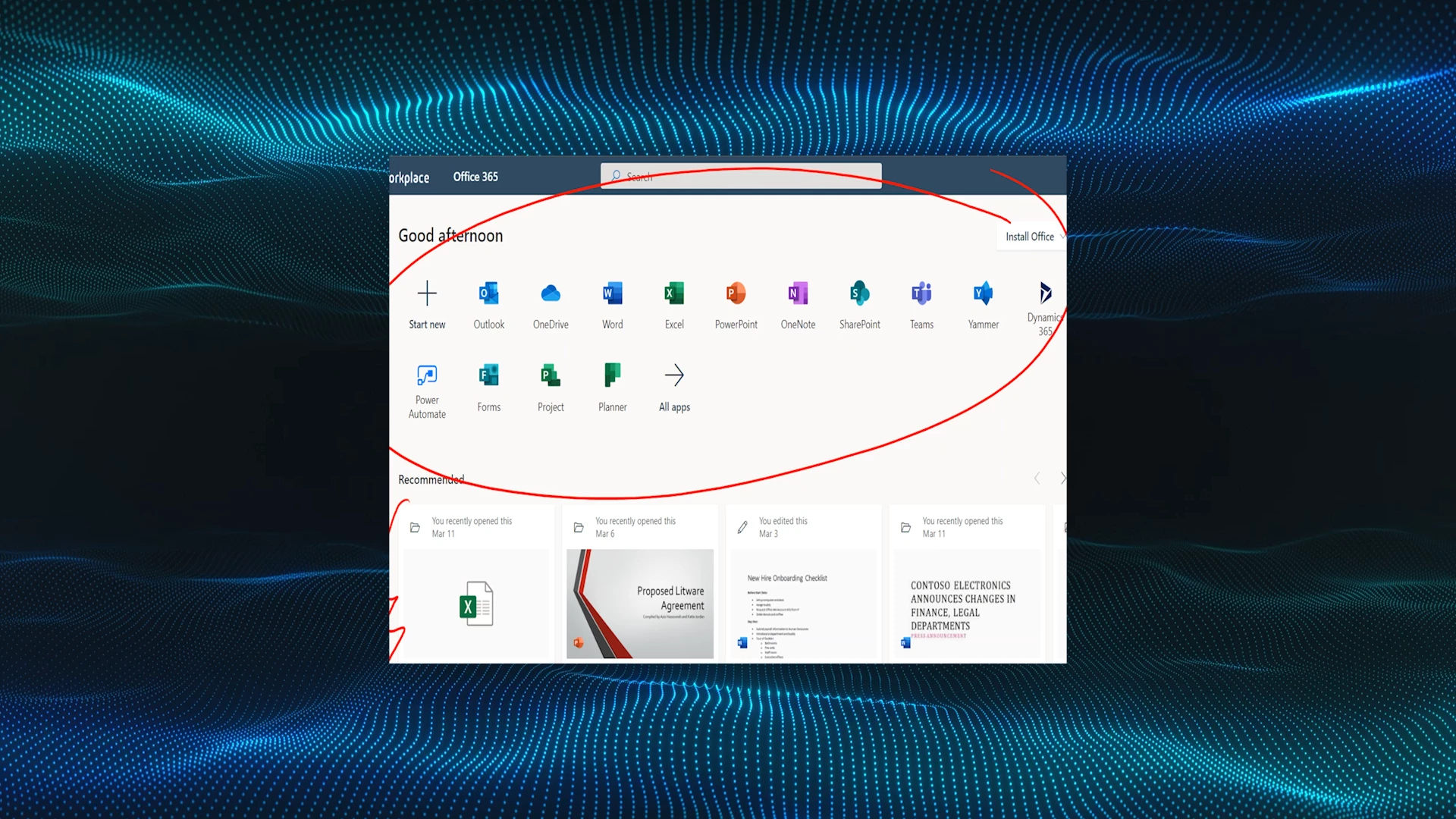
  • The screen capture was recorded in an odd resolution of 2736 x 1824 (didn't realize this was a 3:2 ratio but it is what it is)
  • I want my output to be 1920x1080 
  • All of my sequences are set to 1920x1080


Please let me know if you need further info!  

Este tema ha sido cerrado para respuestas.

2 respuestas

R Neil Haugen
Legend
March 27, 2020

I still don't know what your Preferences are set to for scaling, which may or may not be of interest.


Doubly nested ... maybe it would be useful if you explained what you've done in full details.


Neil

Everyone's mileage always varies ...
Participant
April 8, 2020

Whoa, sorry about the late reply.. I ended up having to scrap the project to move on as troubleshooting it was becoming a lost cause.


Thanks for your help anyways.  I've still got a LOT to learn 😛 

R Neil Haugen
Legend
March 26, 2020

The content area of your program monitor does not look like a 16:9 ratio, rather longer than tall to my eye. So I'm not sure you have your sequence settings actually correct. Also ... I don't know what your scaling is set to, whether "Set to framesize" or "Scale to framesize" ... and they can result in different behaviors.


So ... a screen grab of your clip properties, sequence settings, and export settings dialog boxes would be very helpful along with the information of the type of scaling you are using to put the media onto that timeline.


Neil

Everyone's mileage always varies ...
Participant
March 27, 2020

More screens as requested!


Here is the root video file and settings:


Here is the sequence it's nested in:


....and the sequence that one is nested in:


Here are my export settings: