
Answered
New automatically highlighted clips on timeline function
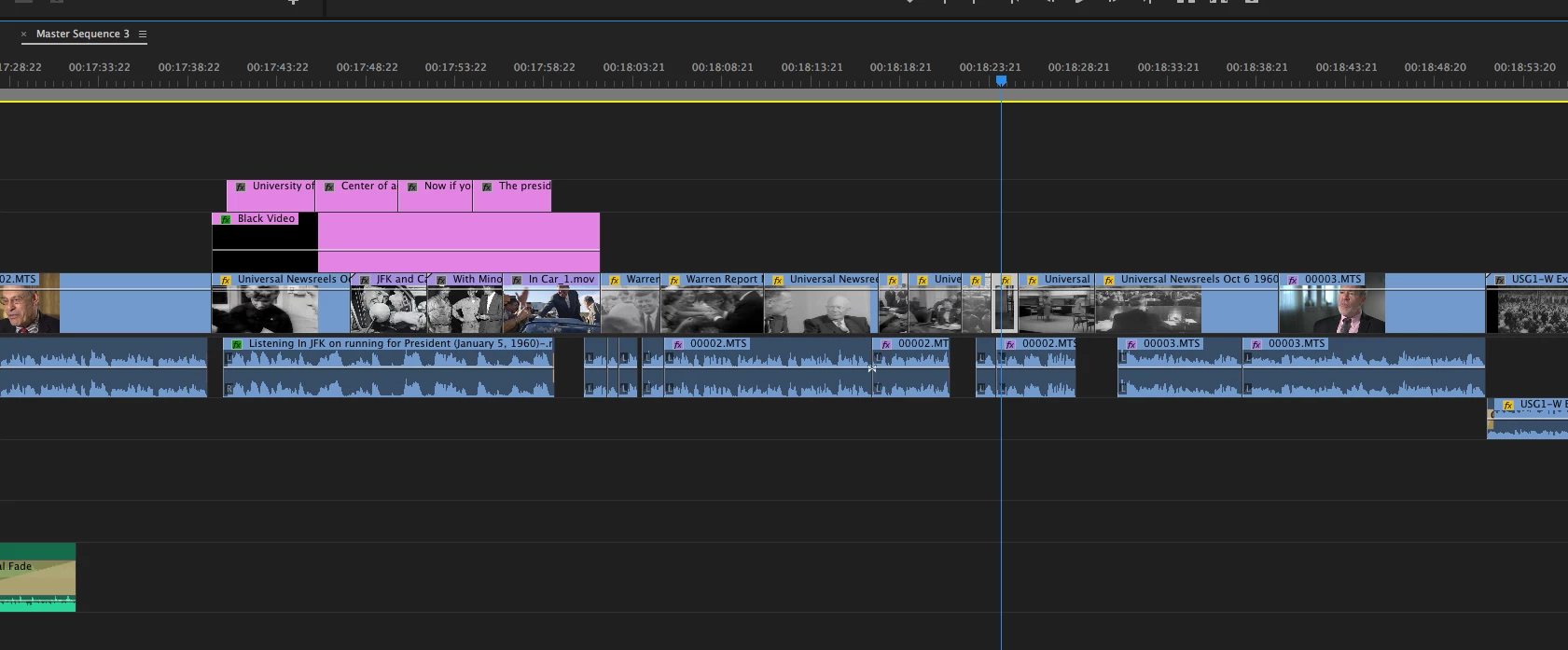
Is there a way to turn off this new function in Premiere Pro that highlights a clip automatically when you change the position of the playhead on the timeline, or sometimes even zoom in or out?
For instance, I selected a bunch of clips to work with:
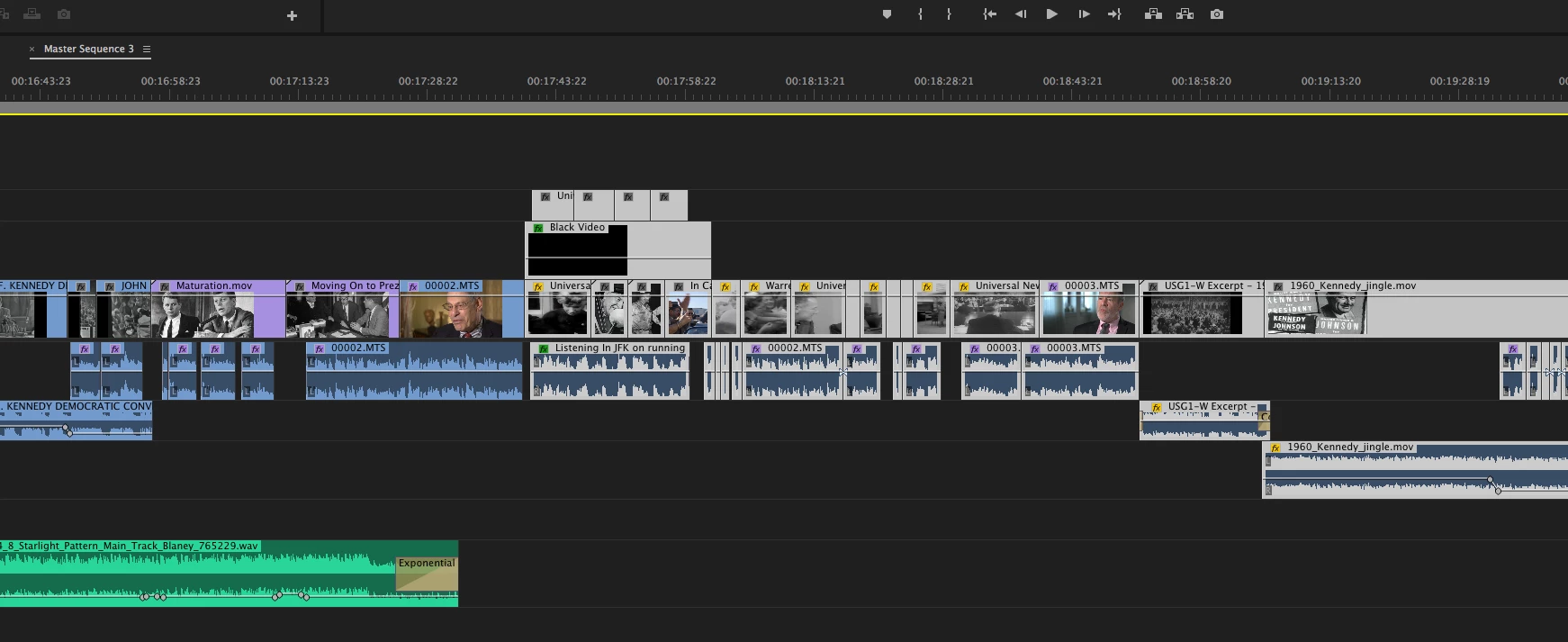
But then if I change the zoom or move the playhead--not clicking anywhere but the ruler at the top-- it automatically selects the one clip it's parked on. I'd like to turn off this function if possible. Thank, Paul
Mac OS Sierra 10.12.5
3.5 GHz 6-Core Intel Xeon E5
32 GB 1866 MHz DDR3
AMD FirePro D500 3072 MB
F5KM9083F694
 AdChoices