

Question
No "none" option in default audio input
Hi there
I have had quite the day trying to figure this out, so please help me if you can.
I have the somewhat common issue of the clips that I import into Premiere pro being either too fast or too slow when I import them into the programme. I found a fix fo this relatively quickly, which was to go to Preferences - Audio Hardware - Default Input and set it to none.
The only problem is that "none" doesn't appear as an option on my mac running Sierra. The problem is also shown here:
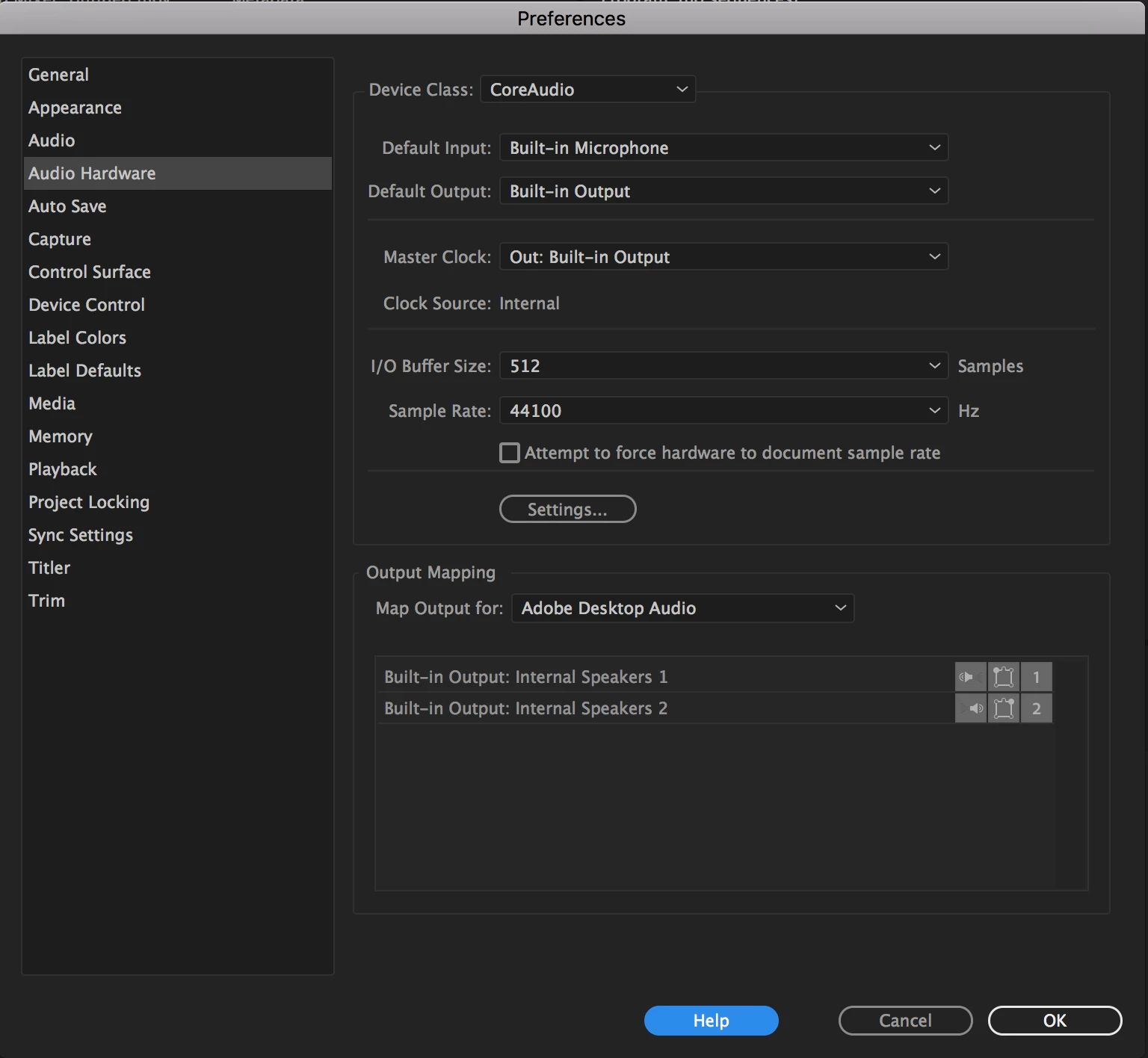
I don't know why and my version of Premiere pro is absolutely useless until this problem is fixed so I am desperate for you help.
 AdChoices