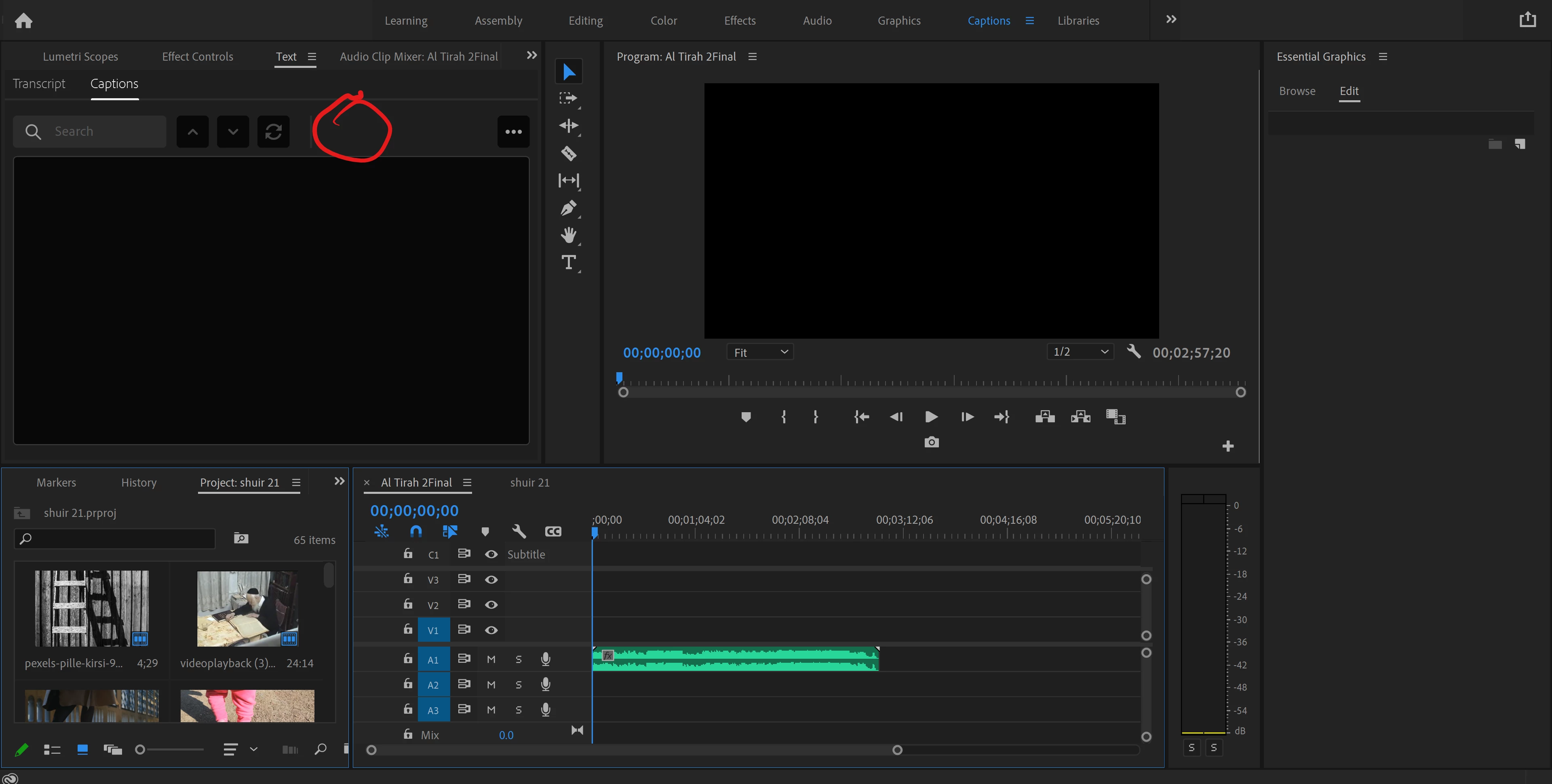
The plus symbol does not show if your Text panel is not wide enough. Drag to the right, and you'll see it.
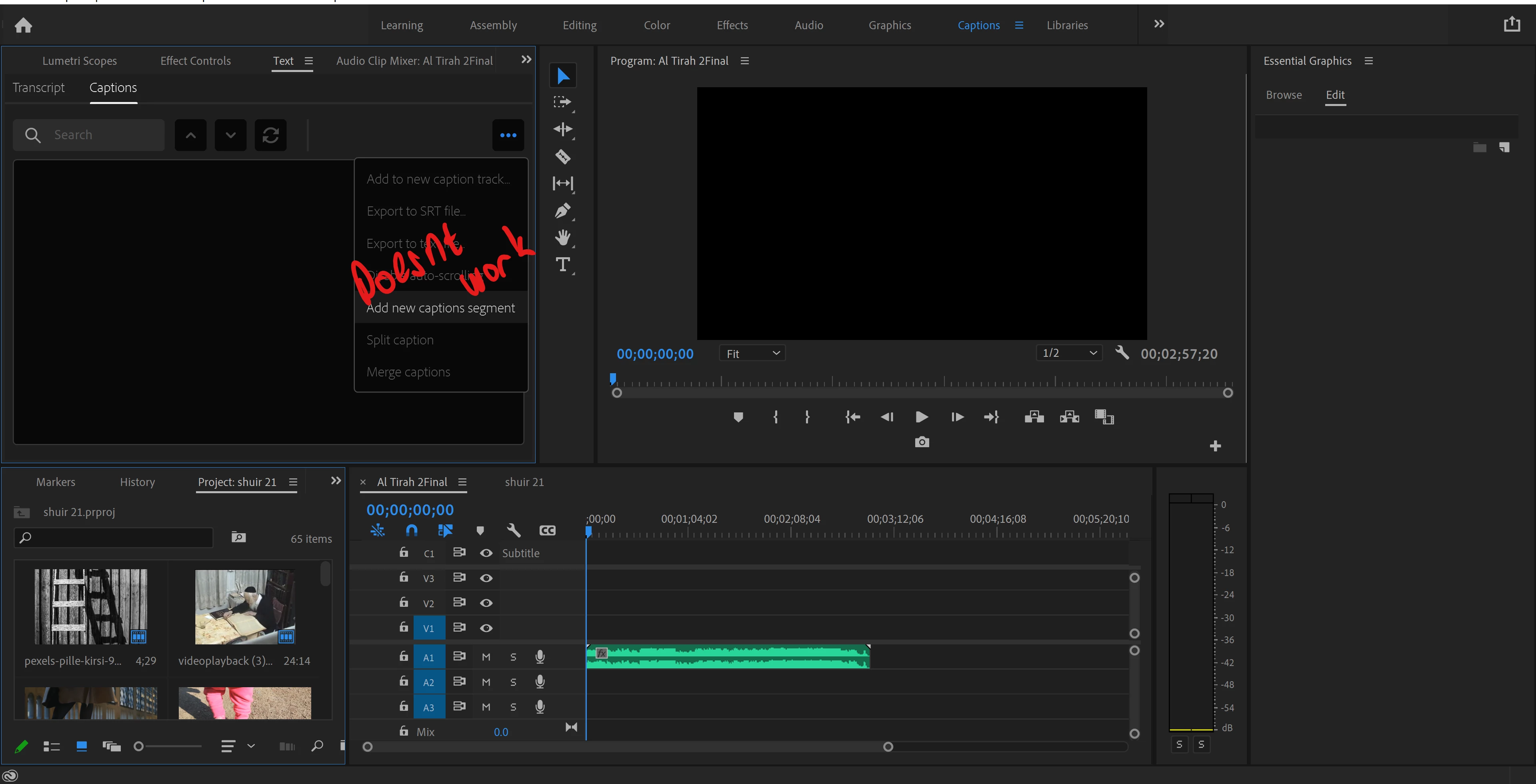
As you noticed, when you click the 3 dots, you see the additional items, including the "Add new caption segment." BUT, as you also noticed (and I did not know), it does NOT work. I tried:
- targeting the caption track by clicking on the C1 in the track header,
- clicking various places to make sure something else in the timeline did not have the focus, and
- expanding the Text panel so I could access the + symbol to make one caption, then moving the CTI (leaving in the old location would prevent a new caption segment), then narrowing the Text Panel and using the 3 dots.
Note that you can use the keyboard shortcut Ctrl-Alt-C - "Add new caption segment at playhead".
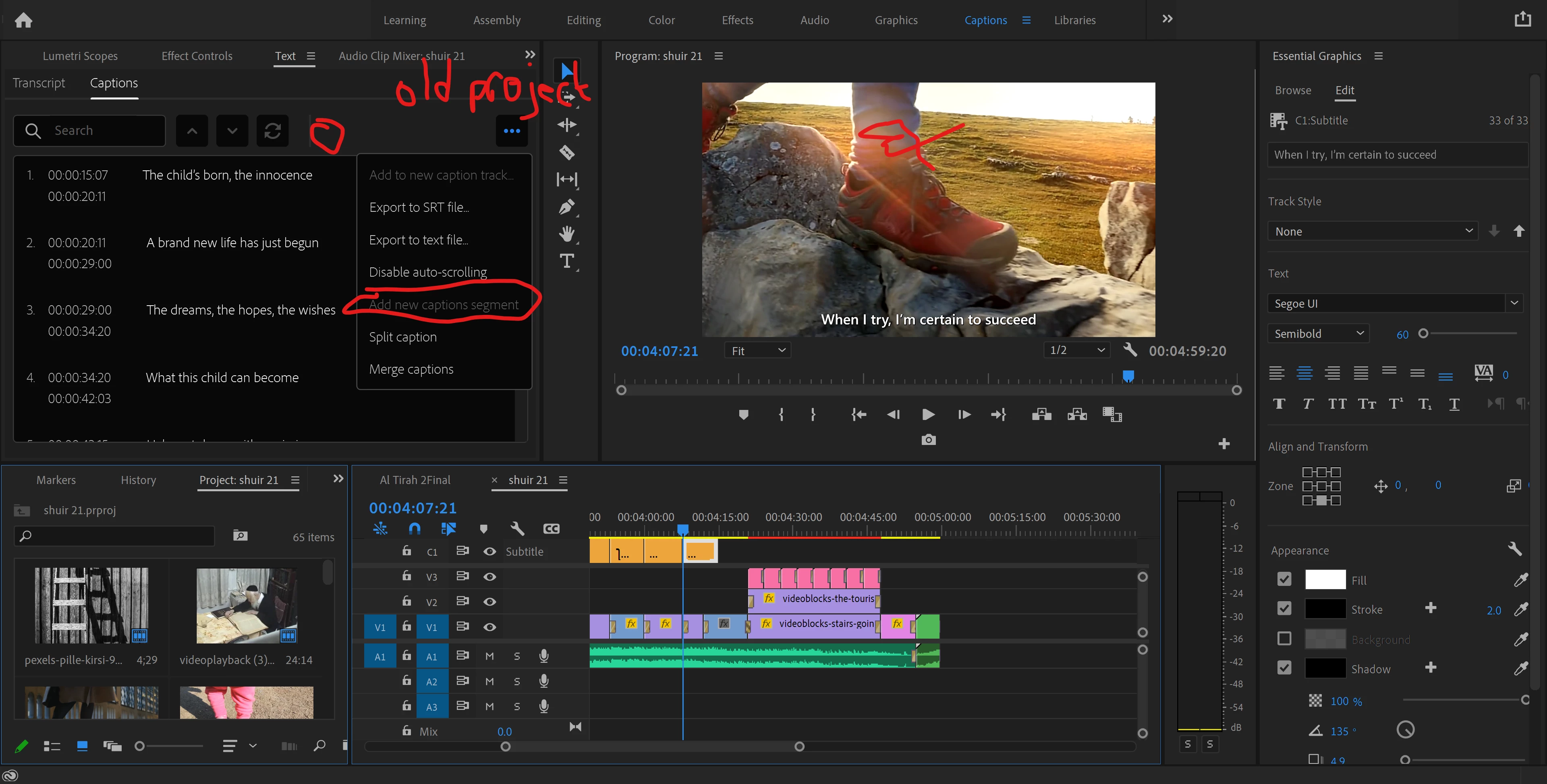
Your old project did not work for two reasons: 1) you did not have access to the plus button, probably did not know about the keyboard shortcut, and 3 dots options does NOT work and 2) the CTI is in front of a caption segment, so does not allow for adding a new caption segment.
I also tested this in a recent Beta version, and it does not work there. If you file a bug report, add a link here. If I file one, I will.
Stan





 AdChoices