

Pixelated/Blocks in certain sections of Premiere exports
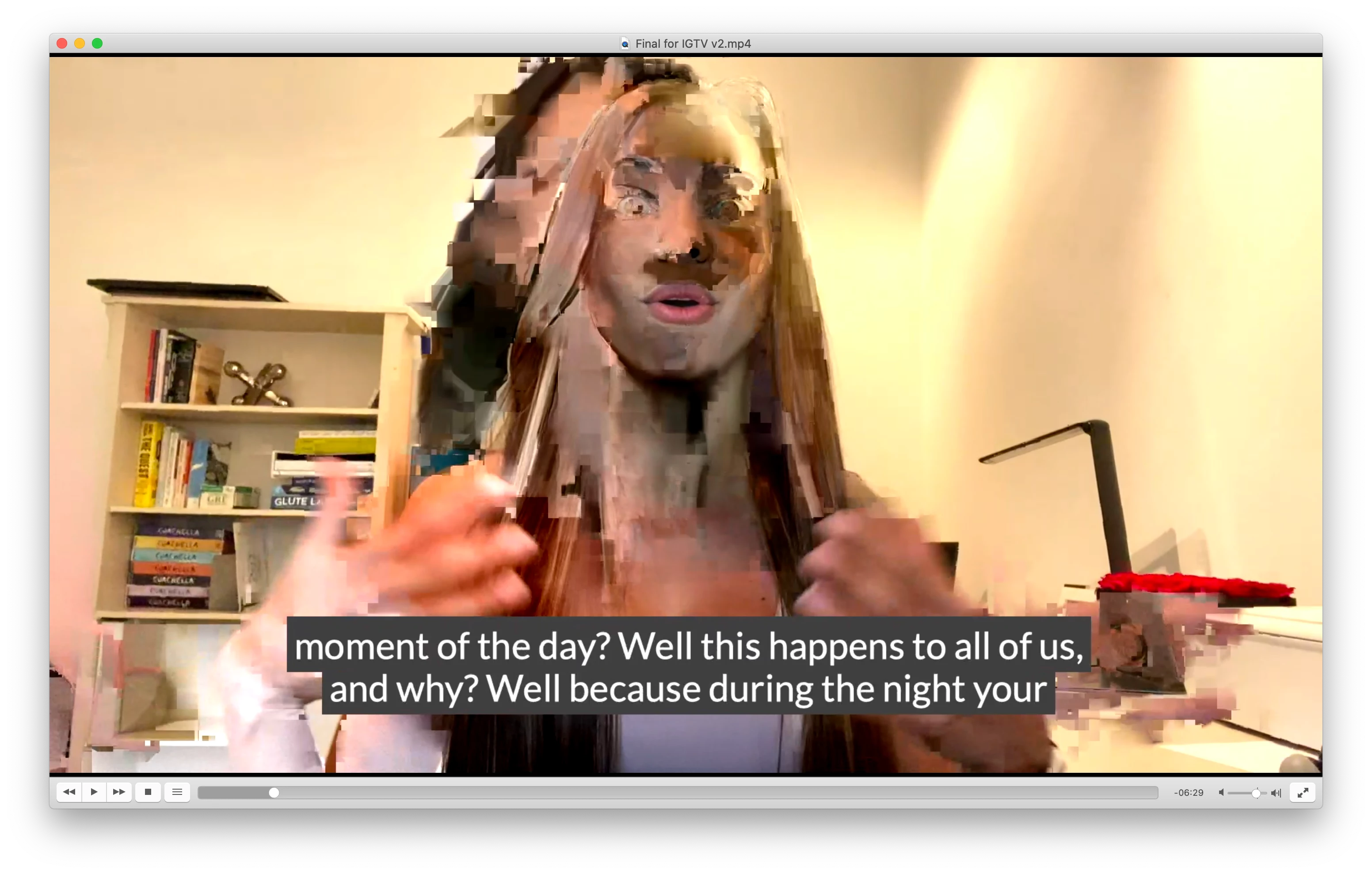
I'm having an issue where the same part of a video is pixelated/blocks upon export from Premiere:
Here is a screenshot of Premiere around that same moment, no pixelation at all in Premiere, so it's not an issue of the original footage being corrupted or something:
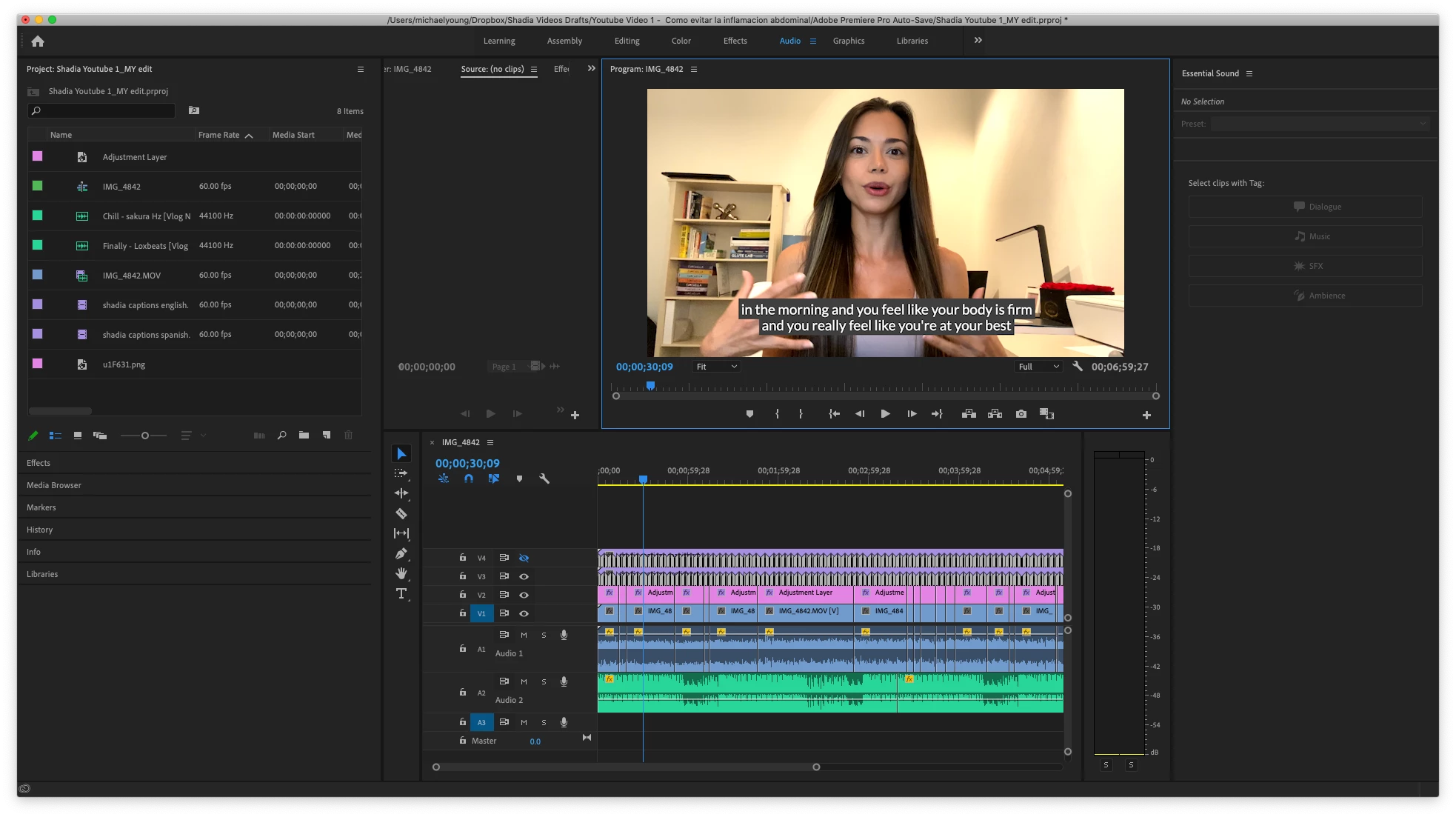
What's weird is that 99.9% of the video exports perfectly, there are just two little moments throughout the whole 6m30s duration that appear pixelated/blocks like in the first image above.
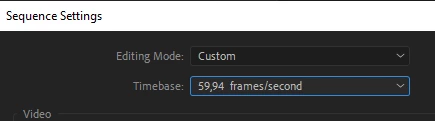
When I export just a 10 second clip (5 secs before and after) this moment on the clip to test it, that short little exported clip does not have the pixelation and blocks. So then I assume the issue is fixed and export the whole 6m30s clip again and then that same problem appears again, in the same spots. Why?
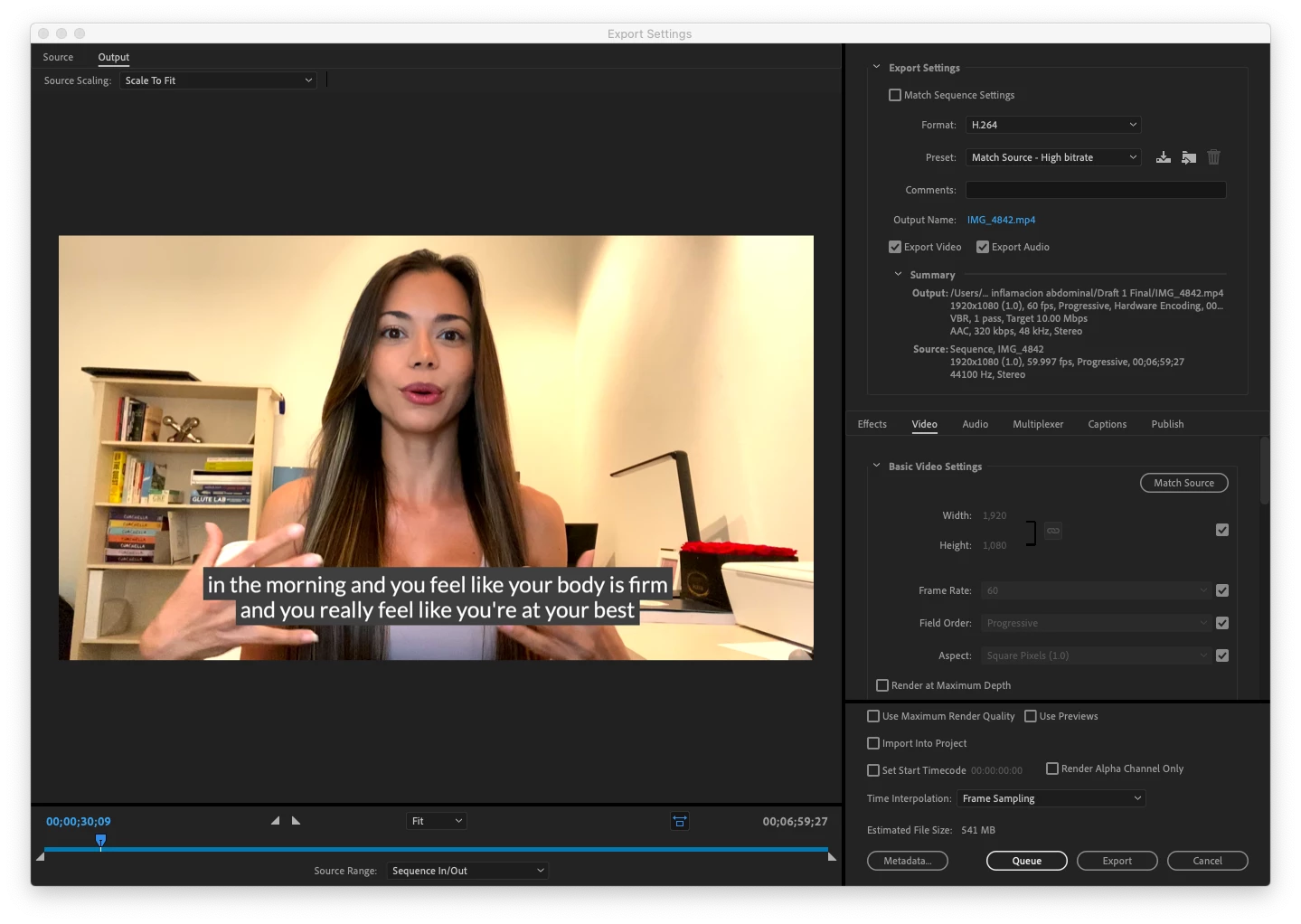
Here are my export settings (and I've toggled "Max Render Quality" on/off so it's not that):
Thanks in advance to the community for any suggestions or advice!
Michael
 AdChoices