
Participant
December 8, 2016
Question

Pixelated red graphics imported from Adobe Animate to Premiere

  • December 8, 2016
  • 1 reply
  • 648 views

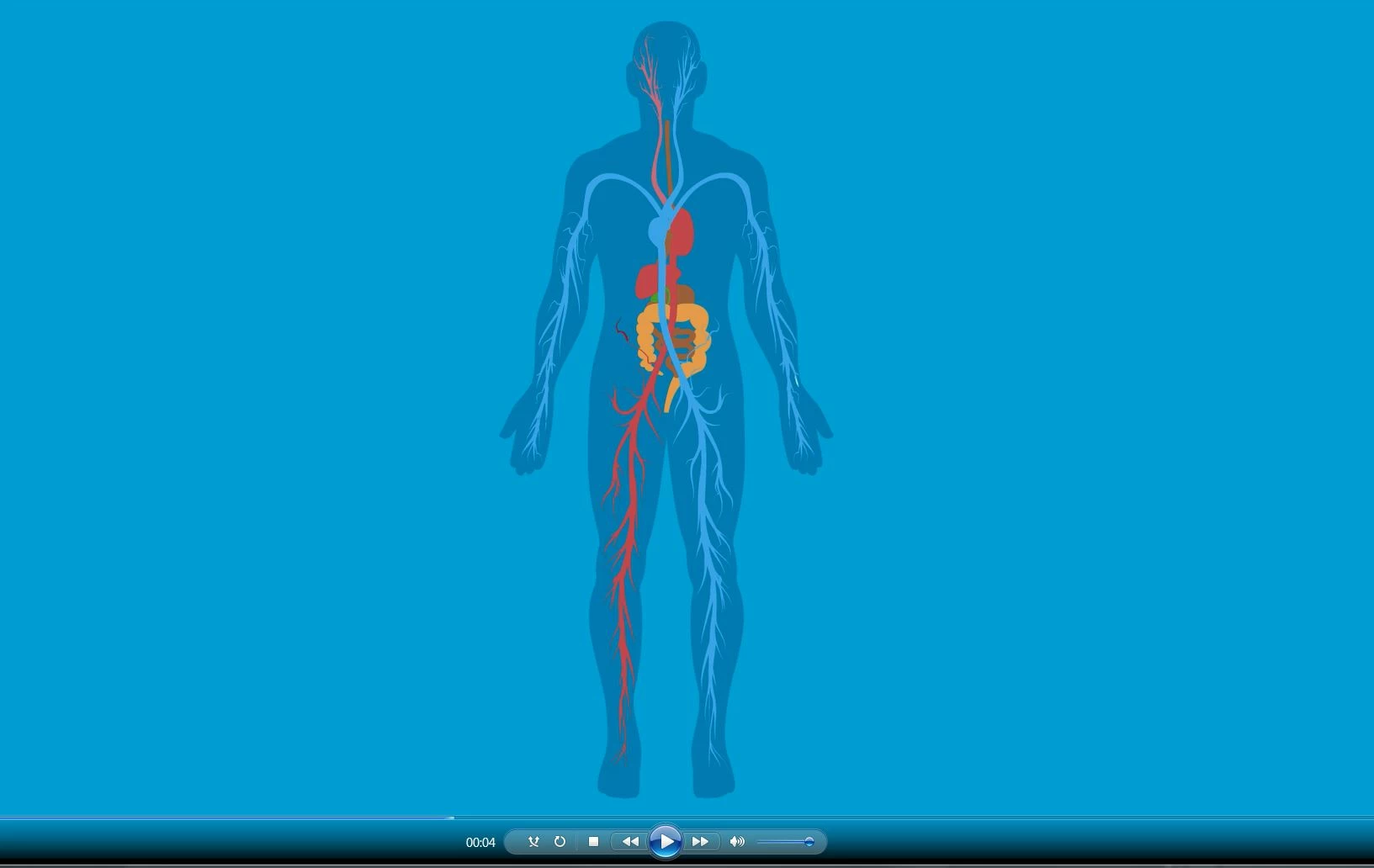
I've exported an animation in Adobe Animate as a Quicktime file. Looks ok when I import it to Premiere, but when I export some of the graphics pixelate even though it's originally vector graphics.

Why does this happen and what can I do to avoid the pixelation?

The red areas below shows the pixelation:
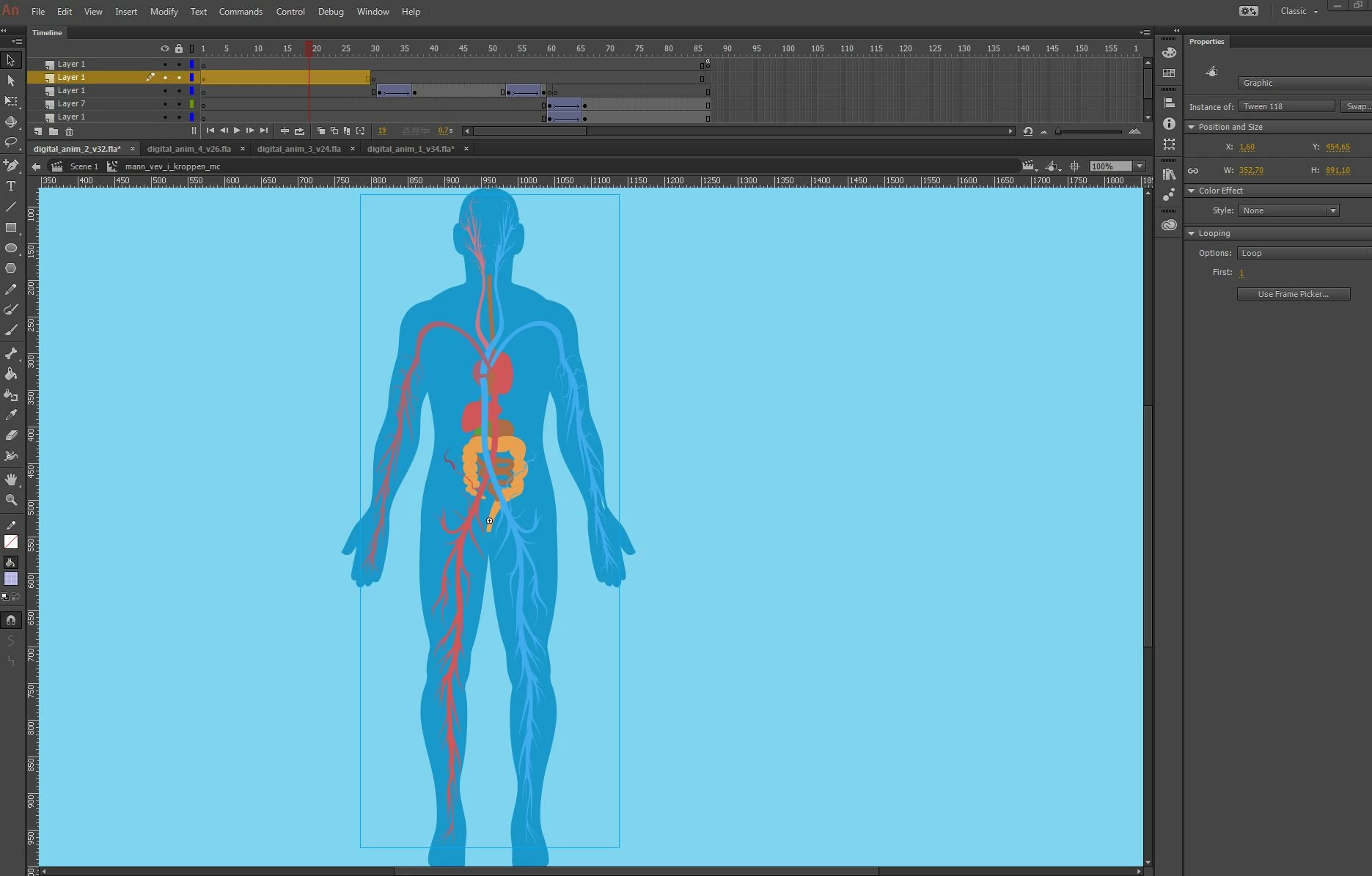
Original animation in Adobe Animate:
Really appreciate if anybody can assist me on this one!

Thank you!

    This topic has been closed for replies.

    1 reply

    Ann Bens
    Community Expert
    Community Expert
    December 8, 2016

    Use an intermediate file format to get your image into Premiere e.g. Cineform.

    The original look pixelated too. Red is a difficult color. It 'bleeds' easily.

    Participant
    December 9, 2016

    Hi Ann. Thank you for your reply! Unfortunately .mov seems to be the only format I can export to from Adobe Animate to include the nested animations.

    Did you mean that I should try to convert the Quicktime file to another format before editing in Premiere? I've tried to convert it to .mp4, but the same thing happened once I export it from Premiere.

    Appreciate your assistance!

    Ann Bens
    Community Expert
    Community Expert
    December 9, 2016

    If you can export with quicktime you might be able to choose the codec e.g. Animation.