

Premiere Pro CC 18 Sequence disappeared
Afternoon everyone,
I have such a serious and frustrating problem...
I was editing a video a couple of weeks ago, lets call it Project1 for ease of understanding. I had multiple projects I needed to edit at the same time so decided to open up another project, Project2 but instead of closing Project1 and opening up the new Project2 one entirely, it just imported Project1 into Project2 and merged all the sequences... not to worry, I got used to that (although any idea on how to turn that setting off would be great).
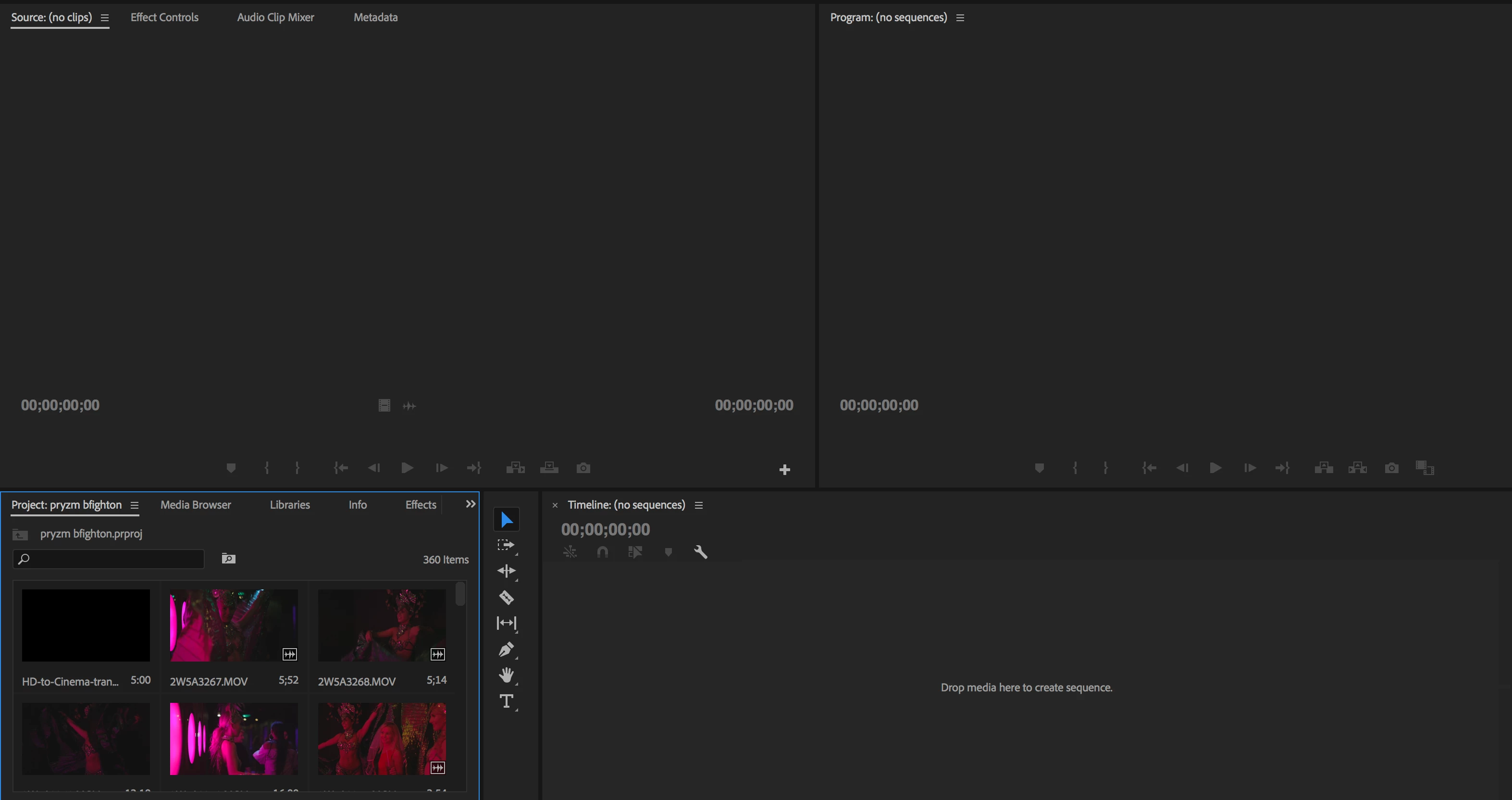
However I accidentally closed the Sequence for Project1 and once I had finished Project2 I saved it, BUT... because Project1 was shoved into my project2 and because I had saved Project2 after I closed Project1's sequence, it is nowhere to be found!! There is no sequence in the project box at all, just the clips and now I have to go to Project1 and make changes but I cant find it for the life of me, its so frustrating and if ive lost it I now have to edit all over again.
I've checked autosave files but its the same thing, I don't know what to do! Any help would be really appreciated.
This is what it looks like when I open Project1
 AdChoices