

Premiere Pro CC 2017 1.1 - Video With Grain & Burn Overlay Exporting With Epileptic Flashing & No Transparency / Blend Mode
Hi, can anyone help? I've been trying to get this video to a client for a nightmare 24 hours.
I'm using Premiere Pro CC 2017 version 1.1
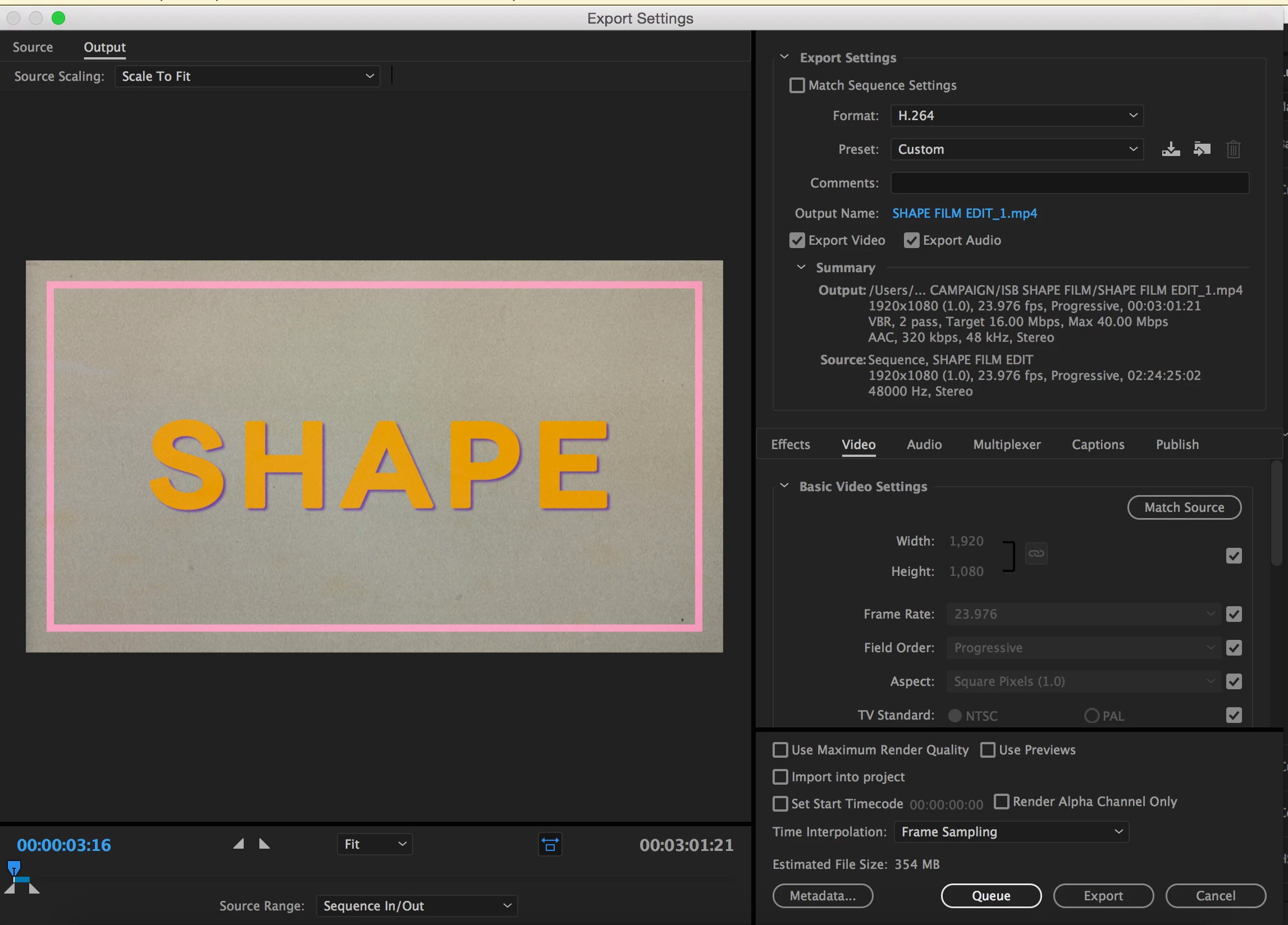
Trying to export a 3-min sequence with the following specs:
1920 x 1080
02;24;33;22, 23.976 fps
48000 Hz - Stereo
into output H.264 video
Video Settings: 1920 x 1080, (1.0), 23.976 fps, Progressive, VBR 1 Pass, Target 10.00 Mbps, Max 12.00 Mbps
Audio Settings: AAC, 320 kbps, 48k Hz - Stereo
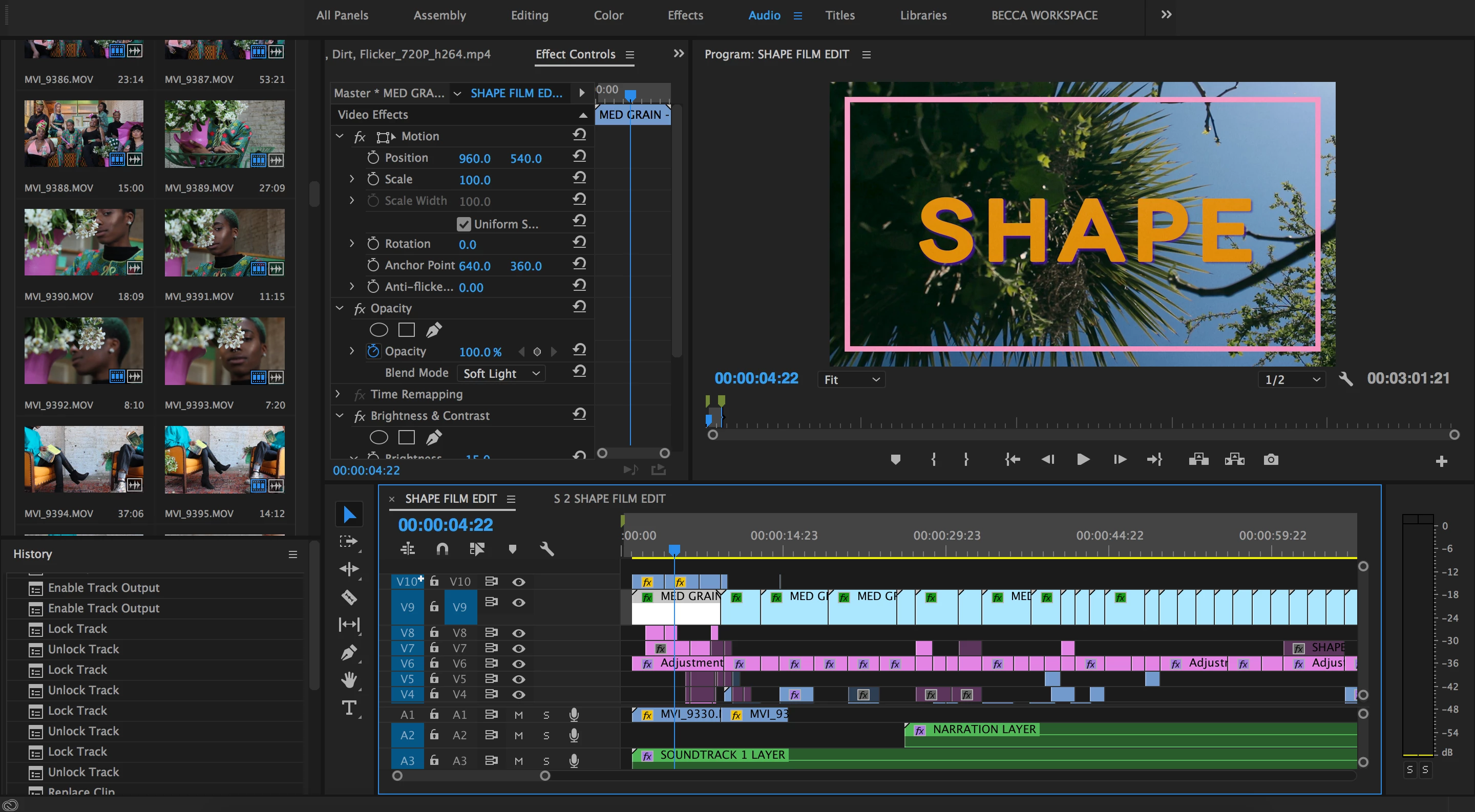
There are 10 video tracks. The top two tracks are V9 & V10.
Track V10 is a few instances of a film burn clip with the Blend Mode set to Soft Light and Opacity dropped to 30%
V9 is an overlay of 720p up-scaled film grain with the Blend Mode set to Soft Light
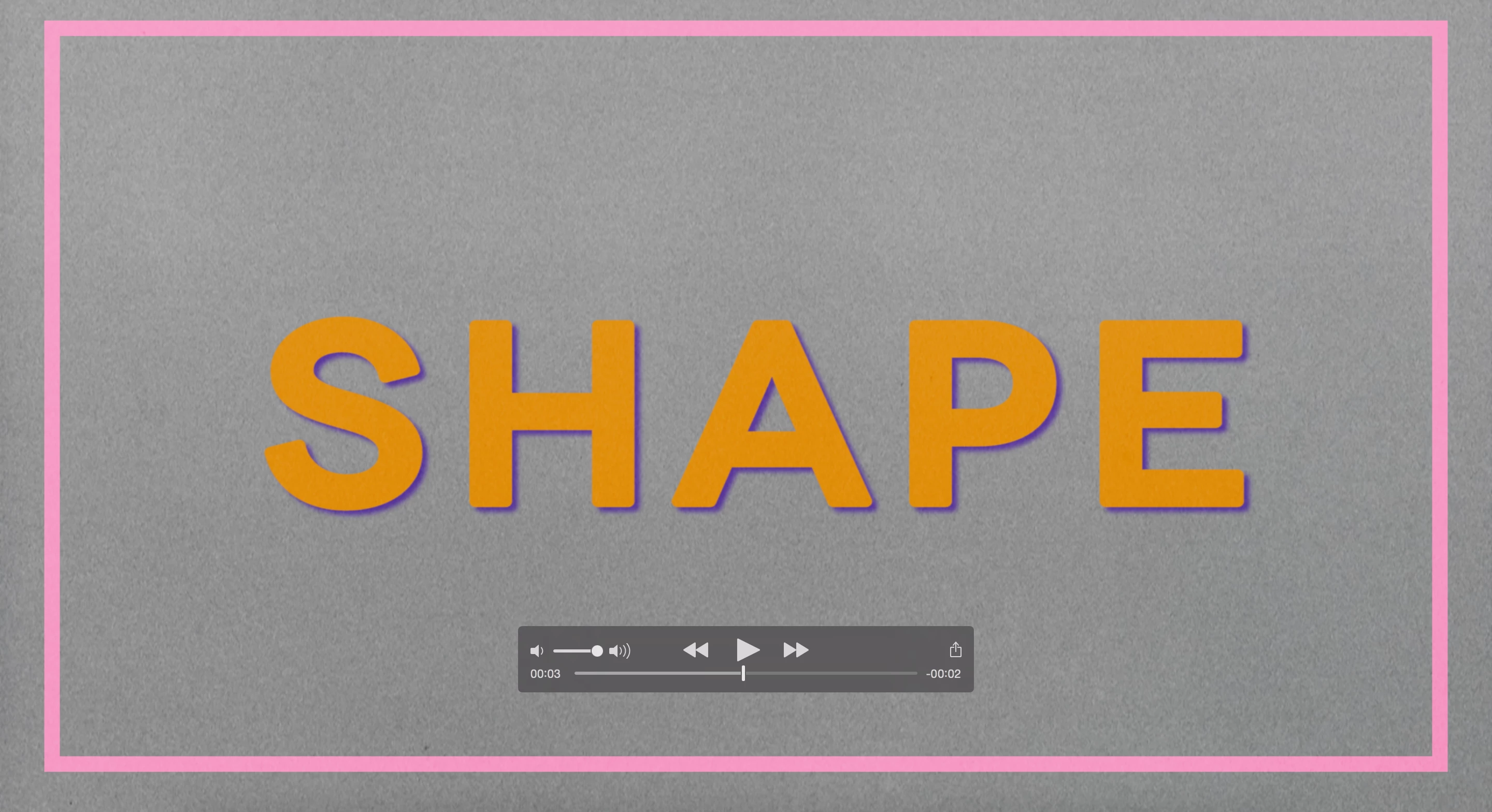
When I've tried to export it previously (14 times), the exported H.264 video has come out flashing with the film grain layer appearing at full Opacity 100% over all the footage as an epileptic-inducing consistent flash - but weirdly the grain is layered underneath the film titles text (even though the grain is actually above the title cards track in the timeline). The whole video flashes like it's ghosting, it's not just dodgy playback in Quicktime player. The sequence plays fine in PrPro, though some clips are kinda laggy where they've had a bit more colour correcting. The sound appears fine in the export.
I have trawled through threads across the Adobe forum and elsewhere to find people having trouble exporting H.264 with transparency/opacity/alpha channel settings. So tried exporting to Quicktime / to .m4v / with an Animation codec / with a PNG codec / uncompressed video - and still the flickering persists.
I've tried nesting the tracks V1-V8 below the grain & film burn layer and re-exporting,
I've tried nesting the grain clips on V9 into a single sequence (but this loses its varying opacity settings and goes to full 100%),
I've tried nesting the entire sequence and re-exporting
I've tried converting the original grain footage from a .mov to a .mp4 and replacing this in the timeline, made no difference
I've tried hiding (clicking the eye symbol on a video track) the grain & film burn layers to just export the video tracks below and then I intended to re-import the video to see if it would overlay over a single footage - same problem persisted
I've tried hiding just the grain layer, and then in the export the film burn clip's overlay shot up to 100% opacity and disregarded the Blend Mode
I've tried deleting the grain & burn layers altogether to export, and then discovered the footage was still flickering when encoding through Media Encoder
I've read about film grain causing artefacts & pixellated footage, but this is now a problem of the footage without the grain & burn still flickering - it flashes black
I've tried exporting through Premiere Pro itself and Media Encoder
I've tried restarting my Mac (read a thread of somebody who was having trouble exporting, rebooted their comp and this was a fix) but that's not changed
I started the project in - and was having these exporting issues in - a previous version of Adobe Premiere Pro CC 2017 - so then I updated the program via Creative Cloud to see if the latest version would fix this bug - nope
I've probably watched every youtube video under the sun about correct video export settings and am now at the end of my tether so if anyone could help me out I'd be v grateful.
Can provide more screenshots if needed etc
Thank you
 AdChoices