

Premiere Pro CC 2017 - Freezing On Opening Project.
Hey Guys,
So I'm the IT guy for a company that require Premiere on a hourly basis, At the moment we have two pc's running fine, but I need a solution ASAP,
So we are running windows 7 on the PC with the issue, this PC is connected to a Active Directory and their profile is roaming therefore all of the users folders (Appdata, My Documents, etc.) all move with the user account. The issue we are having is that when opening a project that has been saved on a network share (Scratch Disks set to D:\ witch is a local drive) will freeze and will not open at all, we have given it over 24hours to open and it will stay frozen, I have also attempted to reinstall and also gone as far as cloning the HDD from another Active directory machine and re-activating Adobe CC with another account, I have also tried opening the project on another PC and the project loads within 2mins of clicking on the project name. I have also tried clearing out all appdata files for Premiere and also (Well doing this) cleared the "Documents\Adobe\Premiere Pro" folder in the users dir.
This is the screen we get as soon as clicking on the project:
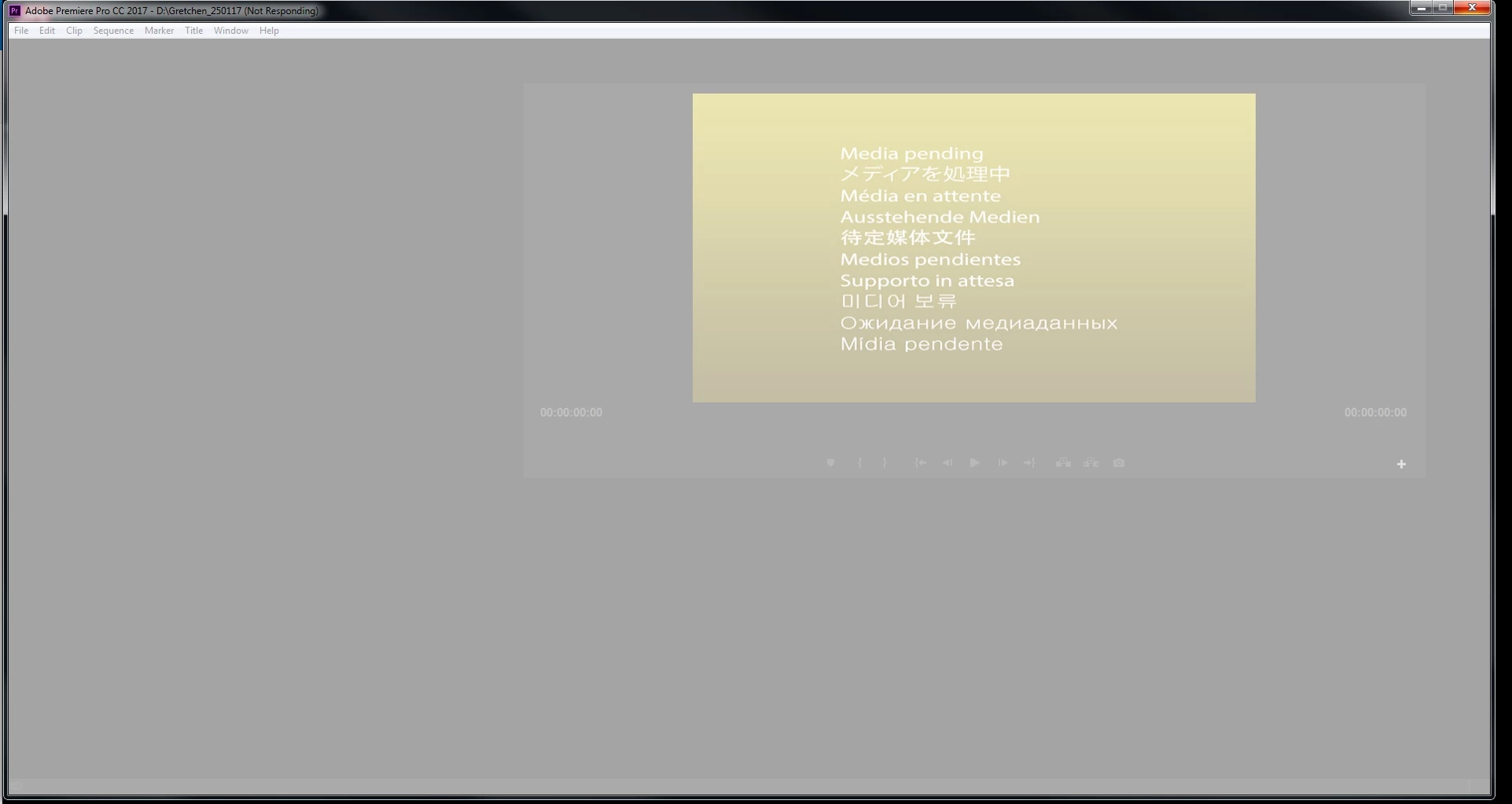
Any Help would be great.
Thanks
 AdChoices