
Answered
premiere pro won't export in original aspect ratio?
There is probably a really obvious answer too this, but...
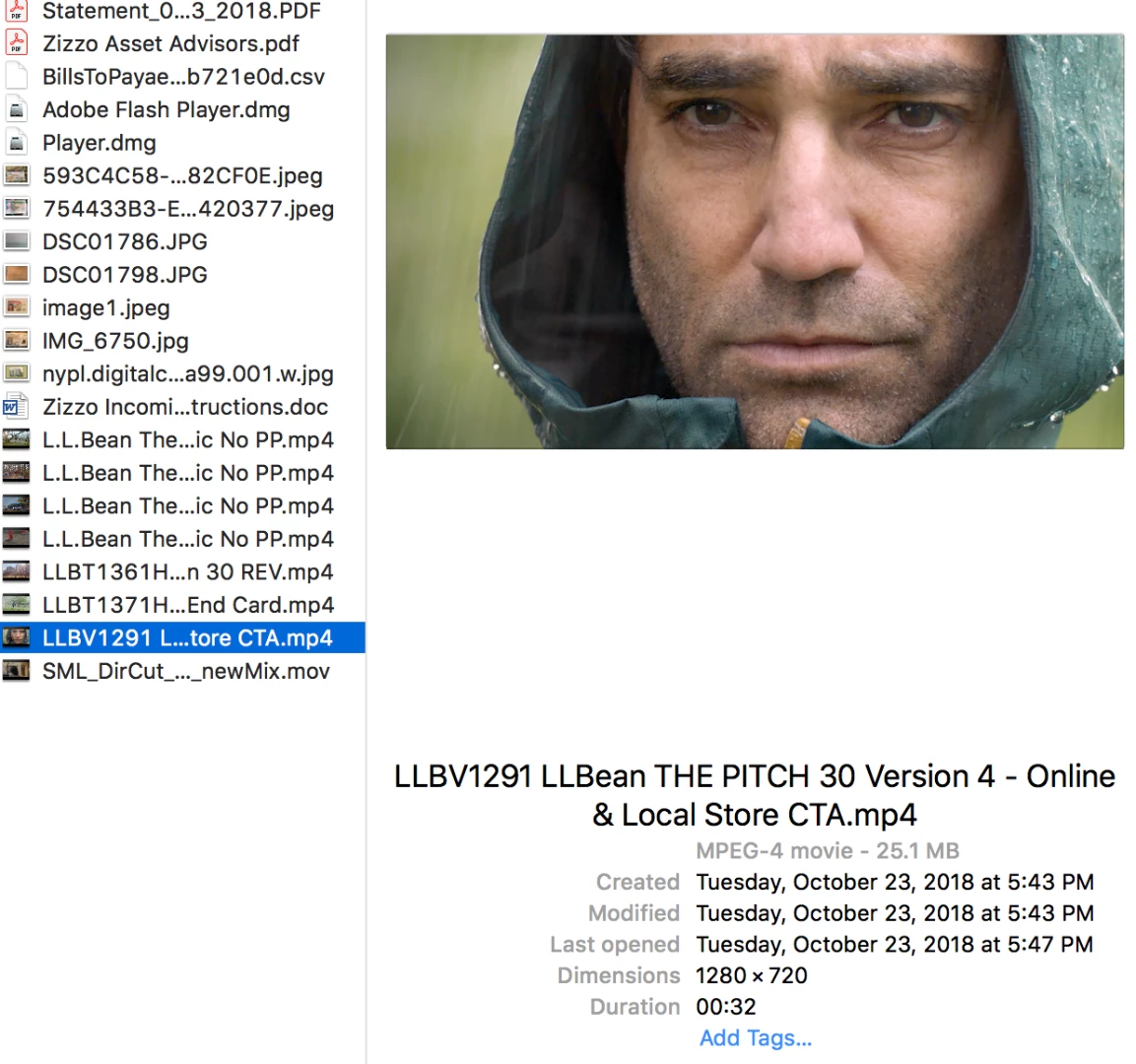
I am trying to export a project for which I imported a single 30-second MP4, 1280x720, for the purpose of color correction. To do this, I made cuts at every edit, so as to be able to individually color each segment. No problem with any of that, but when i go to export it gives me a finished piece in 720x480 4:3 - letterboxed - when the original was 1280x720 16:9... and the Export Settings dialogue box says that the source video was 1440x1080, when in fact it is 1280x720. (see screenshots - the first is the settings premiere pro wants to export at - the second shows my source material at 1280x720)
how can i get a 1280x720 finished piece!?
thank you!
-Joe

 AdChoices