
Question
.prfpset Organization
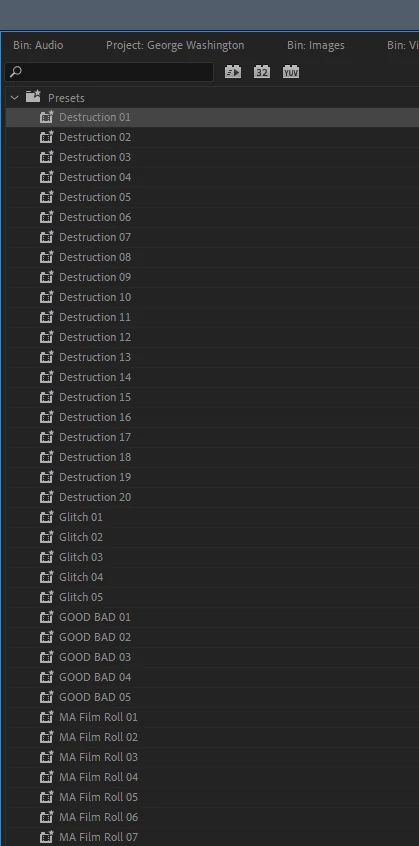
Is there a way to put downloaded prfpsets into a folder after they are placed into the Adobe Premiere Pro 2020\Plug-Ins\en_US\Effect Presets folder?
This is a mess and undescriptive and the creater really should have put it in folders before exporting! I would expect to drag it into a folder or rearrange/organize on most other programs. Is it possible? Can I modify the .prfpset file to add a folder structure? Reorganize where it comes in the list? What kind of customization do I have availiable here?
Windows 10. Version 14.7
 AdChoices