
Projects Open to White Screen, then Crash
I've noticed this happening for the past couple projects I've worked on in Premiere. Most have been quite simple setups, using ProRes proxies, and zero effects/filters.
When I create the project initially, it works swimmingly. Editing is no problem. There are a few interesting issues though: it seems that dynamic link doesn't want to work. If I try to create proxies from within Premiere (and sending to AME for transcoding,) it 90% of the time freezes up and crashes. I'm then forced to manually create proxies either using AME or another app I've been using EditReady.
Strangely enough, though, if I close the project in Premiere and try to re-open it, even if it saved successfully, and I haven't done anything else to it, it acts like it's opening correctly, but then just opens to a white screen (sometimes I can see the preview window with an offline media graphic as well,) freezes, and crashes. I have to force quit.
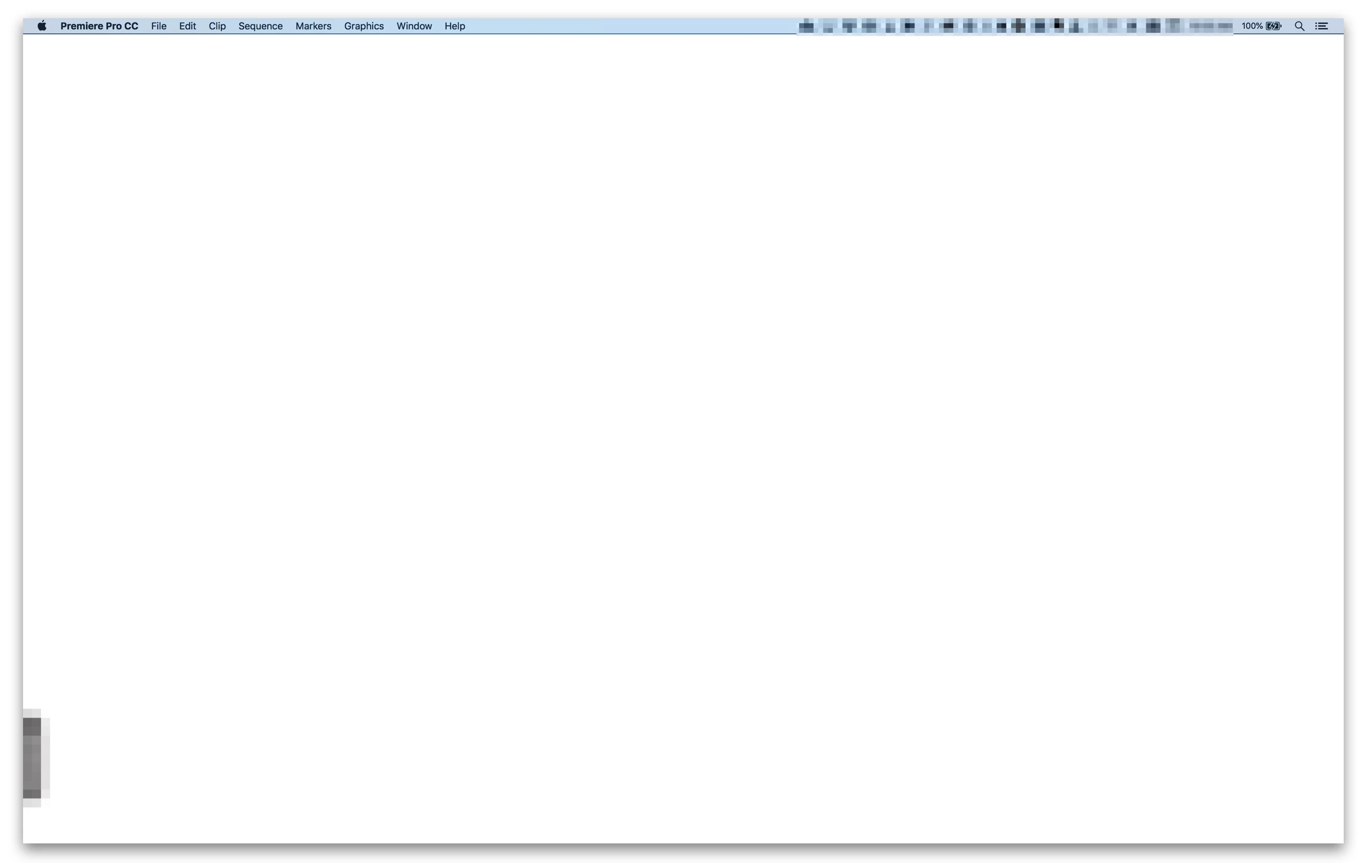
The only way to save the project is to create an entirely new Premiere project, and drag-and-drop import the previous project into the newly created project. That imports just fine, and I can continue on my merry editing way. Every time I close the project, I have to create a brand new one, import the last one, and edit that way. If I try to re-open any Premiere project by just double-clicking from the Finder.app, Premiere opens to this white screen.
Has anyone else experienced this? Anyone have any ideas on how to fix it? Thanks in advance for everyone's advice and help!
 AdChoices