

ProRes RAW LUT issue on import
Hey Everyone!
I'm stoked to see the ProRes RAW update for Premiere Pro!
I'm having an issue achieving the correct S-log3 colour space on import. My files are ProRes RAW files in .mov format and were shot on a Sony FS5 using an Atomos Shogun.
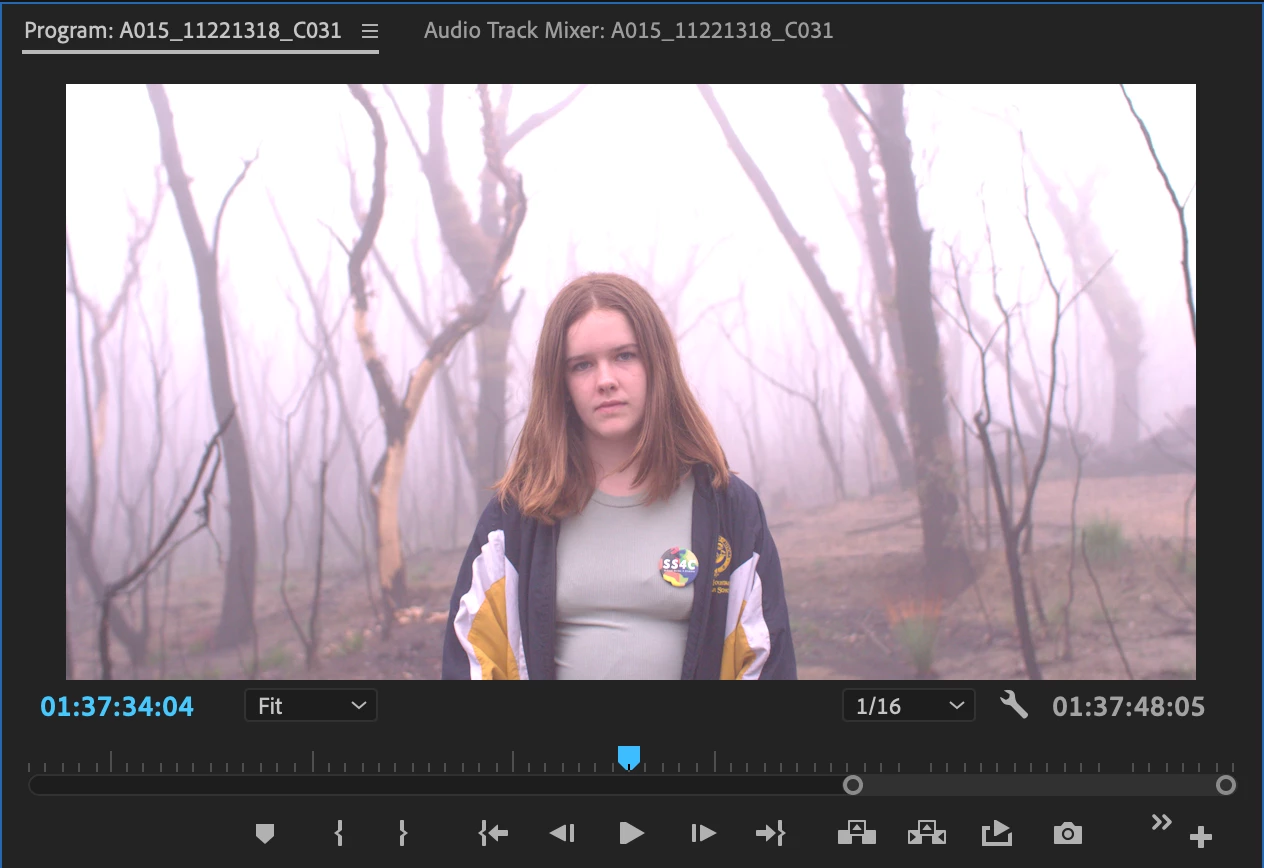
When they are imported into Premiere Pro 14.3, Premiere automatically applies what looks like a rec709 colour profile to the image. I cannot find any way to return to the SLOG3 image that was recorded.
I have tried:
- Disabling Master Clip Effects
- Going to the Effects panel in the Source monitor to disable any Effects (no options appear)
- Toggling Input LUT settings in Lumetri Panel Basic Colour Correction from None to other settings and back again
- Saving and reopening project
- Dragging to timeline and disabling all Motion Effects
- Dragging to timeline and toggling all Input LUT settings in Lumetri
- Unlinking and relinking media
I had similar problems in Final Cut which I used briefly before Premiere added RAW compatibility, but could get to the LOG image by changing settings although very buggy
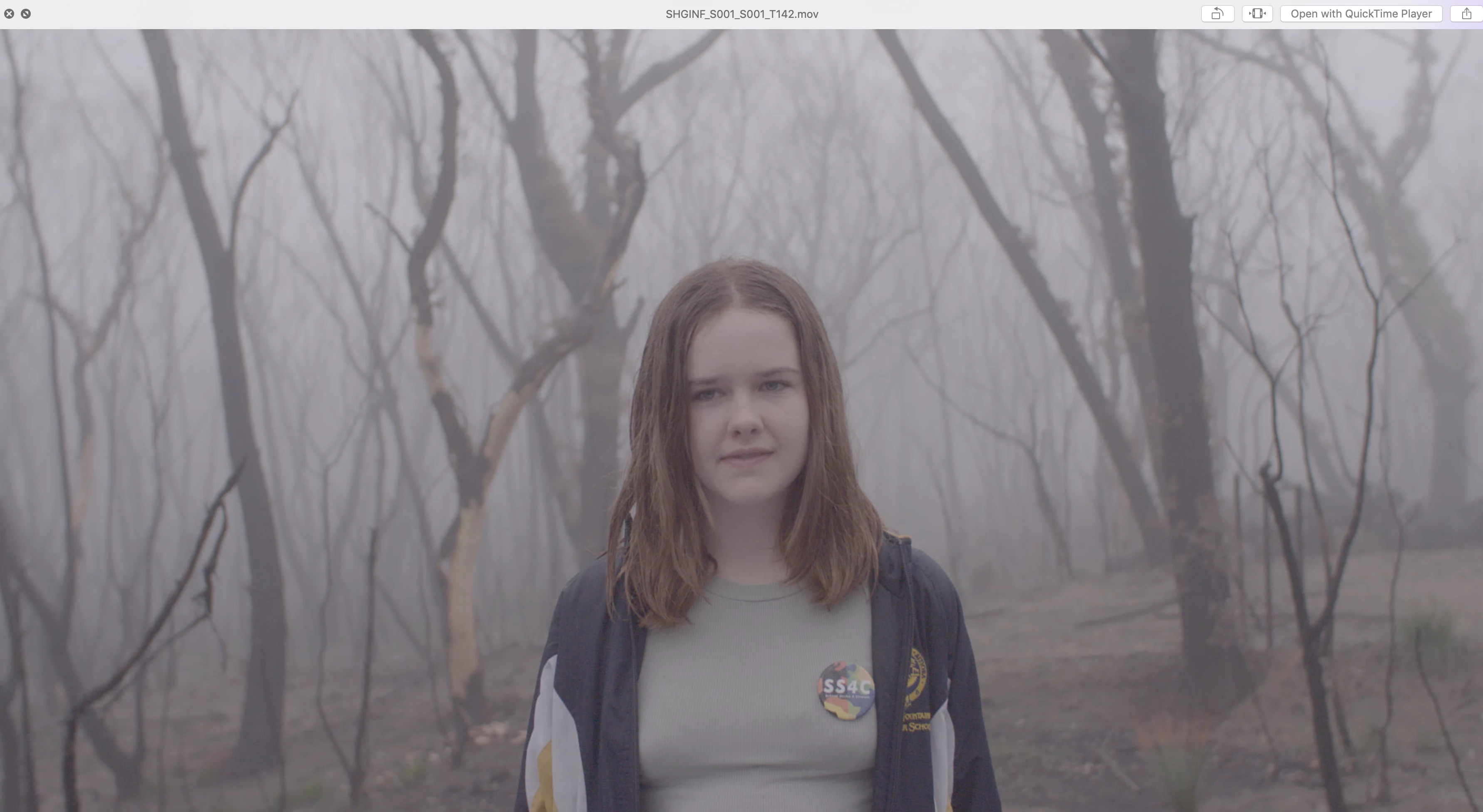
I have attached images showing what Premiere is giving me and what the LOG image should look like
Any help would be greatly appreciated!
Thanks
[Moderator note: DO NOT attach files to the post via the attach files box, add them DIRECTLY to your reply by drag/dropping them onto the reply box so users can see them without having to download unkown files from stange computers. I have fixed this for you.]
 AdChoices