

Wingo5315
Participant
October 29, 2018
Answered

Purple and green tint on my video
  • October 29, 2018
  • 2 replies
  • 3432 views

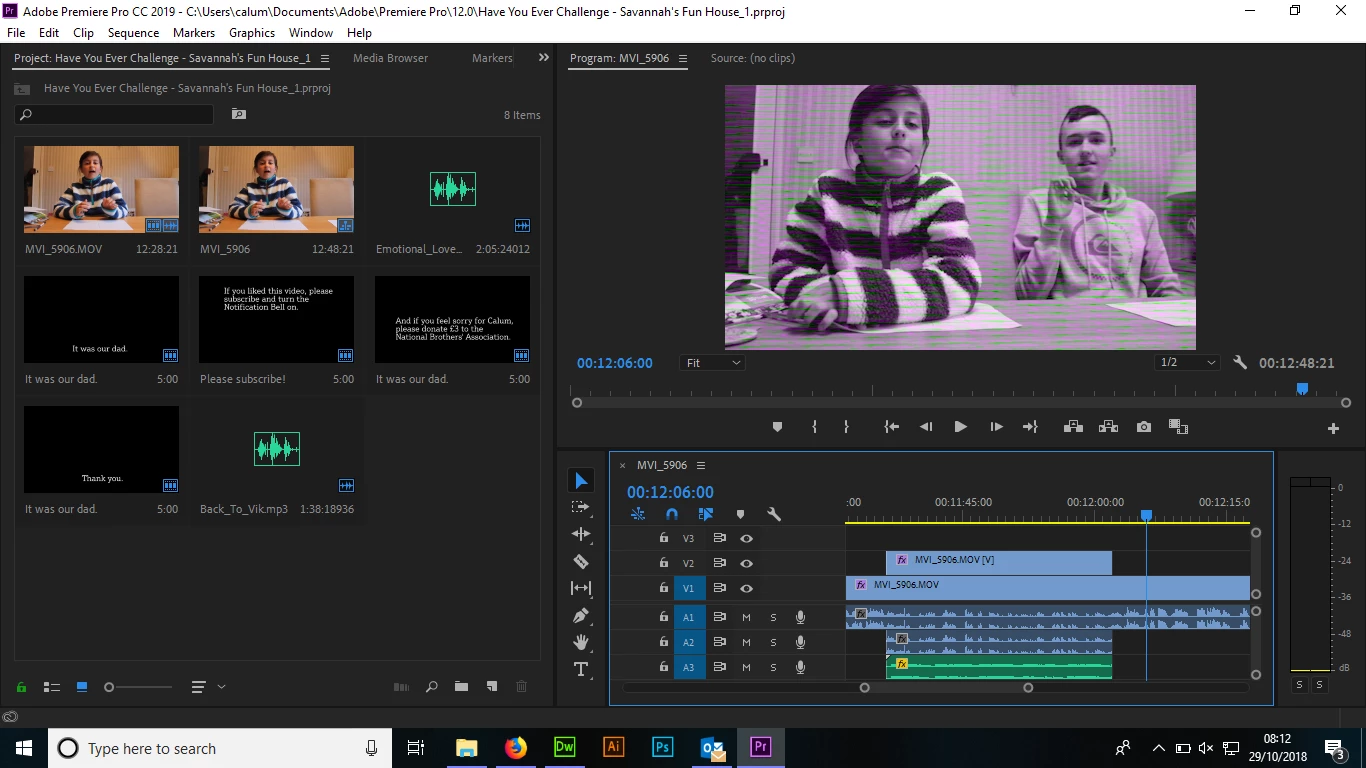
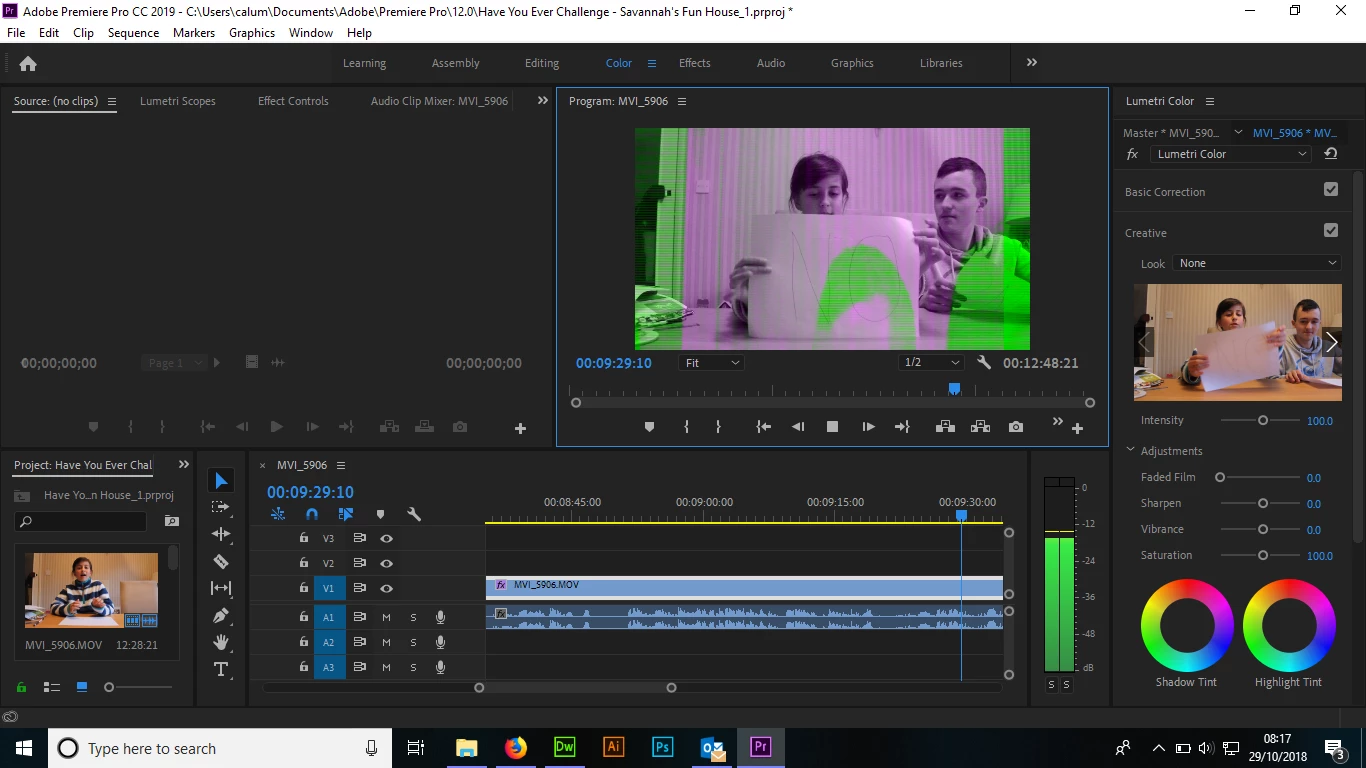
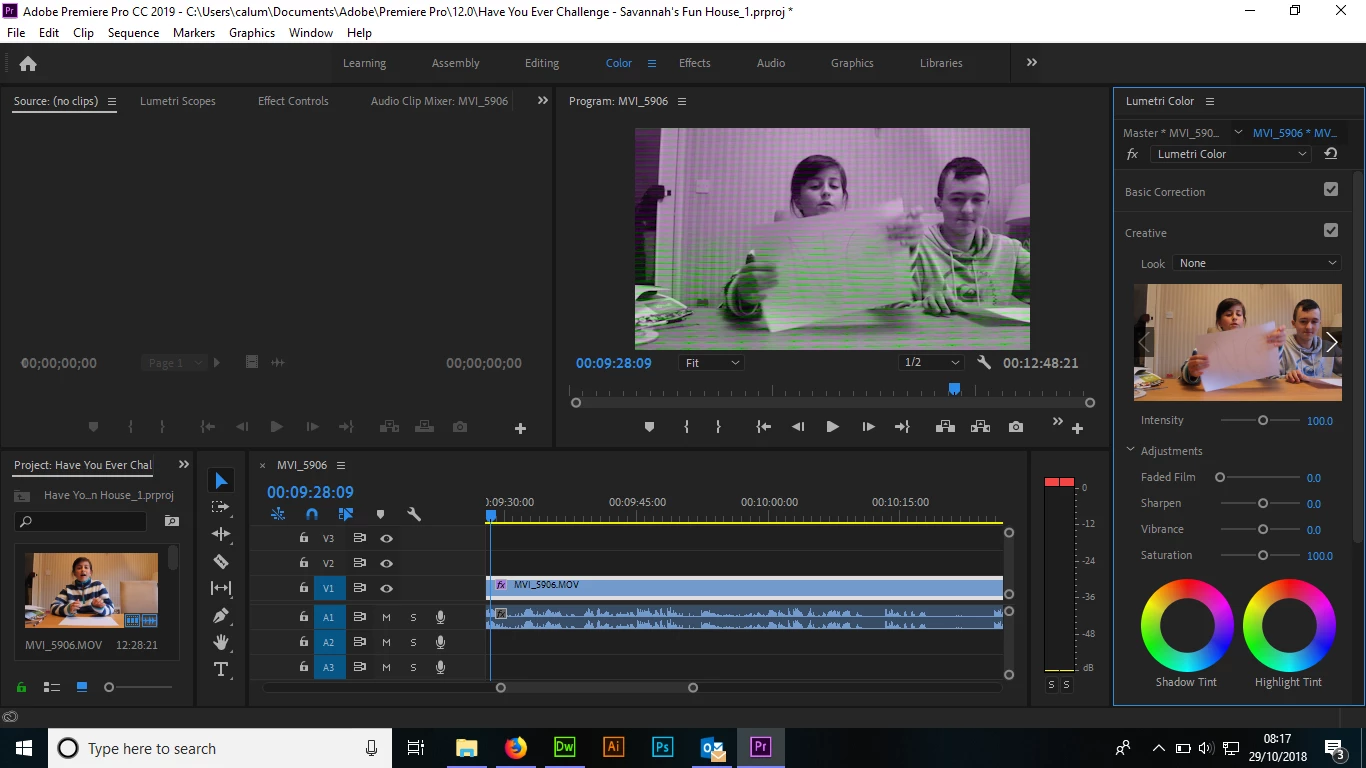
On my final projects, there is a purple/green tint (see above) which wasn't actually in the original video. I have not applied any effects on my video to make it do this. I updated to the latest version of Premiere Pro CC but this is still happening. It shows the original video & colours in the "Color" panel. It also does this funny thing whilst it is playing.
This topic has been closed for replies.

2 replies

Shivangi_Gupta
Community Manager
Community Manager
October 29, 2018

Hi Wingo,

Sorry about this. I understand that you are getting green and purple colored preview on your Program Monitor in Adobe Premiere Pro.

Please check the link provided by Richard.

Let us know if it helps.

Thanks

Shivangi

Wingo5315
Wingo5315Author
Participant
October 29, 2018

The second option (which involves changing the project settings) worked for me. Thank you very much!