



Remapping 7.1 audio with Premiere and/or Audition?
Hello all,
I'm hoping someone can give me some guidance on a problem I'm having with remapping/retaining audio channels.
My specs: 2015 MacBook Pro, updated Adobe CC suite
Here's the scenario:
I help run a small local cinema where we show short films and promos, but I often have to adjust the video to make it work with our projection system. The problem occurs when I'm sent a ProRes mov file with pre-mixed 8-channel sound. I have to modify the video, but I want to retain the audio as it was delivered (or as close as possible). However, when I drop the file into premiere, it unmaps the channels.
When I drop the file into my timeline, this is the sequence it creates:
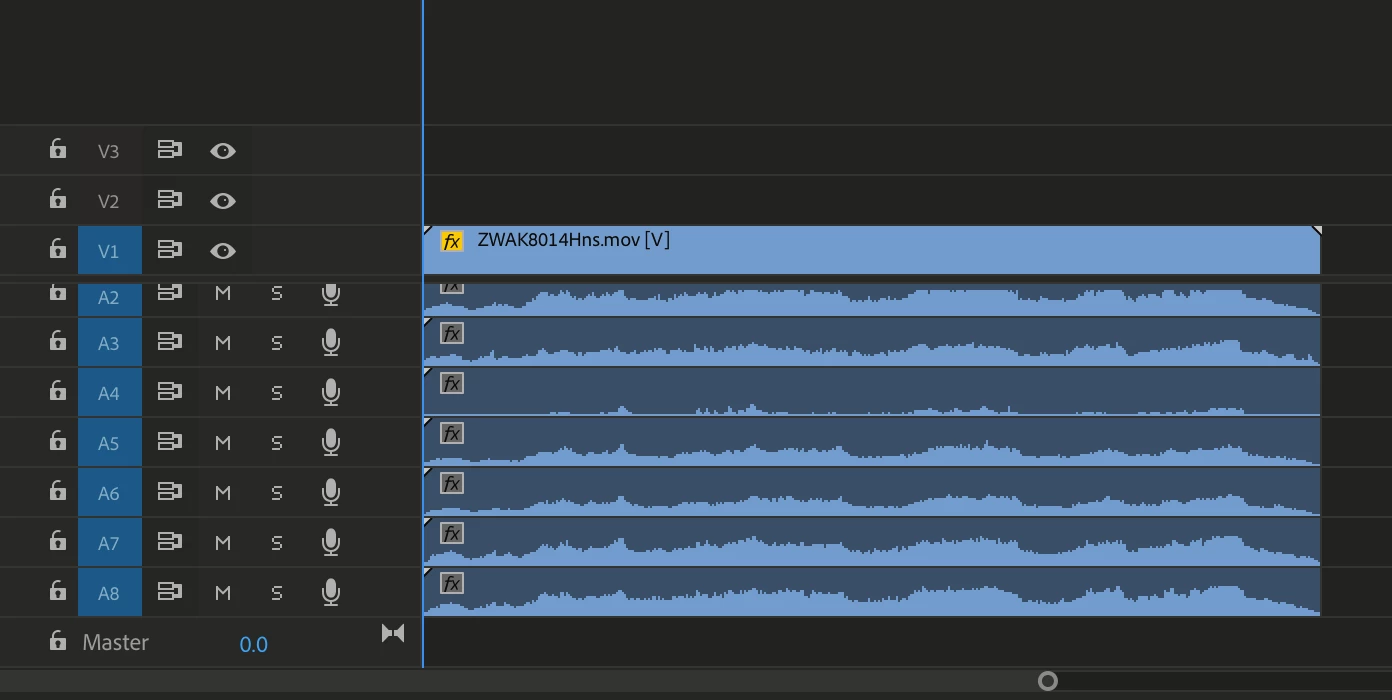
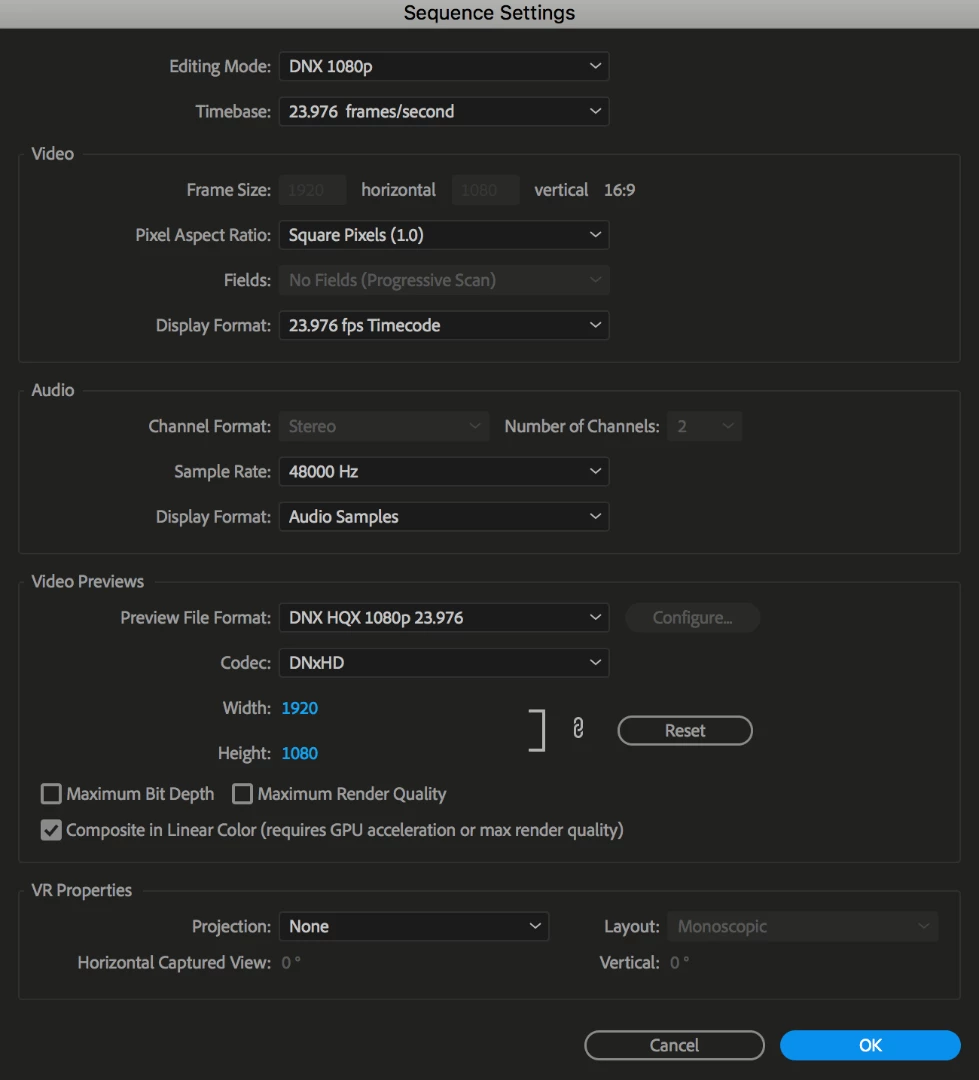
I've tried creating a new sequence with 8 mono tracks, multichannel tracks (with panning done in the mixer), etc., but nothing quite works. I usually end up loosing the rear surrounds.
Does anyone have any experience with this? Is there an obvious solution? Do I need to be going into Audition?
Any help would be greatly appreciated.
Thanks!
Josh
 AdChoices