Participant
September 11, 2020
Question

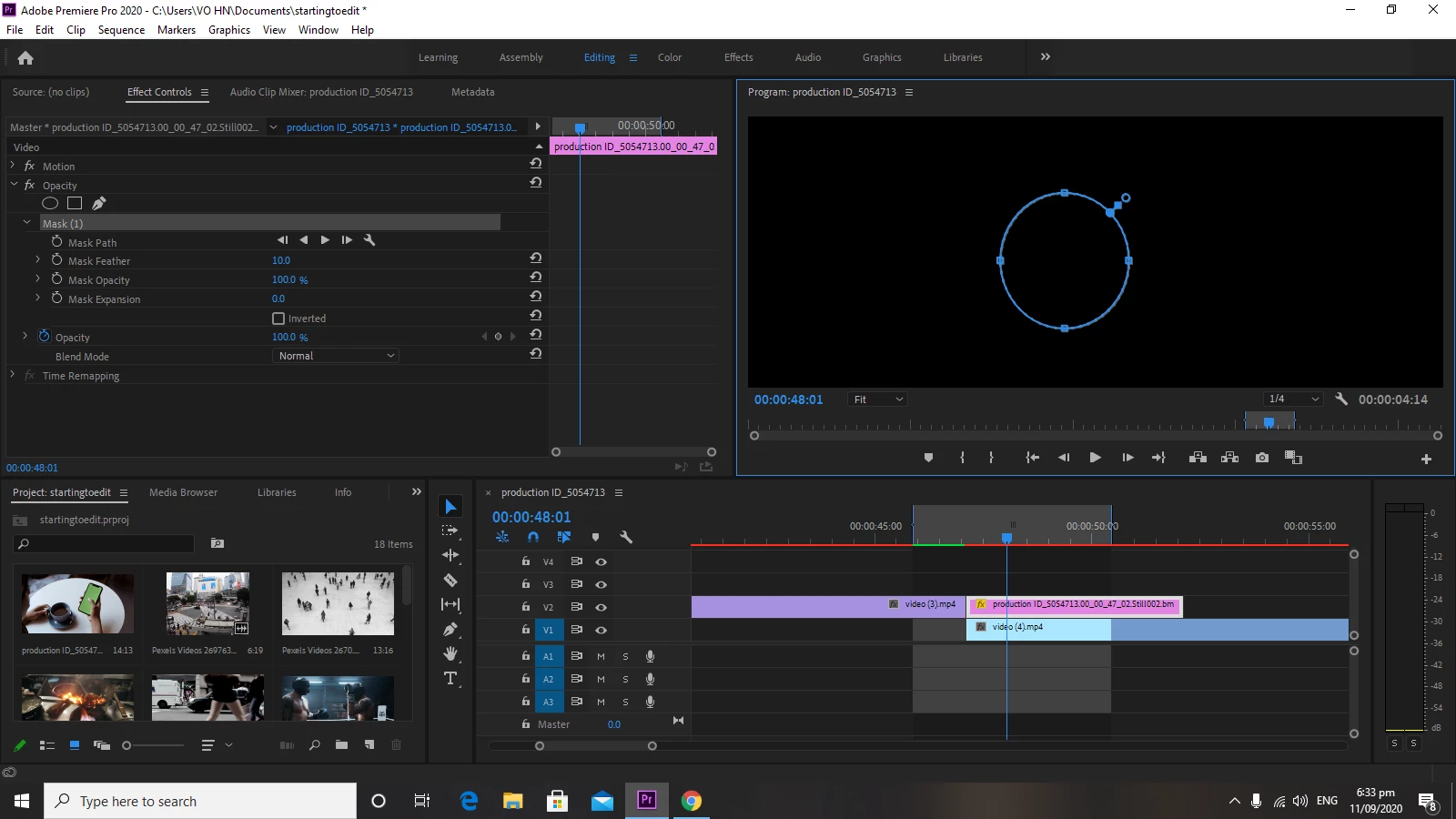
remove the black inside the opacity circle

  • September 11, 2020
  • 1 reply
  • 588 views

I'm new to premiere pro and I don't know how to remove the black inside opacity circle

This topic has been closed for replies.

1 reply

MarekMularczyk
Community Expert
Community Expert
September 11, 2020

The circle you a re reffering to here is the mask you have created on Opacity (Effect Controls panel). There's nothing inside the circle as far as I can tell. If your top clip is a black clip (like a Color Matte), when you add a mask you can adjust Mask Opacity to control the opacity of what's inside (i.e. show content behind/below it)

Adobe Community ExpertAdobe Certified Professional
Participant
September 12, 2020

the top clip isn't a black clip. I also tried it to a video but the black inside the mask stayed there.