
Question
Speed / Duration Greyed out can't slow down clips
Hey there,
So recently I've had an issue randomly, where I can't access my speed/duration panel everything is greyed out so I'm unable to edit my clips to be slow motion for videos. Does anyone know a fix for this? I've done the hold ALT + Open Premiere to reset preferences, I've checked my settings I don't see anything out of the ordinary. I've tested all of my current project files and I'm having the same issue, now I wasn't having this issue earlier it just randomly happened.
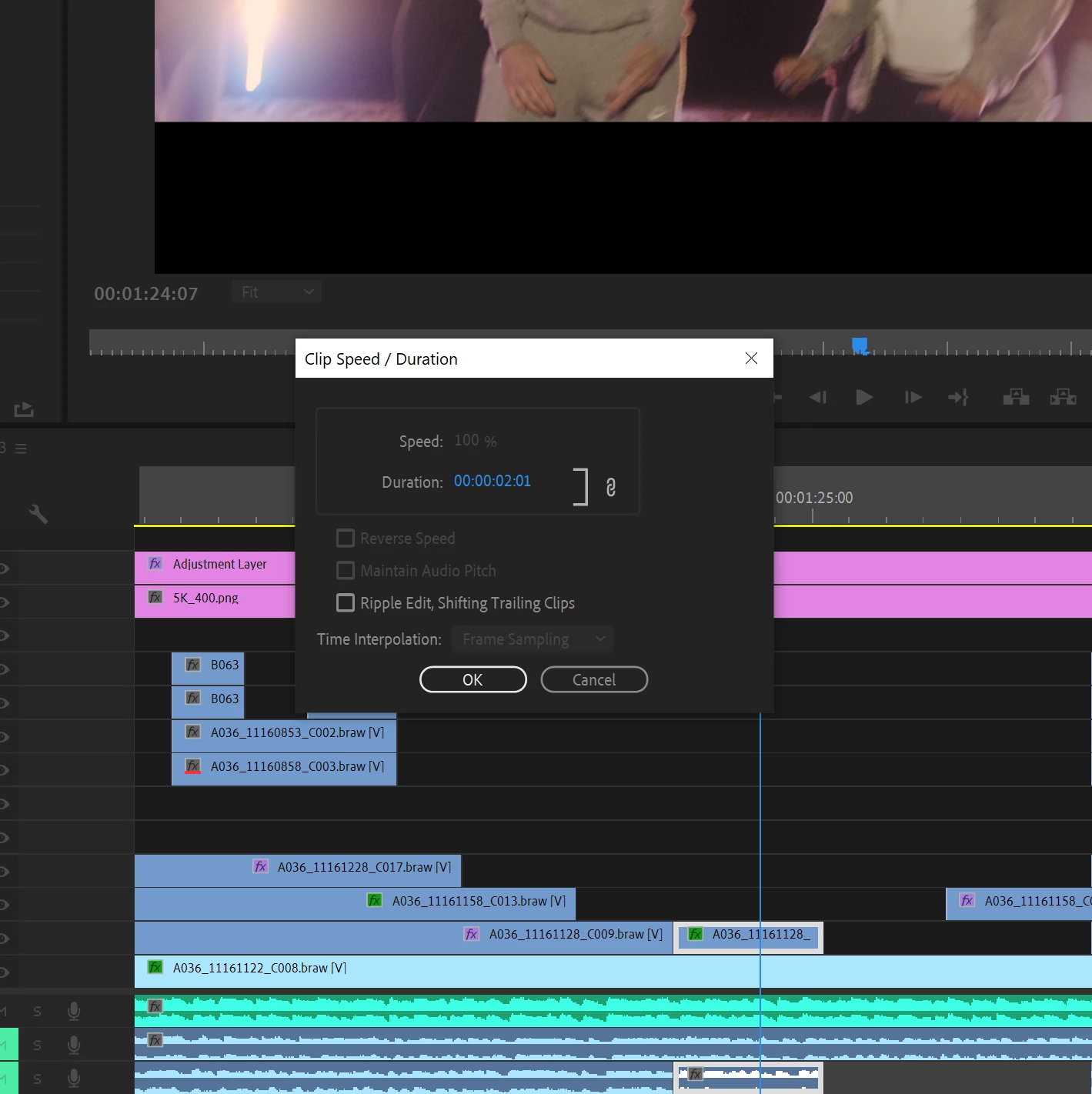

Someone, please help!
Addition Information:
Premiere Version -
Working with BRAW Footage
Computer Specs
Windows 10
32GB Ram
2070 Super
19 10th Generation
 AdChoices