

Question
Stretch all clips to fill frame?
Hello!
I am trying to compose a sequence of animated GIFs where all GIFs scale to fill the frame. Most GIFs fit the 16:9 aspect ratio, but a few need to be stretched to fill the frame.
Here's what all the clips should look like:
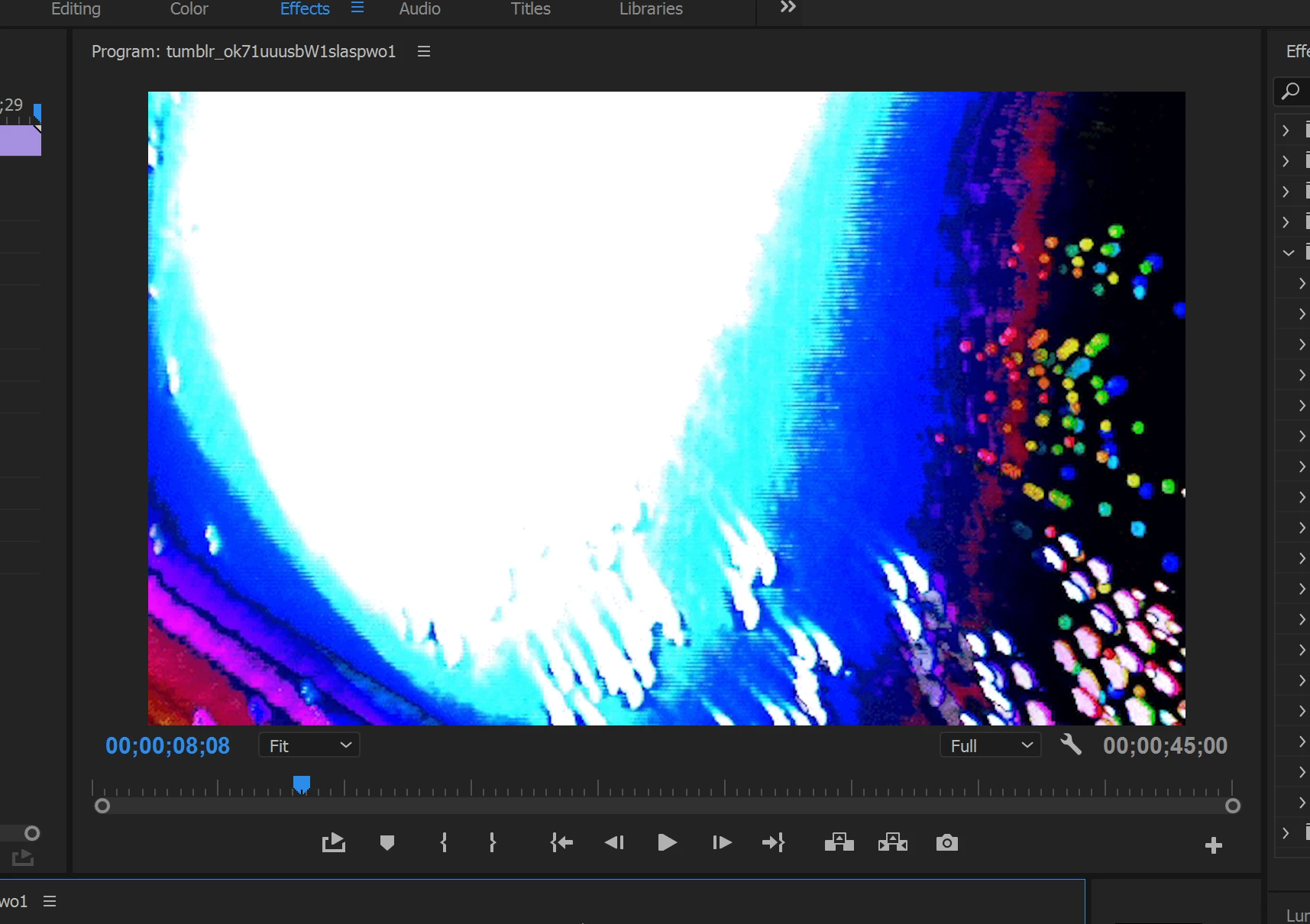
Notice there are no black bars on either the top or bottom.
Here's some examples of what I do not want:
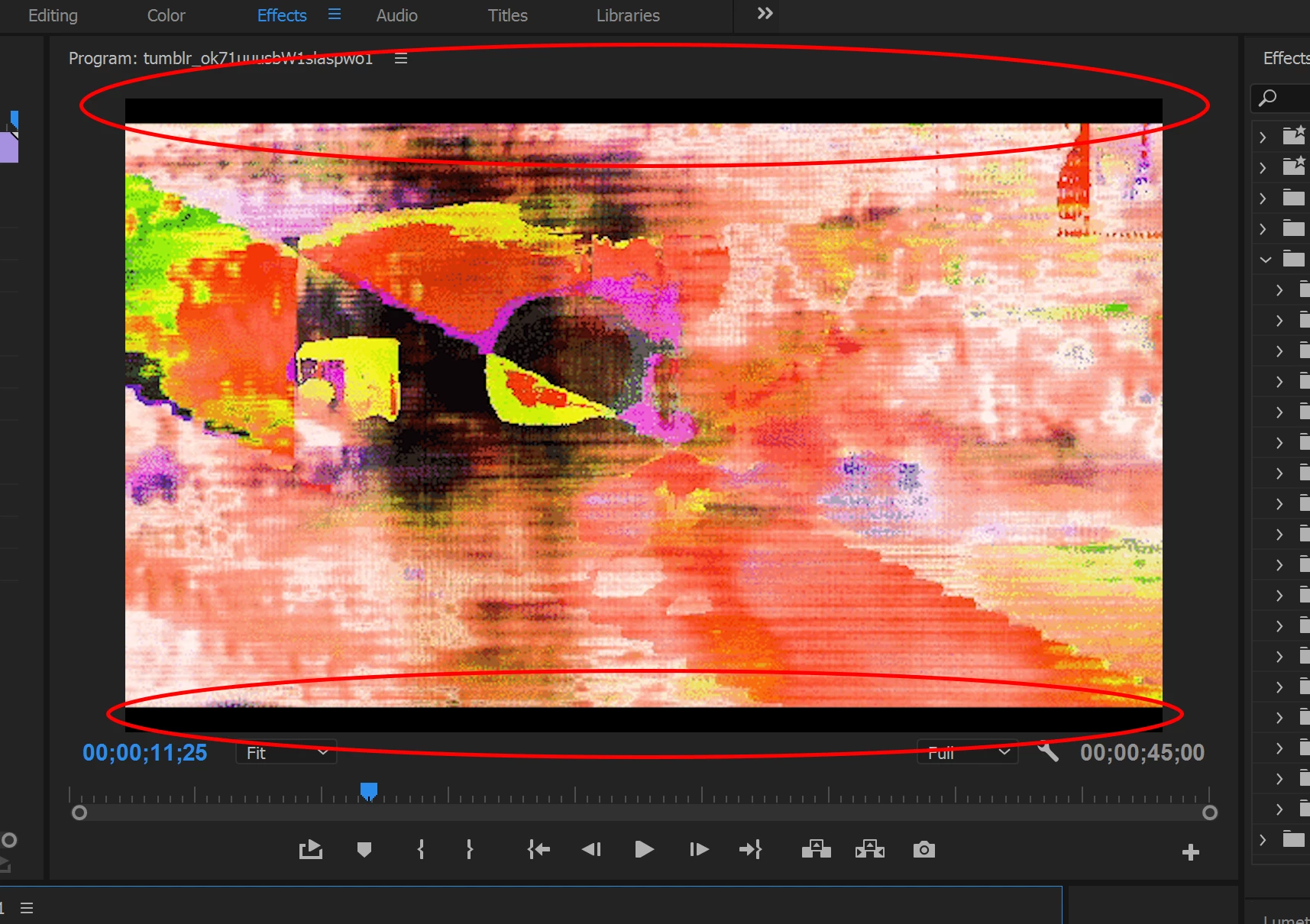
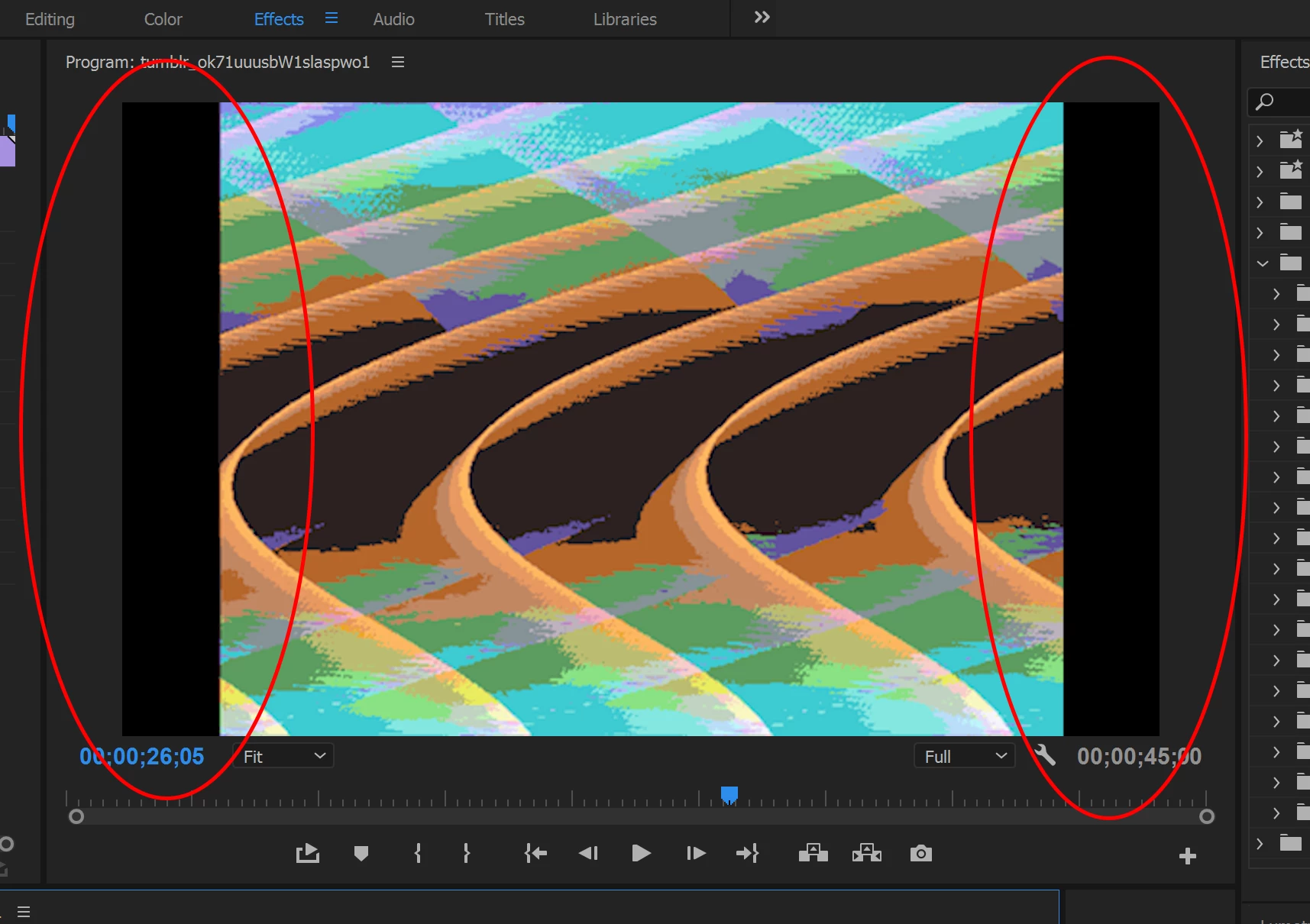
Notice the black bars on top and bottom of these two examples.
Now, I know the simple answer would be to go into Effect Controls and scale the clips up, but there are hundreds of GIFs in my sequence and it would be very time consuming to go through each clip and resize them.
My question is: Is there a shortcut to scale all clips to fill the black bars? Or will I have to manually resize every clip to hide the bars?
 AdChoices