There are a few ways to edit text. Let's take a look at a blank document to help you get more familiar with the options for editing text.
1. Create a new sequence (blank)
2. Select the text tool.
3. Click anywhere and type some text
4. Do this a few times
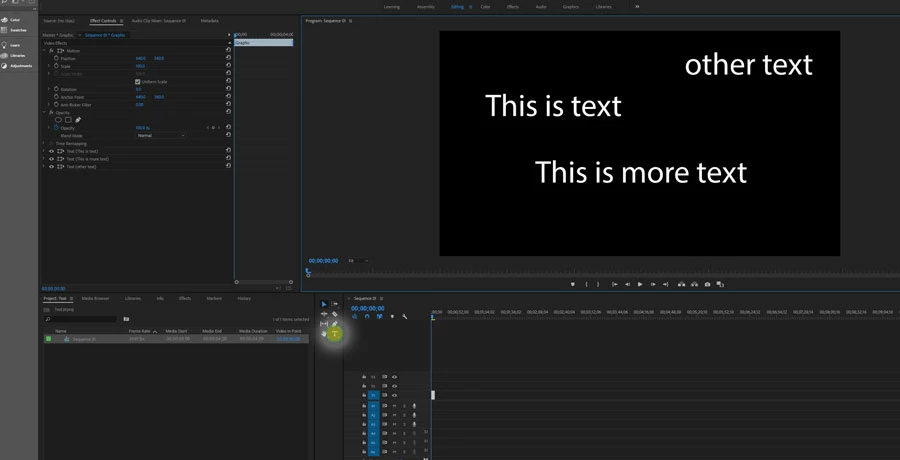
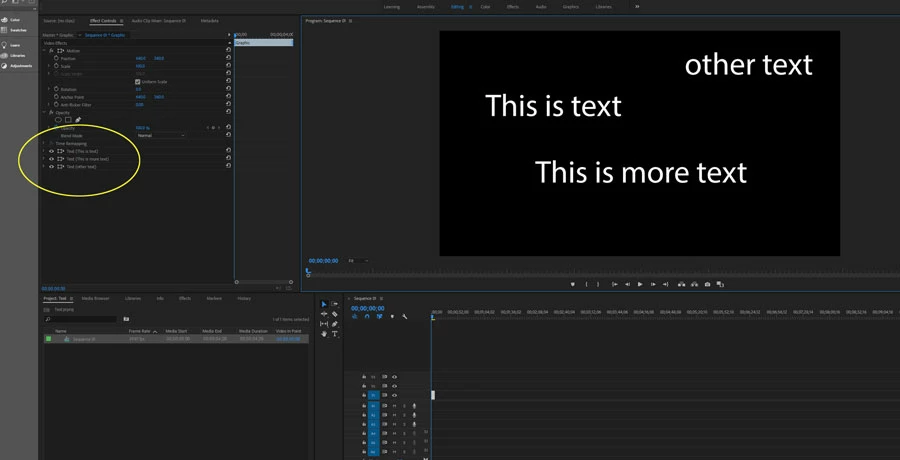
5. Notice on the left the text blocks appear in the Effect Control Panel. Sometimes they appear expanded with all their options shown. I minimized them here so you could see clearer. But you can select these items one at a time and then select the text tool and make your edits to them individually.
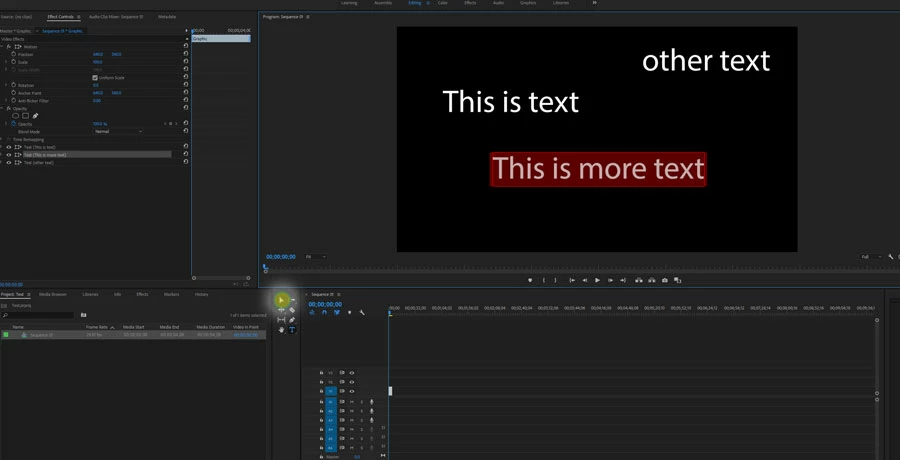
6. But the easiest way by far is to simply double-click on a text block with your Selection Tool (v) and edit them directly.
Hope this helps. If you are still having problems, feel free to post some screenshots or videos so we can better answer your specific problem.
- Dax

 AdChoices