
Participant
September 18, 2017
Answered

Type Tool & Essential not working

  • September 18, 2017
  • 1 reply
  • 3310 views

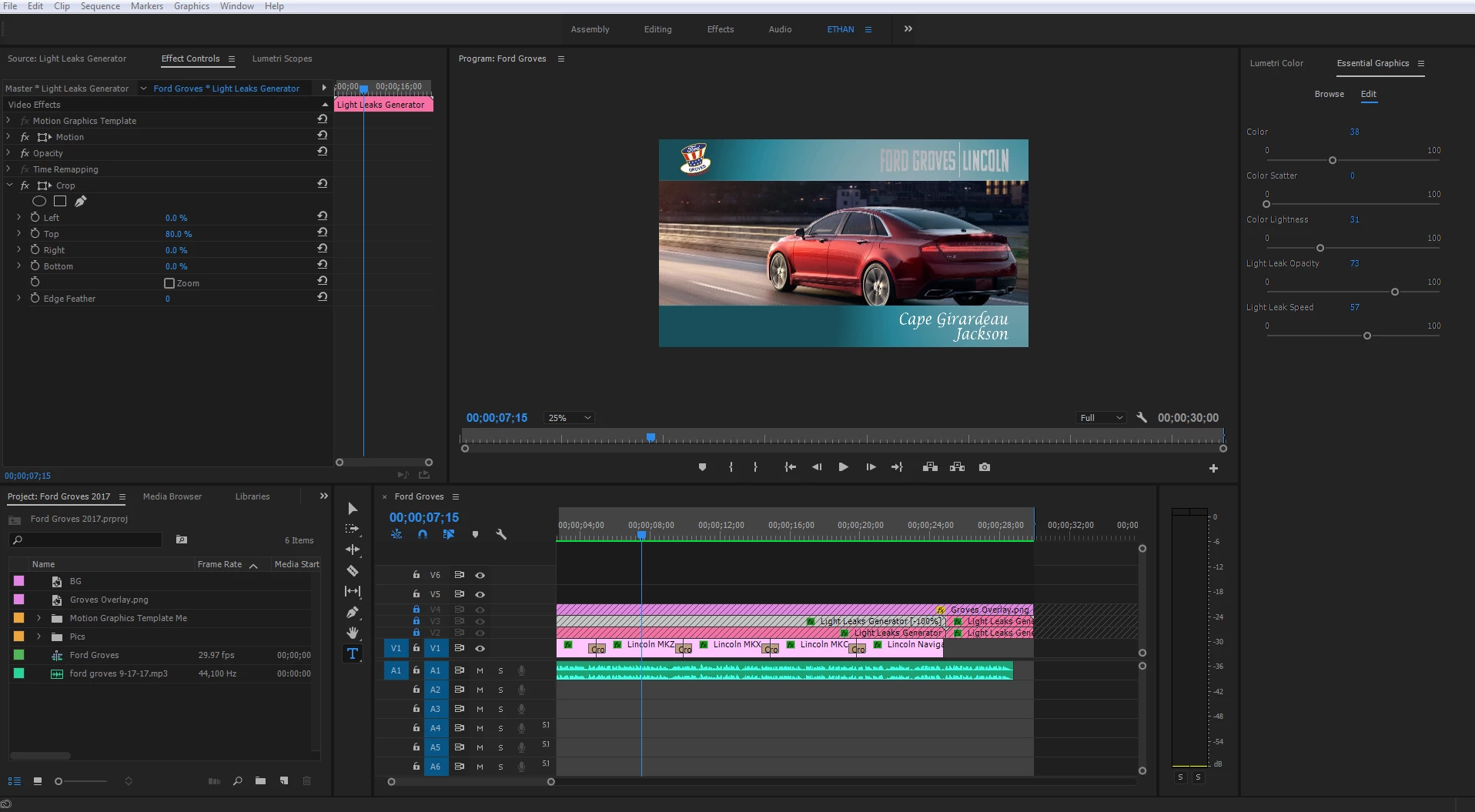
Using premiere CC 2017 I'm trying to use the type tool to create some text on my video but the type tool does not allow me to "type" anything on my video. I've already read all the forums and watched the tutorials to no avail. Is this a glitch? The Essential graphics panel does not allow me to edit the text if I create a new Graphic from the top bar and if I select the type tool by my timeline does not open any dialog box to type anything.

It is very frustrating.

What am I doing wrong?
    This topic has been closed for replies.
    Correct answer ethanm42647206


    I figured out a workaround. I had to remove the 3 layers above my "Stills" for the type tool to work. Not sure why I have to do it that way but for the time being it works until a more graceful and/or proper way is found.

    1 reply

    Ann Bens
    Community Expert
    Community Expert
    September 18, 2017

    In order to make a title you have to select the Type Tool and click on the Program monitor.

    A red box will appear and just start typing.

    When you want to edit the text just select it in the Program Monitor with the Type Tool.

    Participant
    September 18, 2017

    Yeah, that's the problem. That doesn't work for me.

    Ann Bens
    Community Expert
    Community Expert
    September 18, 2017

    Can you post a screenshot of your UI.

    If Premiere acts weird trash preferences by holding down shift+alt while opening Premiere.