jasonf18296547
Participant
February 8, 2018
Frage

(URGENT HELP PLEASE!) Random glitching, and flash frames in preview and render

  • February 8, 2018
  • 4 Antworten
  • 619 Ansichten

Hey!

I have quite an urgent help request, if anyone has ever faced this issue before.

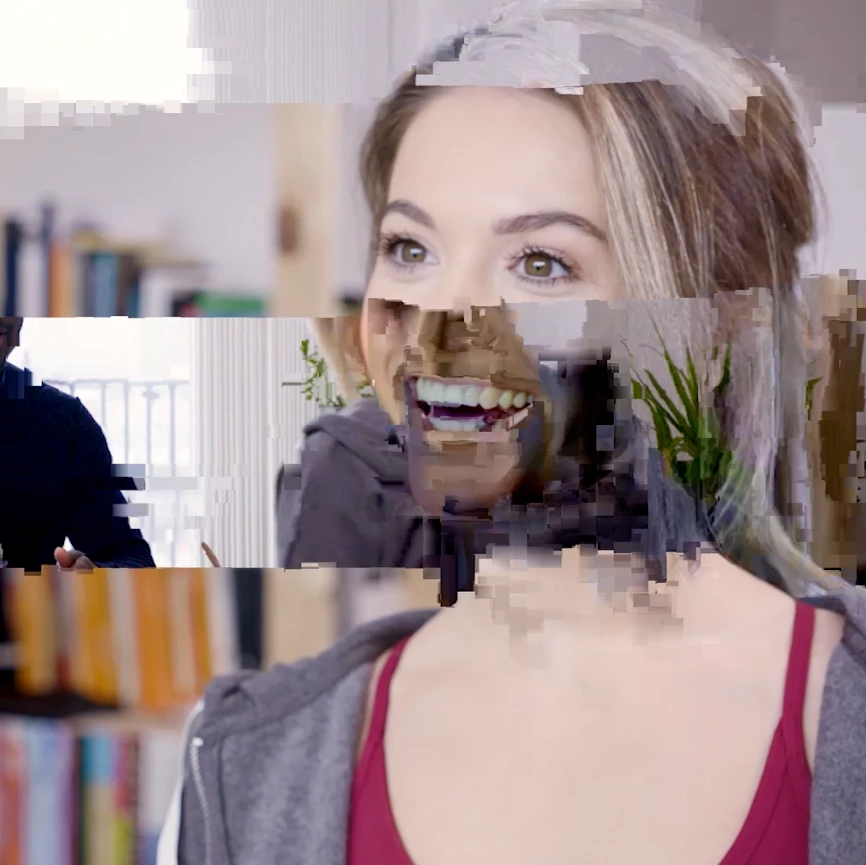
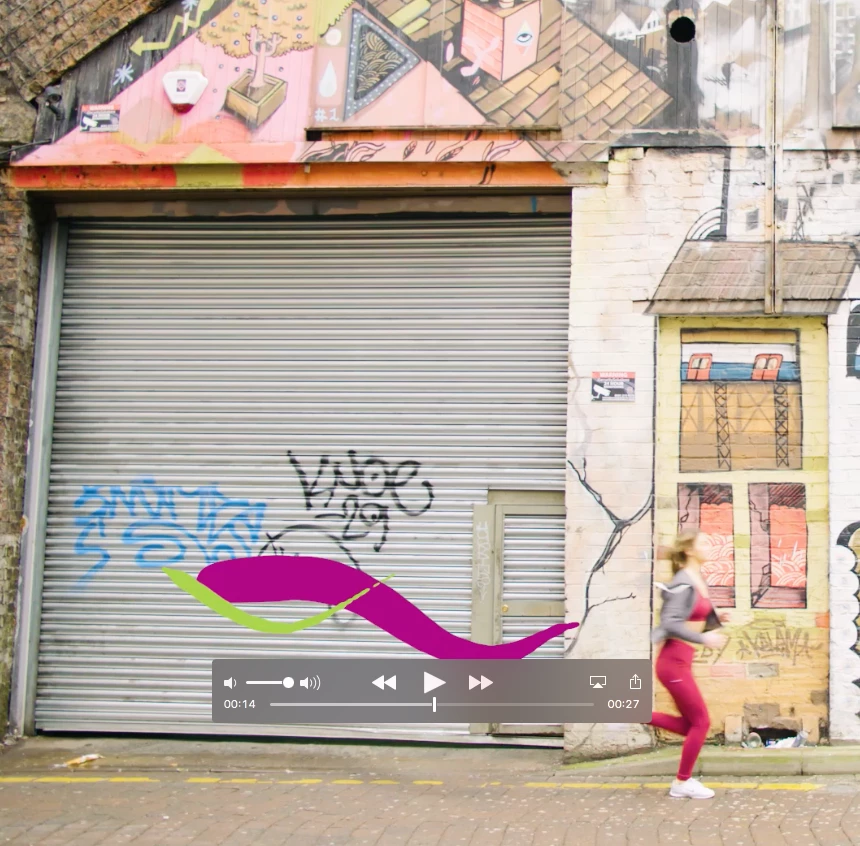
This morning when attempting to render sequences that were working perfectly last night they are rendering with glitches, artifacts, and constant flash frames. The video will flash between black and video every couple of frames in the render and preview, but all frames are perfectly fine when paused in Premiere Pro so there seems to be some issue with how they are being Rendered. Images attached below, does anyone have any advice?
Dieses Thema wurde für Antworten geschlossen.

4 Antworten

Peru Bob
Community Expert
Community Expert
February 8, 2018

Try updating or rolling back your graphics driver directly from the video card manufacturer's site.

Legend
February 8, 2018

Post up the details.  Use the guide below.

How To Ask For Help

Known Participant
February 8, 2018

Hi, had this exact issue, update to the latest version. For some reason the latest version has a fundamental change on how it interpolates footage, this causes this weird glitch on footage. Once I updated to latest vesron it immediately fixed it. Then be careful as the timeline may have flash frames were now on some clips it re-interpilates were the frame starts, so you may have to slide some clips back a frame or two to match were you had them before this update.

Once again, Adobe add features and break fundamental programing that allows us as editors to work easily. Ho hum

Legend
February 8, 2018

Are you using the GPU hardware encoder in AME? First thing to try with these types of glitch is to switch to the software encoder.