
Known Participant
November 30, 2018
Question

Premiere Rush desktop app issue

  • November 30, 2018
  • 1 reply
  • 2062 views

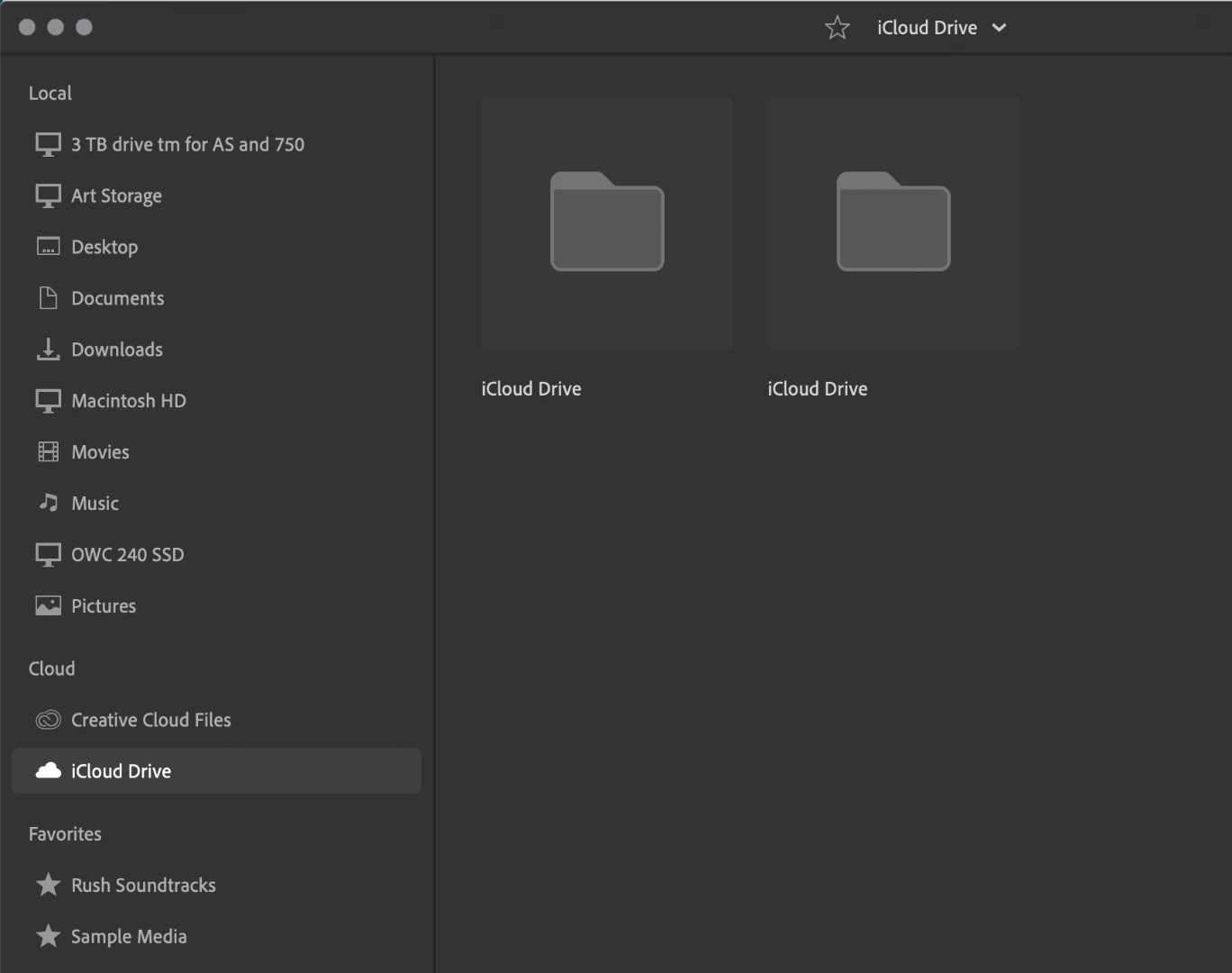
I can not access pictures and videos from my icloud drive or in my pictures folder on the rush desktop app. I can  on the mobile app.

The program window is not showing the 3 mac buttons in color on the window page of the program(upper left). Does anyone have a clue what is going on? I was also getting the red files on an existing project but was able to access the missing files through the program pulling them from my Iphone. I cant get access that same media to start a project on the desk top. The pictures are stored on my icloud. I am working on Mojave 10.14.1Thanks!
    This topic has been closed for replies.

    1 reply

    Participating Frequently
    February 11, 2019

    Hi bluerosez,

    Sorry for this problem. Premiere Rush should work well on Mojave.

    Was the issue resolved ? Can you please update Premiere Rush and report back !

    Happy to help,

    Mayjain

    bluerosezAuthor
    Known Participant
    February 11, 2019

    I have not opened it in a while. It is up to date and now I get this blue wheel stuck spinning. Thanks!

    caroline_edits
    Community Manager
    Community Manager
    February 12, 2019

    Hi Bluerosez!

    I would recommend uninstalling it and reinstalling it. Check and see if there are any updates available for your computer OS! Do you have any troubles using Rush on your phone?

    Caroline