



Explore, Learn, and Share with the Community from Project Neo (beta)

The Project Neo Community is your space to explore, learn, and share creative work with other designers. Whether you're seeking inspiration or looking to showcase your designs, the community gallery is where it all happens.
 |
Try Project Neo (beta) Project Neo (beta) is available as a free beta! Log in with your Adobe ID to get started. |
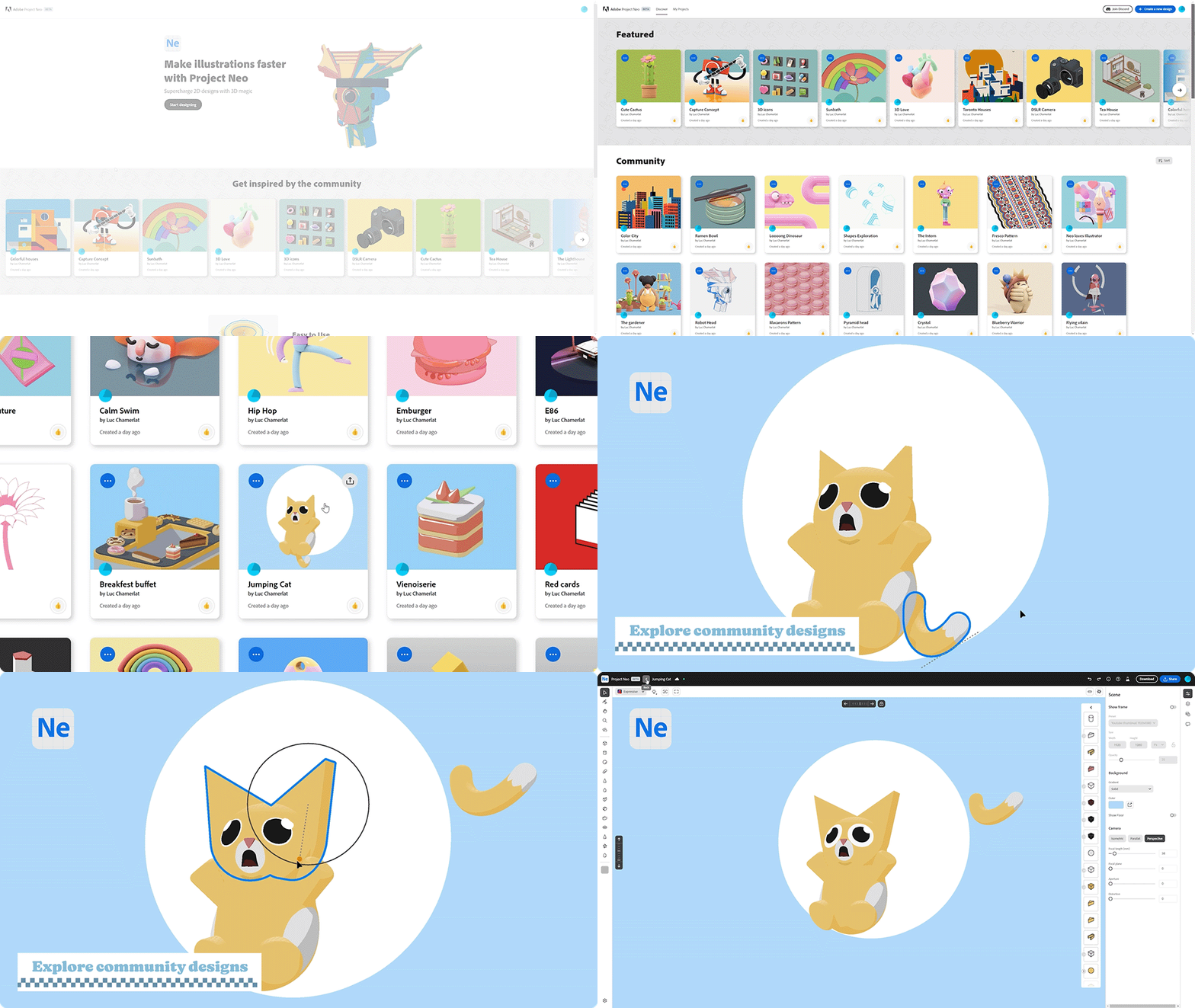
What can you do within the Project Neo community?
View the Design Process Step-by-Step
Discover how a design has come together by exploring its creative journey. See snapshots of a project's history and learn how designers are using Neo’s powerful tools.
Remix Featured Projects
Remix Adobe-created projects and use them as a starting point for your own work. Remixing allows you to dive into the details of a file and learn design techniques as you go. Look for projects in the "Remixable" filter and use the Remix button to bring them directly into Neo.
Share Your Designs
Inspire others by sharing your work in the gallery! When you upload your design, others can view its creative history and remix it. You can always remove your design later through the Share menu or directly from your Community profile.
Collaborate and Share Links
Invite others to explore your design with the Copy Link feature. Share a link to your project, and others can view and explore it in Neo's editor. See where they're focused as they navigate your design, and let them interact with your file without making permanent changes.
Navigating the Community Gallery
Use filters to find content that speaks to your style:
- Trending – Discover the most viewed or liked designs.
- Remixable – Explore Adobe-created, remixable content.
- Featured – View a curated selection of stunning Neo designs.
- Timeline – Check out recently shared projects in real-time.
- Your Likes – Easily access your favorite designs.
- Your Shared Designs – See all the projects you've contributed to the community.
Start exploring, get inspired, and share your own creations to help other designers learn and grow with Neo!

Have questions? Click 'Reply' below to ask.
Click 'Follow' below to bookmark this post for easy reference.
 AdChoices