
File path lost while importing to RoboHelp
Hi
I am using FM11 and RH10 as part of TCS4.
I have inserted an image in FrameMaker which has the file path Interactivities\First Interactivity\tab1.swf (shown in the screenshot).
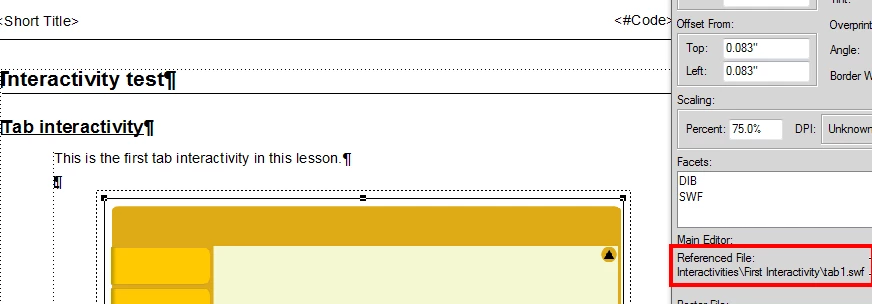
When I import to RoboHelp the path is lost.

This is generally not an issue as the file gets imported and published as well.
But in my case, I have three different SWFs named, tab1.swf, tab2,swf, and tab3.swf in three folders First Interactivity, Second Interactivity, and Third Interactivity respectively. The content of all three SWF files are being called from an XML file, which has the same name of tabs.xml. Now, when we publish the RoboHelp file, since all the three SWFs get copied/published to the single folder, that throws all my calls to the XML out of gear.
So, is there a way I can retain the file path when the file is imported?
Thanks in advance for your help.
Sreekanth
 AdChoices