

FrameMaker to RoboHelp remove Figure Captions
Software:
TCS 3.5: FM10 & RH9
Method A:
When adding figures into paragraphs (figures that take up < 1/3 of the page width):
1. Place an Anchored Frame as "Run into Paragraph".
2. Draw a Text Frame slightly smaller than the anchored frame.
3. Change the Paragraph to "PlaceHolder".
4. Insert a "FigAnch" Table into the Text Frame.
5. Place an Anchored Frame as "Center" into the first row of the "FigAnch" table.
6. Provide a name for the caption.
Method B:
When adding figures below/above paragraphs (figures that take up > 1/3 of the page width):
1. One line below/above the current paragraph, set as "PlaceHolder".
2. Insert a "Fig" Table in the "PlaceHolder" paragraph.
3. Place an Anchored Frame as "Center" into the first row of the "Fig" table.
4. Provide a name for the caption.
Issue:
Both of the above methods work fine for auto-numbering when used as PDF output (1-1, 1-2, etc).
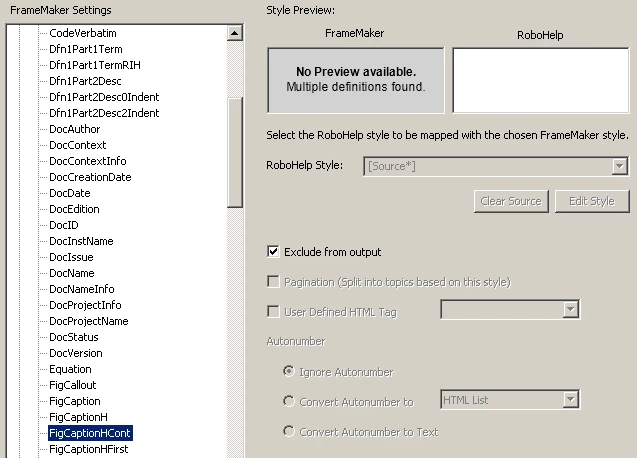
When I import the fm book into RoboHelp, only Method A causes the figure numbering to become "0-1" in all cases. Method B works as expected (same as PDF output). I would really like to remove the figure numbers and captions completely when Linking my FM book to RH. Is this possible? I have tried checking the "Exclude From Output" for the FM Figure Caption paragraph styles, but it has no effect on the import.
Thanks,
Nathan
 AdChoices