
How to automate a linked, expandable TOC
We use RoboHelp 8 and Word from the 2007 version of MS Office.
When writing the help for a given software module, we create the help file in Word and import it, using styles to break it into topics. We set up an expanding TOC in RoboHelp, as shown in the screen capture below:
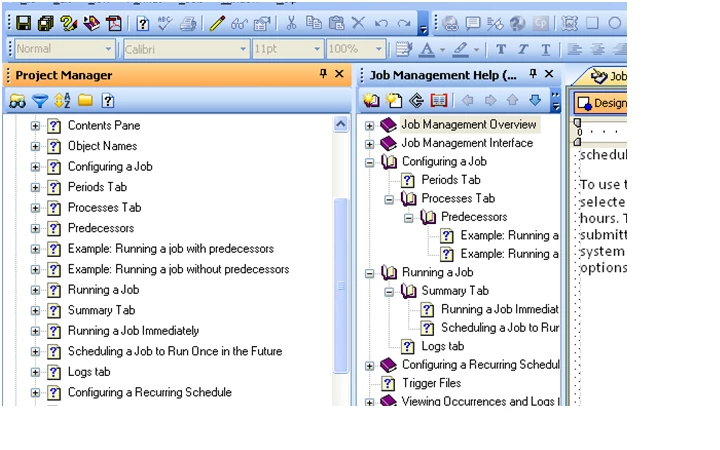
There is a linked "book" for every topic in the project.
My question is: how can I achieve this result efficiently?
Right now, I must create a new book for each topic, type the topic name as the name for the book, click the checkbox to link to a topic, and scroll through a list of topics to select the matching one. After that, I use the left or right arrow to indent the topics to get the intended hierarchy.
This takes 2-3 minutes per topic, so I spend hours doing this.
What I would like is a way to tell RH "Create a TOC with a linked book for every topic in the project". Then, I would have a complete TOC except for the hierarchy, and all I would have to do is apply the indents--a matter of a few seconds per topic. Is there a way to create that type of a complete TOC automatically?
I appreciate any suggestions.
-- George
 AdChoices