
RoboSource Control 3 Explorer - Admin access and adding users
Just started in a department where users working with RoboHelp HTML 7 are connected to a Windows XP PC on which RoboSource Control 3 Explorer is being used for version control. The two guys who set up the system are no longer available. I have the login for one of them, but do not know if he was the Admin or a subadmin in RoboSource Control. When I go to Admin>User Library, I get the following screen.
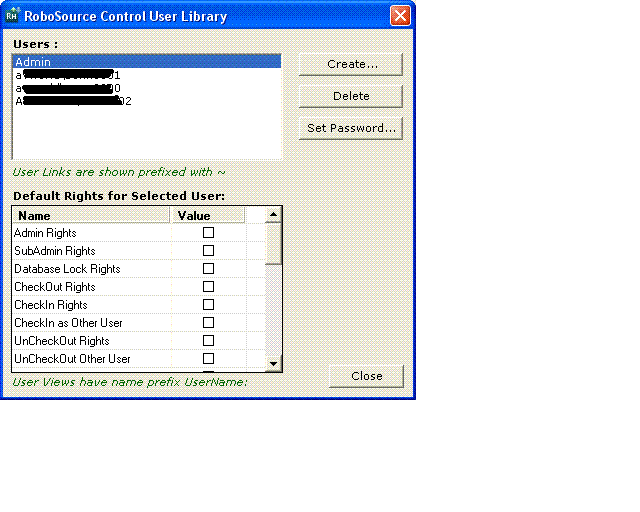
- None of the users show any rights checked. - That's the first problem.
- Is there any way that I can determine if the login I'm using is the real Admin? Does the fact that I have access to the User Library tell me anything about this?
- When I try to add a user, I get the error message "Error - you have insufficient rights to perform this operation."
- I need to be able to add users and have Admin level control. If the login I have is from the actual Admin, then I might be okay. But if not, am I out of luck? If that's the case, is my only option to take the following steps?
1. Have a user check out all the project files.
2. Disassociate those files from the RoboSource Control machine. (There are hundred of topics in the project files.)
3. Set up a new RoboSource Control with myself as the Admin.
Thanks!
 AdChoices