Inspiring
March 15, 2017
Answered

Shifted images

  • March 15, 2017
  • 2 replies
  • 2022 views

I explain the problem:

- 4 years ago I created a manual with FrameMaker (may be FM10, I don't remember) and created on-line help with RoboHelp.

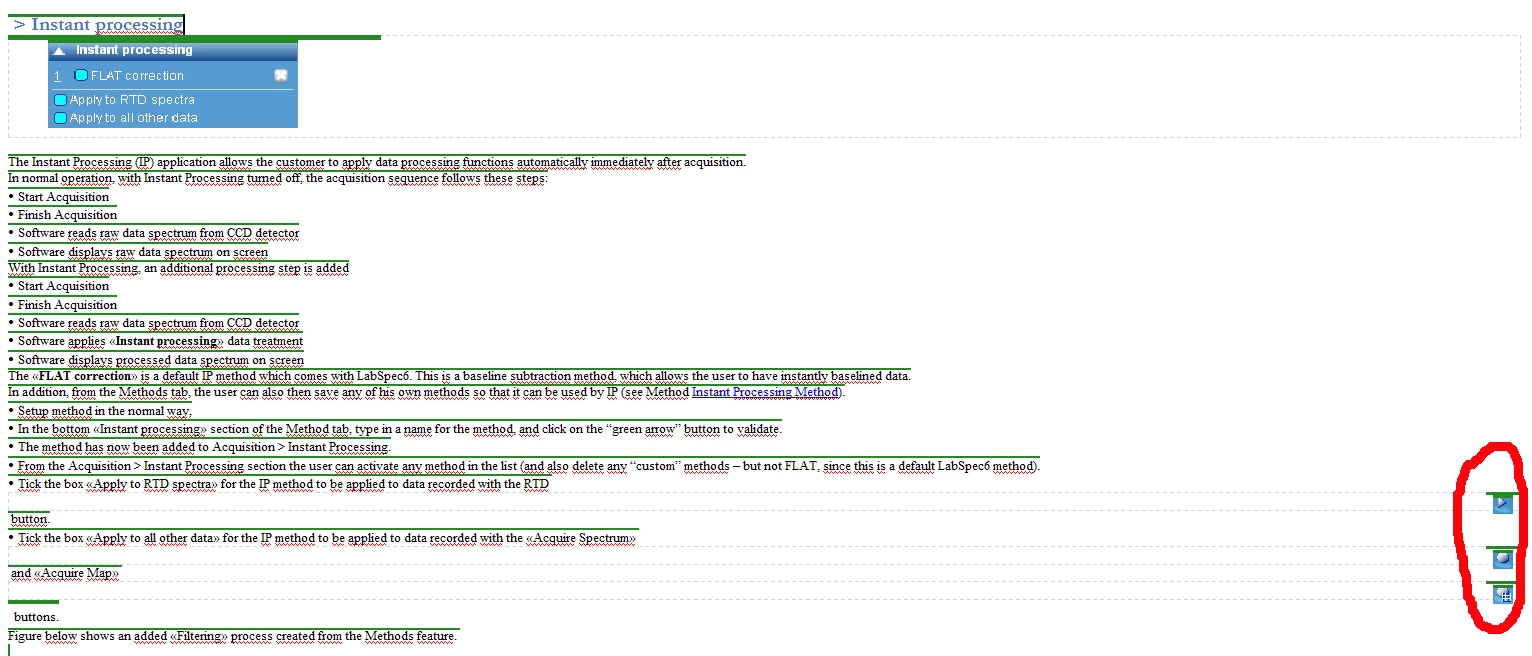
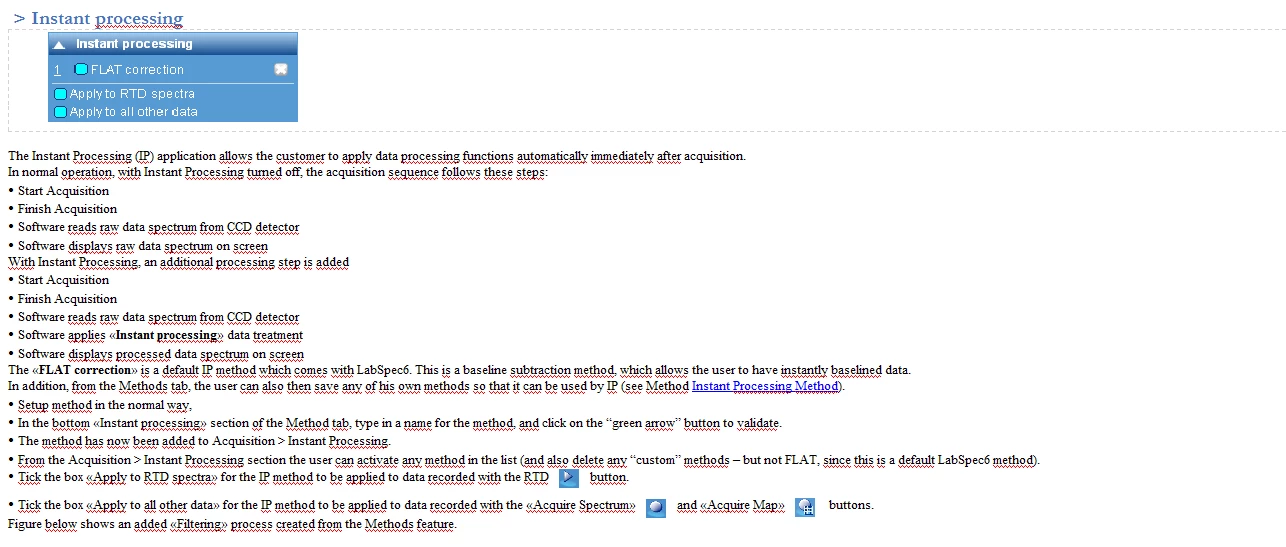
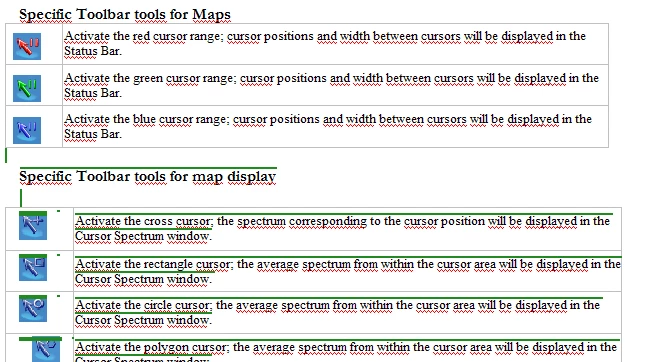
- 2 weeks ago, I needed to upgrade the manual and have added some parts with FrameMaker2015. Similarly, I imported this manual to RoboHelp2015 as a new project (I have changed my computer). The results was very strange: The new chapter located at the beginning of the manual was very fine and some old parts was fine too up to a specific line highlighted in green in the RoboHelp project. The figure1 shows the frontier: above the text and figures are not highlighted in green color and the text/figures are perfect: see figure2. All the manual below this frontier has some problems with images: they are shifted to the right, see figure 3. I have made the test by copying in fm the text with problem images to the beginning of the manual where no problem appears: in RH the results are the figure 2 and figure 3.

It seems that conditional tag are present, but I cannot remove them. More precisely: if I remove them in RH, each time I update the manual from FM, the conditional are back. In the FrameMaker manual, I have no code, no tag at this place (green frontier).

Yesterday, I upgraded to TCS2017 and I have exactly the same problems: no change.

Could you help me please
This topic has been closed for replies.
Correct answer NicPervy

Yes but, I cannot imagine do this on a 100 pages manual with many graphics, tables, paragraph labels ...


Luckily, I solved the problem like this:

  • From FrameMaker, I deleted the text/table (about 4 lines) where the transition with hidden conditioning tag activates problems in Robohelp.
  • From Framemaker, I recreated the delete text/table by hand.
  • From RoboHelp, I regenerated the document.

That's all and it works fine!!!!  All the document is perfect!

2 replies

veni79
Known Participant
March 15, 2017

Hi, Sorry this might seem obvious, but have you accepted all revision marks in the ENTIRE book (vs individual chapter).

if I were you, I would try linked FM book in RH ( vs imported)

I work with linked FM books and I always do all of the conditionalizing in FM  (vs RH). I want to avoid post-processing in RH, and have one set of source files that I can output in diff formats without any adjustments in RH (except for specifying the properties of the output once)

Jeff_Coatsworth
Community Expert
Community Expert
March 15, 2017

Importing is fine - you just have to decide at which end (the FM one or the RH one) you want to apply the conditioning when you generate help output.

Jeff_Coatsworth
Community Expert
Community Expert
March 16, 2017

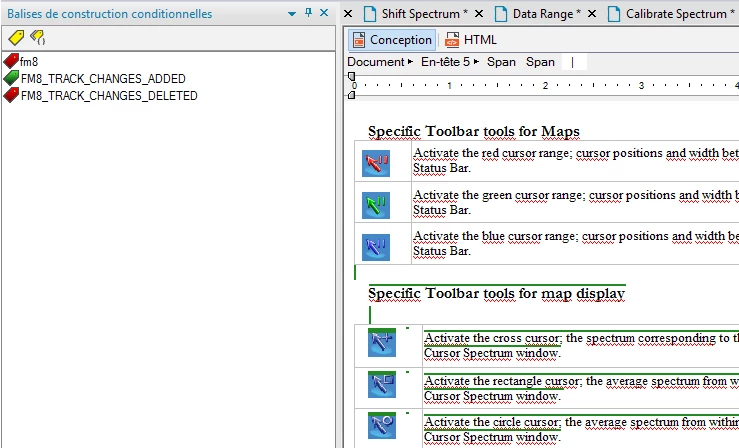
The problem is that I have no conditioning tag and this document has never had these tags. That is why I am surprise to see conditioning tags listed in the RH project. Here below is the new box for conditioning tag in FM2017:


Do a View > Show/Hide Conditional Text (Esc v C) to better reveal what's being used.

Jeff_Coatsworth
Community Expert
Community Expert
March 15, 2017

Can you show a screenshot of the FM content where the issue is coming from in the resulting RH topic (it is the topic, right? not the output?)