
Question
Table shading does not fit table border
Hi all,
in one project there is a large number of tables within drop down areas. In the Word output we experience the problem that the table shading often extends above the table. This is also visible in the PDF or print, so it is not a display problem.
Example:
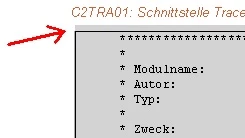
There is nothing specific about the tables in Robohelp, I have tried to alter the settings such as alignment etc. but without success. Evidently it helps sometimes to insert a blank paragraph containing a non-breaking space before the table, but not always.
Is this a know problem, perhaps a Word bug? We used RoboHelp 9 and Word 2003 SP3 allthough the problem also occurred on Word 2010.
 AdChoices