
Participant
April 9, 2021
Answered

Approved images not showing up in public profile

  • April 9, 2021
  • 1 reply
  • 435 views

Hi,

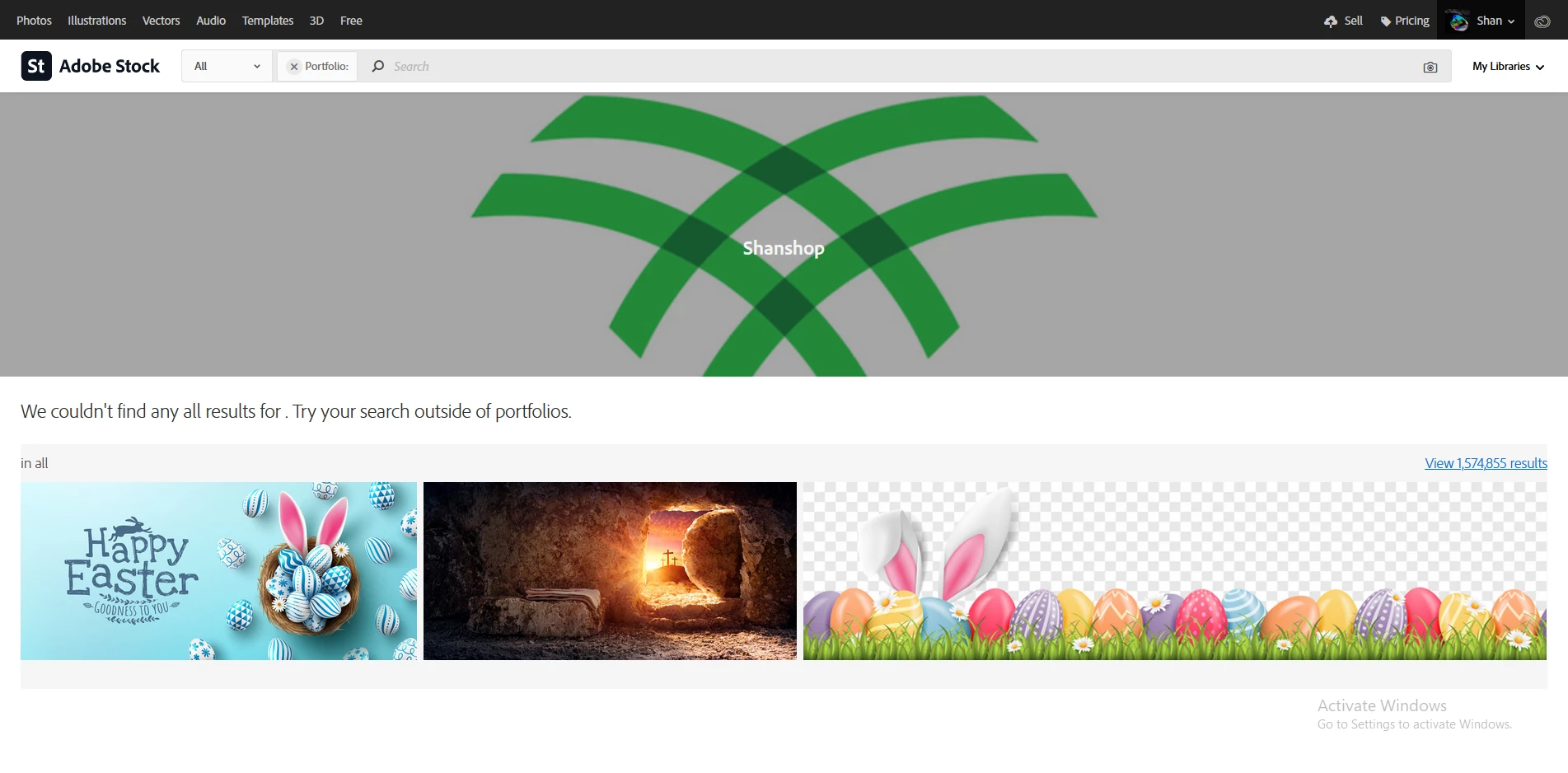
I've recently got several images approved, however when I click on ‘see public profile‘ link from my contributor acccount page, I find that there're no photos shown, as it appears in the photo attached. as well as I can't get any link for my images.

Any help would be greatly appreciated.

Thanks.

image file #’s

426222024
426222958
426223101
426223274
426223521
426223698
426223832
426224040
426224161
426224261
This topic has been closed for replies.
Correct answer jacquelingphoto2017

Hi @Shan5FD1 


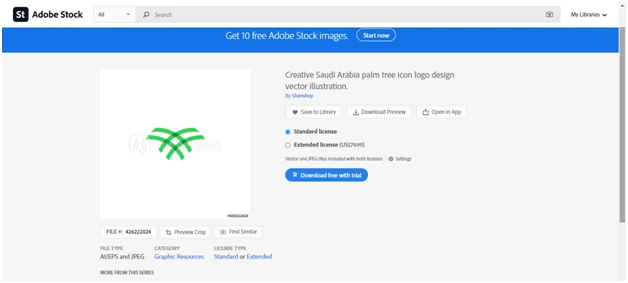
Your files are up for sale. Below is a copy I found. A minimum of 24 hour is required for indexing before they're up for sale. Please check your public profile again. If there are no files there you will need to use the contact us at the end of your contributor page to reach out to Adobe.


Best wishes

JG

Photographer and Nutrition Author


1 reply

jacquelingphoto2017
Community Expert
jacquelingphoto2017Community ExpertCorrect answer
Community Expert
April 9, 2021

Hi @Shan5FD1 


Your files are up for sale. Below is a copy I found. A minimum of 24 hour is required for indexing before they're up for sale. Please check your public profile again. If there are no files there you will need to use the contact us at the end of your contributor page to reach out to Adobe.


Best wishes

JG

Photographer and Nutrition Author


Shan5FD1Author
Participant
April 9, 2021

thank you very very much jacquelin for caring about my issue, It's now solved and I can see then in my portfolio.

jacquelingphoto2017
Community Expert
Community Expert
April 9, 2021

You are welcome @Shan5FD1