Participating Frequently
December 9, 2022
Answered

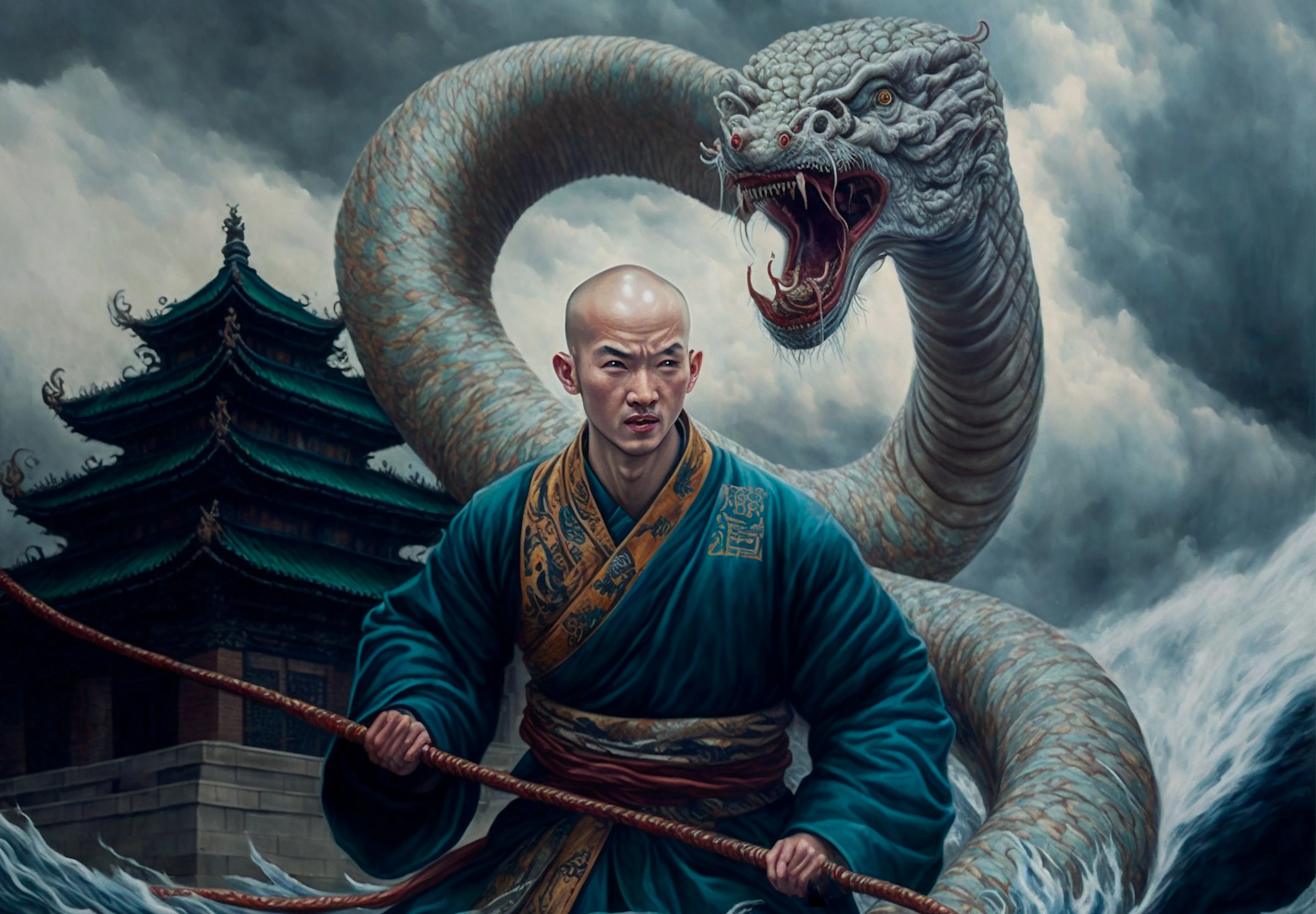
Can anyone please elaborate what are the exact reasons these illustrations got rejected? TIA!

  • December 9, 2022
  • 3 replies
  • 1815 views

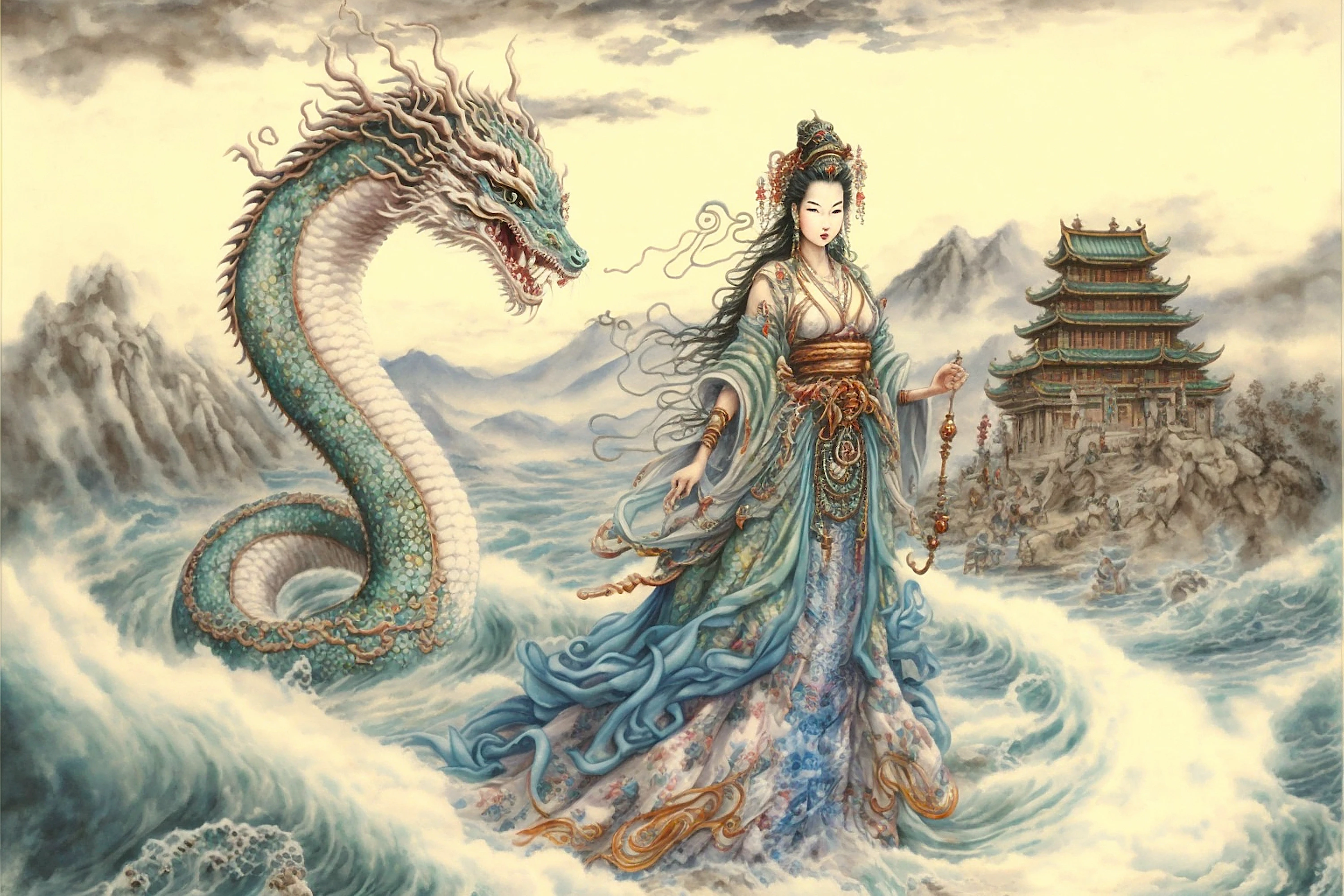
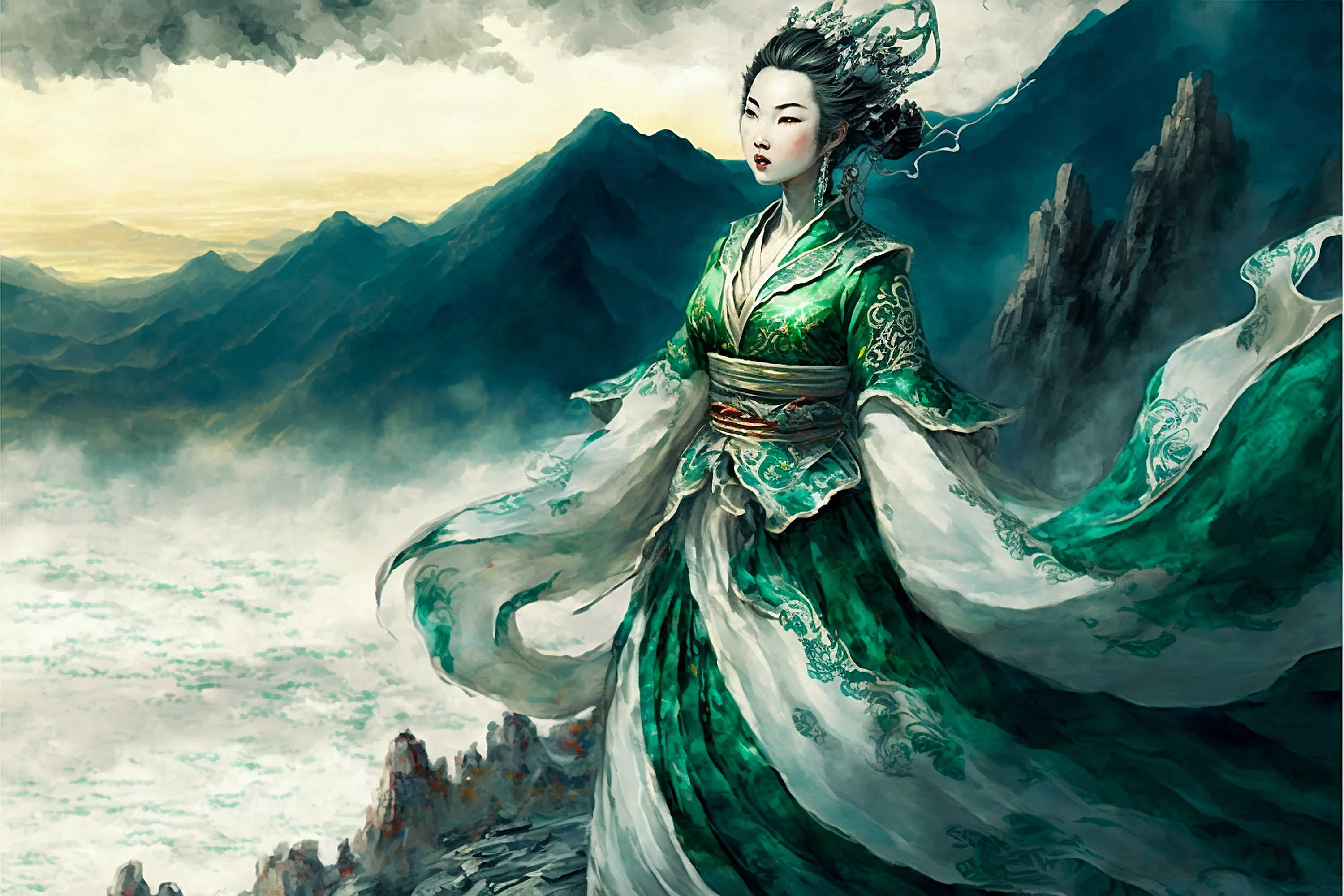
The whole collection got rejected due to quality issues, here are 3 of them. I am new to the community, need help to figure out the exact reason(s) that caused the rejection so I can improve in the future (I'm guessing because of "excessive filtering or artifacts/noise"?). 

"Common issues that can impact the technical quality of images include exposure issues, soft focus, excessive filtering or artifacts/noise. "

Thanks in advance!
This topic has been closed for replies.
Correct answer Abambo

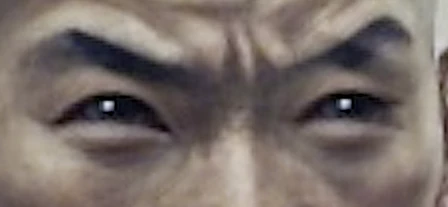
First: Seen at 100%, they are quite unsharp:

I also see artefacts as if the illustration has been resized:

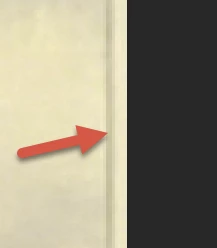
Second:

There is a line, like a frame on the right side.

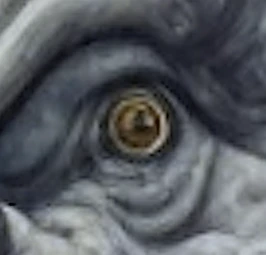
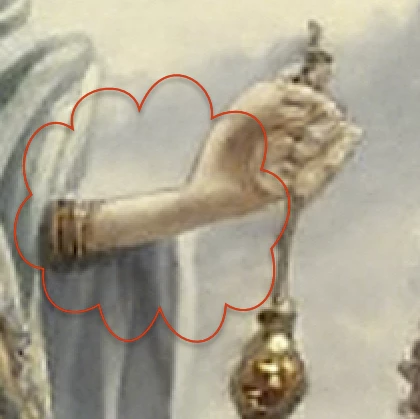
This is weird:

Looks like AI-generated defects…

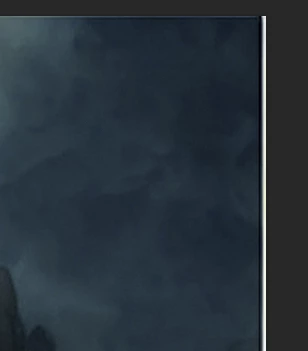
Third:

There is a border that can be easily cropped out.

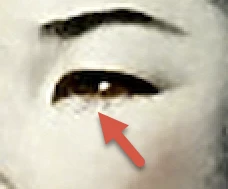
Check if the compression artefacts are also on your original copy:

You can smooth that out, if it happened, by scanning a paper version of the asset.

3 replies

Abambo
Community Expert
AbamboCommunity ExpertCorrect answer
Community Expert
December 9, 2022

First: Seen at 100%, they are quite unsharp:

I also see artefacts as if the illustration has been resized:

Second:

There is a line, like a frame on the right side.

This is weird:

Looks like AI-generated defects…

Third:

There is a border that can be easily cropped out.

Check if the compression artefacts are also on your original copy:

You can smooth that out, if it happened, by scanning a paper version of the asset.

ABAMBO | Hard- and Software Engineer | Photographer
Be DoaAuthor
Participating Frequently
December 9, 2022

Hi! Thank you so much for the insights. yes those illustrations have been resized, the original ones are not big enough. I didn't even notice the border in the image, how sloppy! Thank you for pointing that issue out. 

And yes they are AI generated.

Nancy OShea
Community Expert
Community Expert
December 9, 2022

They look AI generated, unfortunately.  Please refer to these new AI content guidelines below:


The Stock Contributor User Guide specifically says DO NOT upscale raster images. 

https://helpx.adobe.com/stock/contributor/help/photography-illustrations.html


Upscaling rasters leads to pixelation and other unsightly artifacts making them unsatisfactory for high quality prints on T-shirts, calendars, magazines, etc...


Vector graphics are math based and not subject to pixelation when rescaled.  For Illustrations, drawings, comics, icons & logos, vector graphics are preferred (AI, EPS or SVG). 


Hope that helps.


Nancy O'Shea— Product User & Community Expert
George_F
Community Expert
Community Expert
December 9, 2022

I suppose I think about it like this:. It's really easy to blur a photo that is sharp, but not easy at all to sharpen a photo that is blurry.  

George F, Photographer & Forum Volunteer
Be DoaAuthor
Participating Frequently
December 9, 2022

That is very well-summarized! Unfortunately my stuffs seem to be not sharp enough.

George_F
Community Expert
Community Expert
December 9, 2022

Were these submitted as vectors, jpegs, or png's?


They are neat illustrations, but they are also really artistically styled and as a result there are many technical imperfections.  I have a feeling that even though these were crafted with intention, that they don't meet the technical criteria for stock.  They really are cool though!


George F, Photographer & Forum Volunteer
Be DoaAuthor
Participating Frequently
December 9, 2022

Hi George! Thank you very much for the reply! I totally agree they are imperfect, I should def learn more about the criterias for stock! I tried to search with keyword "chinese legend" in image category and see what types of works would be accepted...but I'm a bit lost lol. 

My illustrations were submitted as jpegs, should it be submitted as png?