
Participant
May 24, 2025
Question

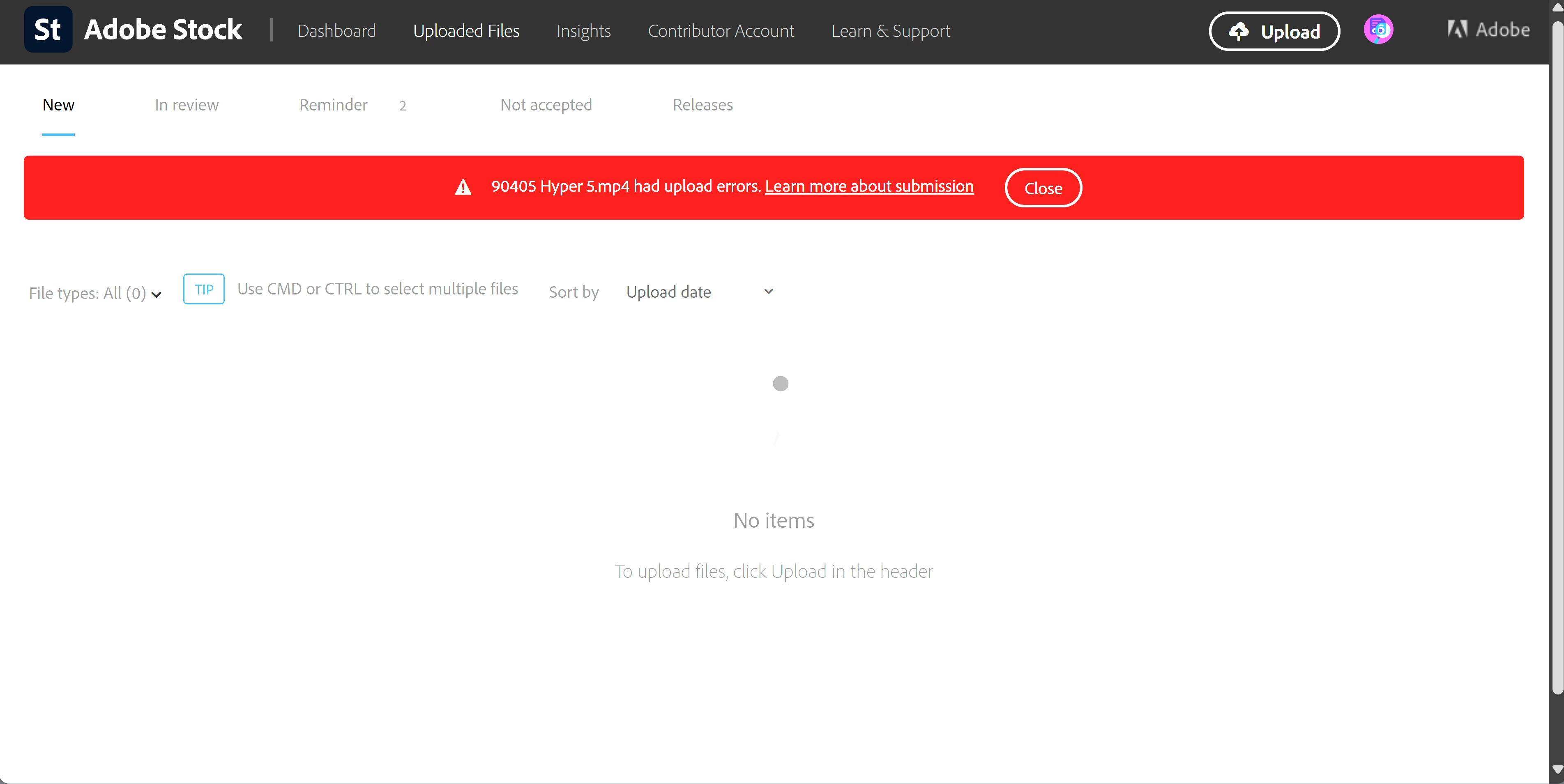
Each time I try to upload this video I receive an error message that just says "had upload errors"

  • May 24, 2025
  • 1 reply
  • 287 views

Hello community, 


Each time I upload this video to Adobe Stock I receive an error message that just says "had upload errors". I have re-exported this same video from Adobe Premier Pro and I still receive the same error message. I believe this should be ok to submit based on the guidlines, but maybe I missed something? 


Thank you in advance to anyone spending time on this.


1 reply

Inspiring
May 25, 2025

Dear,Adobe Stock accepts only .MOV and .MP4 (H.264 codec).

Check if your file is properly encoded using H.264...

ChrisUASAuthor
Participant
May 31, 2025

Thank you for the comment. The video is .MP4 and encoded using H.264. I even created a new version after I saw your comment ensuring I was using H.264 and I still have the same upload issue.


Just tried again before posting this comment to confirm nothing has changed. Still get an error message and wont upload for review.

Abambo
Community Expert
Community Expert
June 1, 2025

Publish your technical properties here. There may be an issue with that.


MOV and MP4 are containers, what may be inside can still be incompatible, even that Adobe accepts much more than they published. 


Alternatively, I propose that you create a very short video at the minimal accepted play time with nonsense content and try to upload that. If that does not wotrk, publish this video here. If it works, check what you made differently.

ABAMBO | Hard- and Software Engineer | Photographer